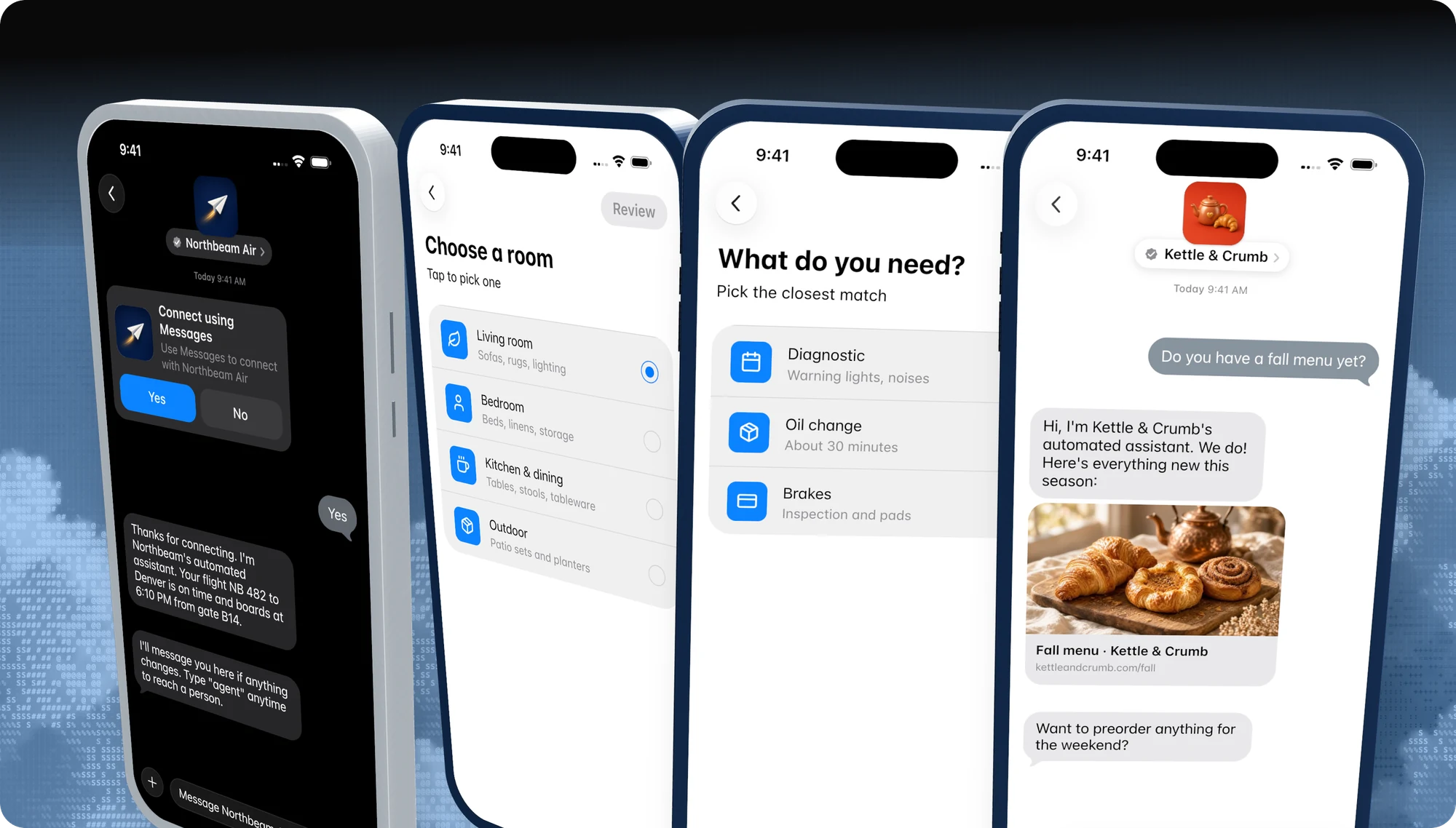
Pick a feature
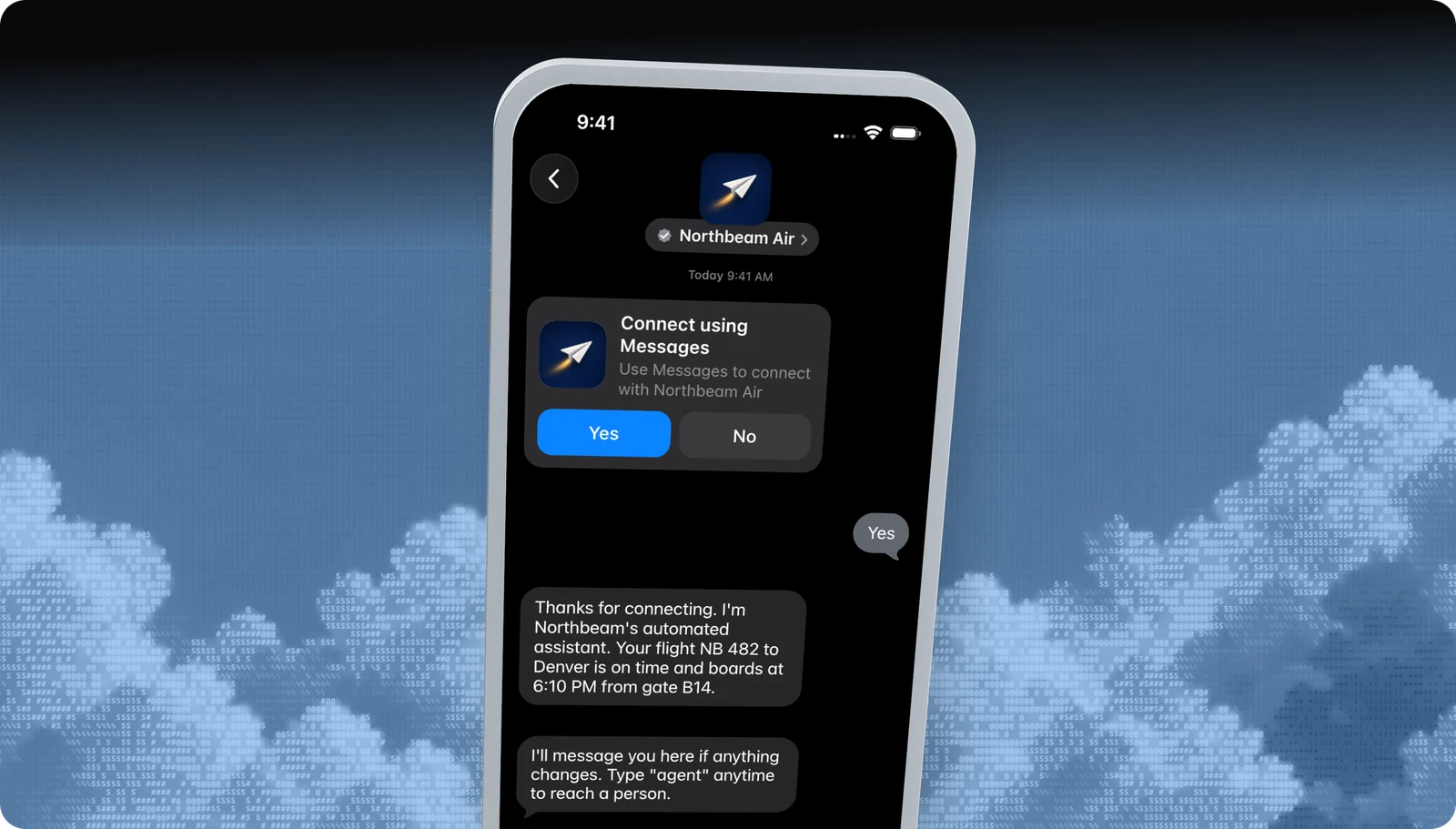
Business invitations
Start the conversation first, with an Apple-managed Yes / No invite.
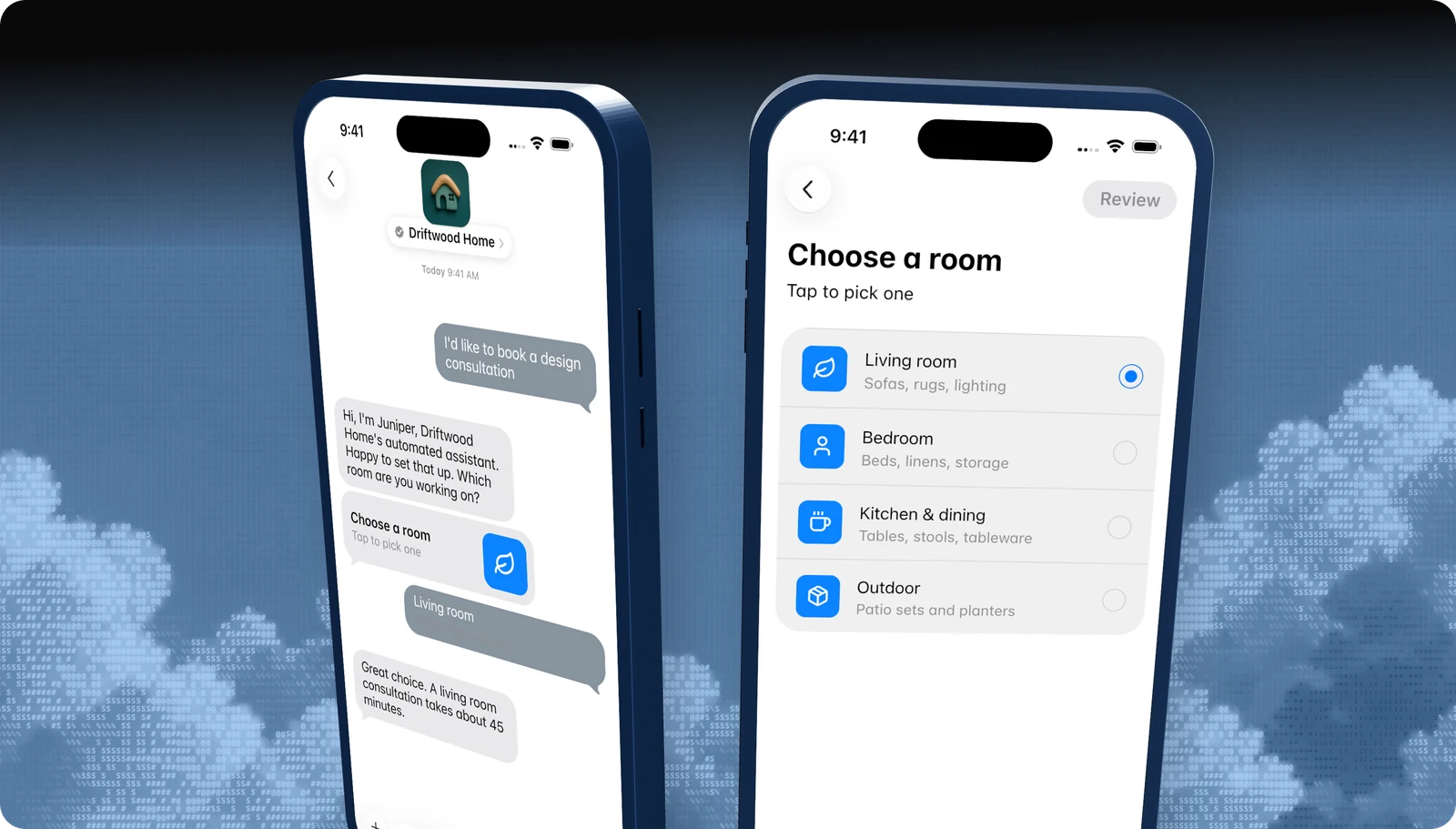
List picker
A tappable list of options, with icons, subtitles, and sections.
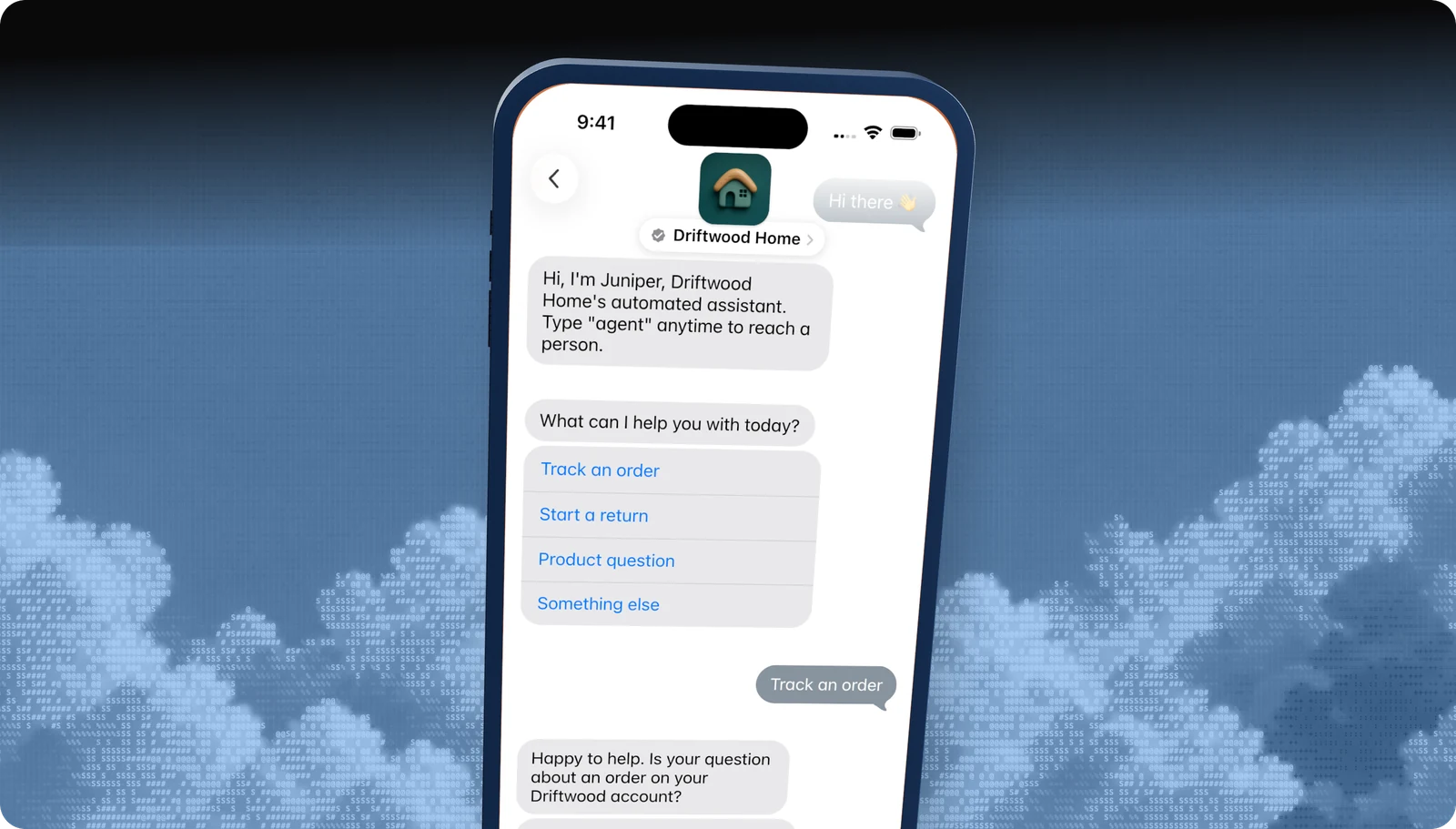
Quick replies
Two to five tappable answers under a question.
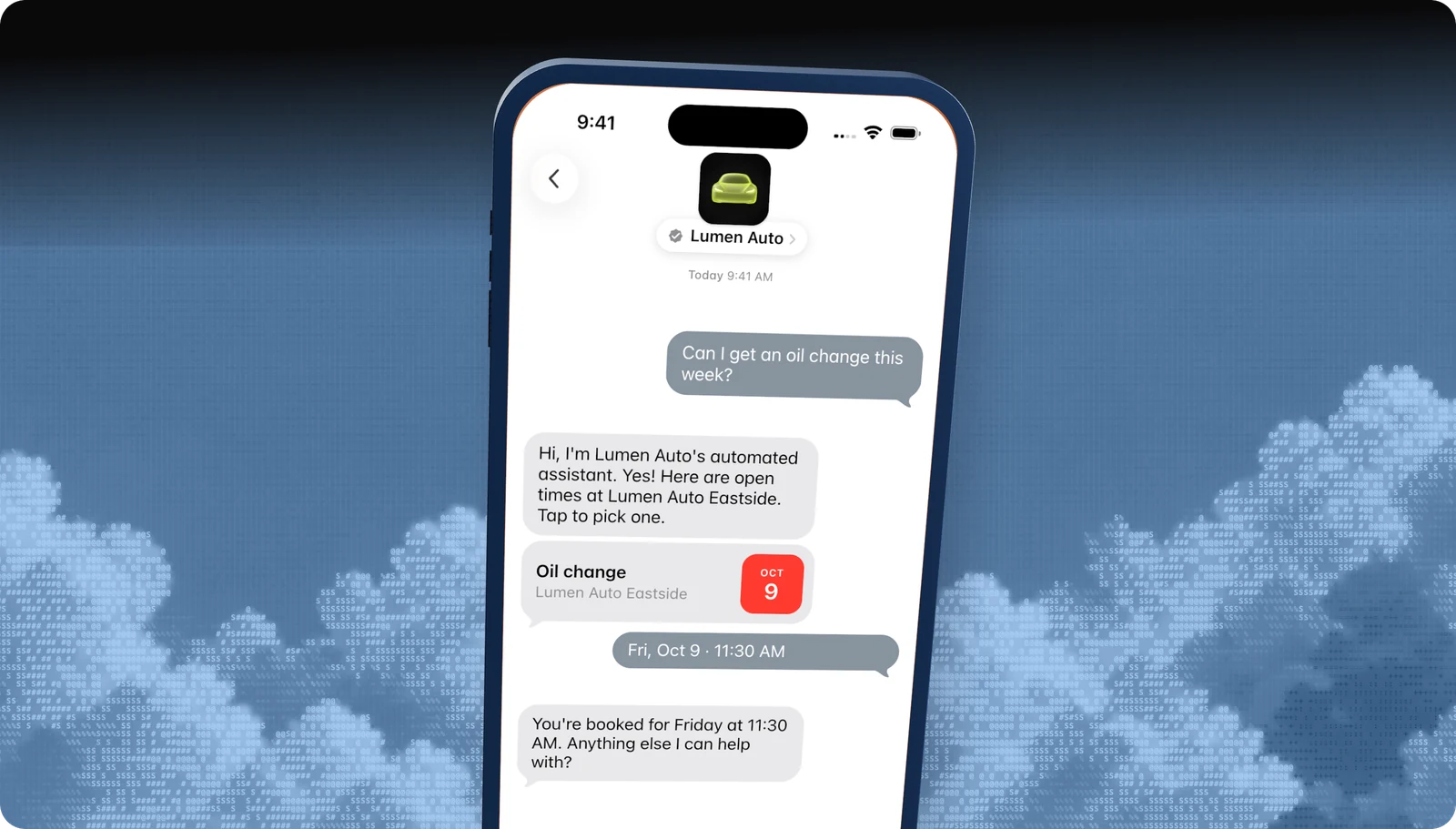
Time picker
Offer appointment slots the customer books with a tap.
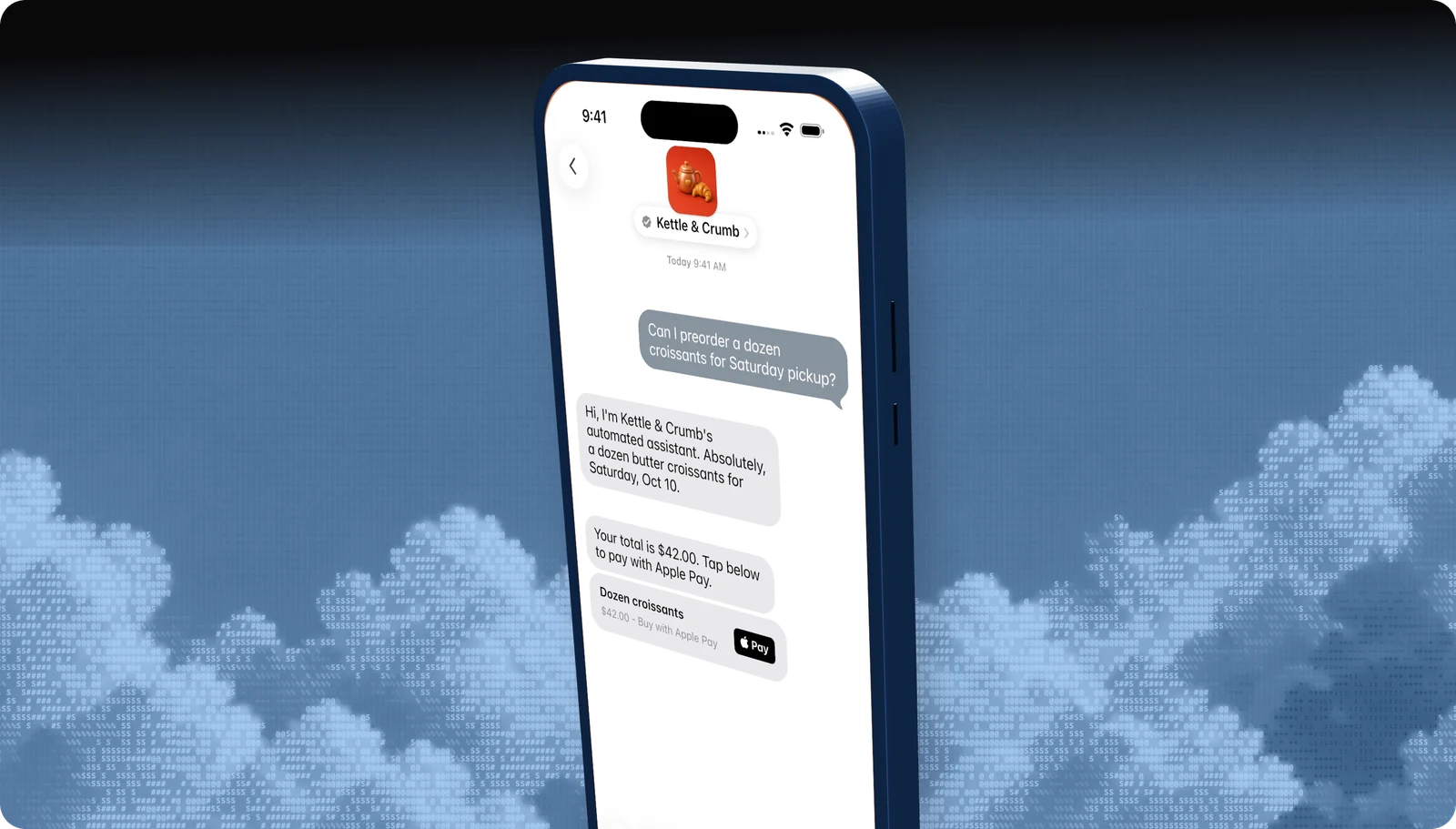
Apple Pay
Take payment inside the conversation with Face ID or Touch ID.
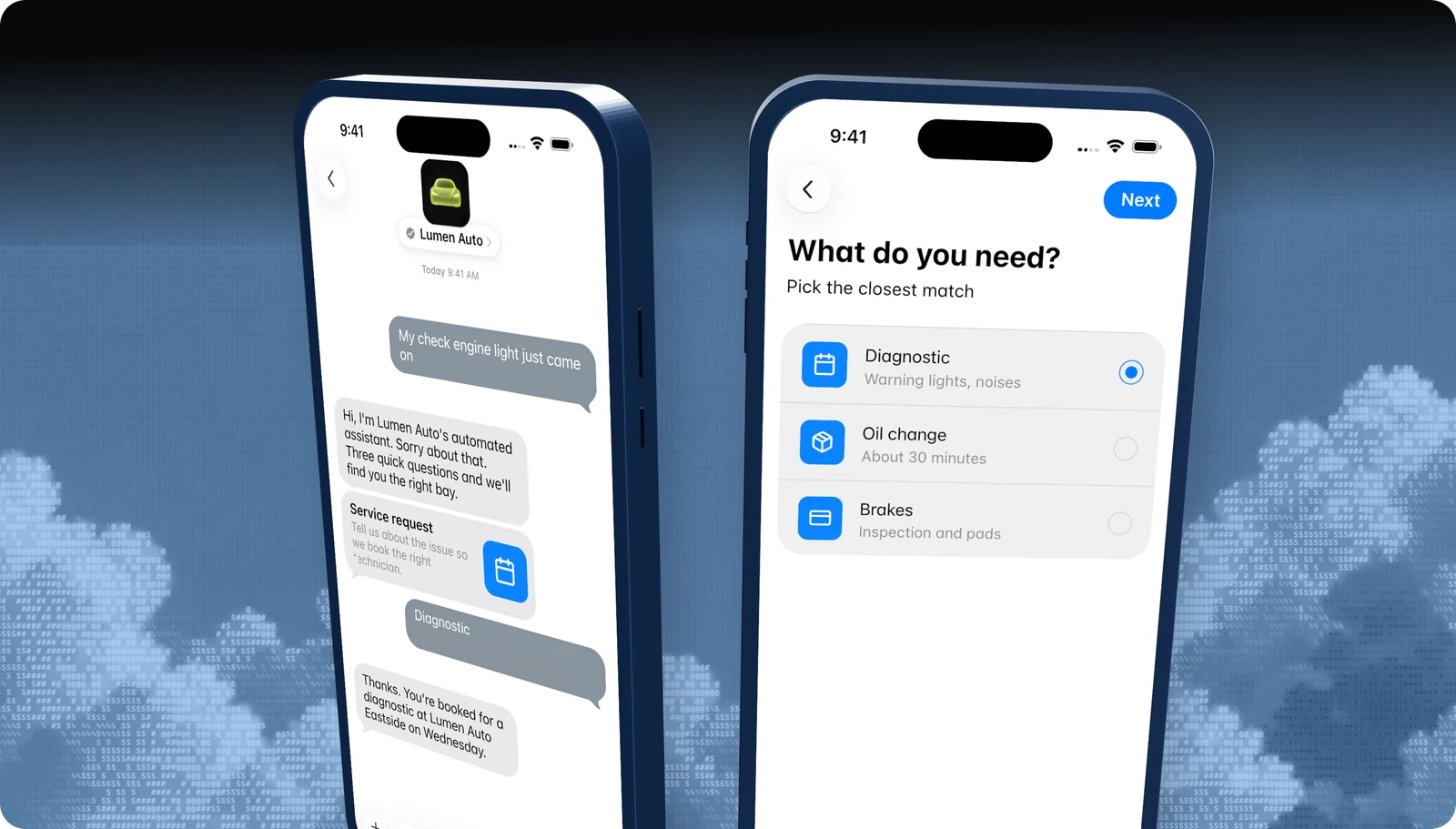
Forms
Multi-step questions, dates, and pickers in one native flow.
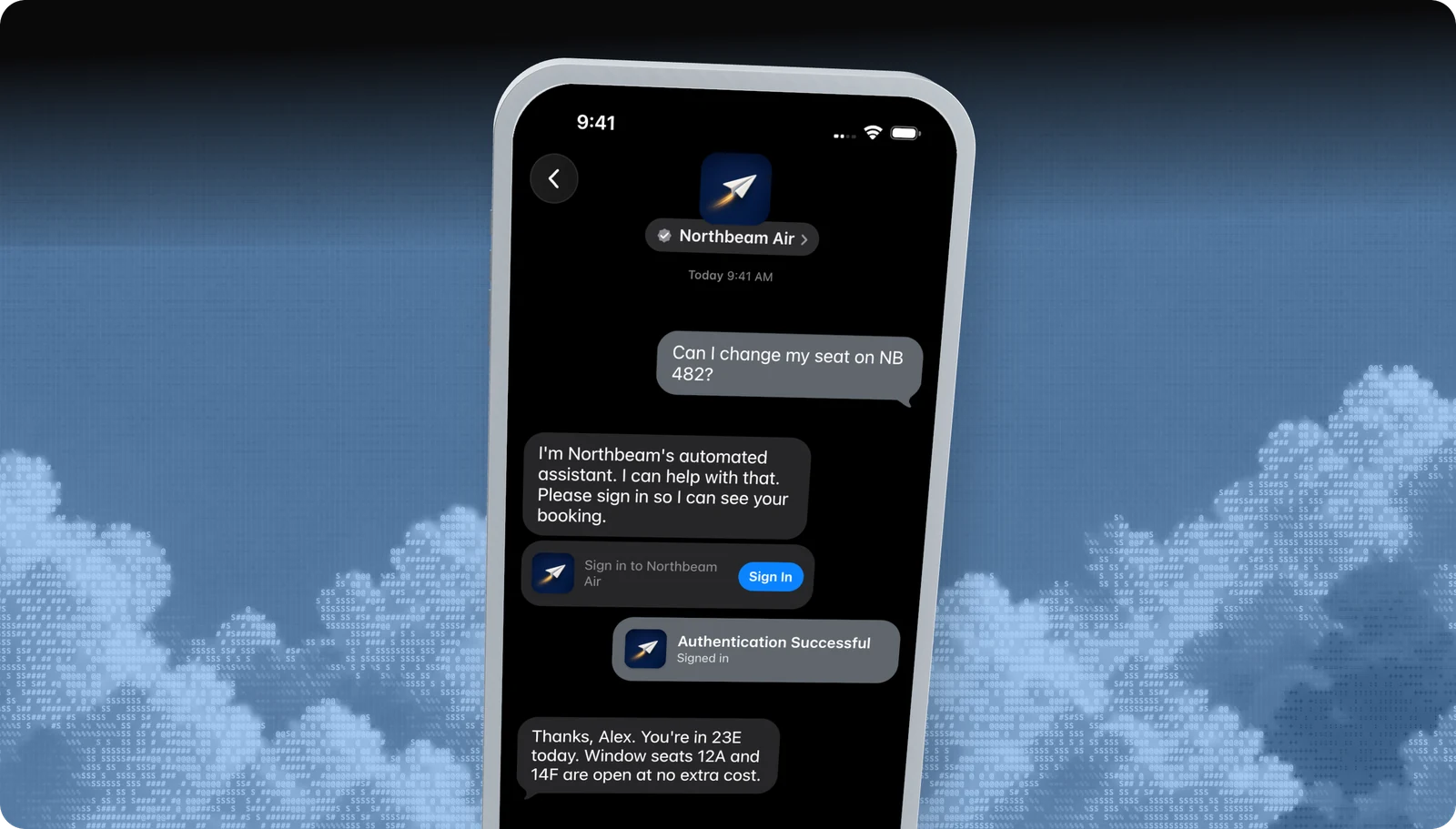
Sign in
Let customers sign in to their account without leaving Messages.
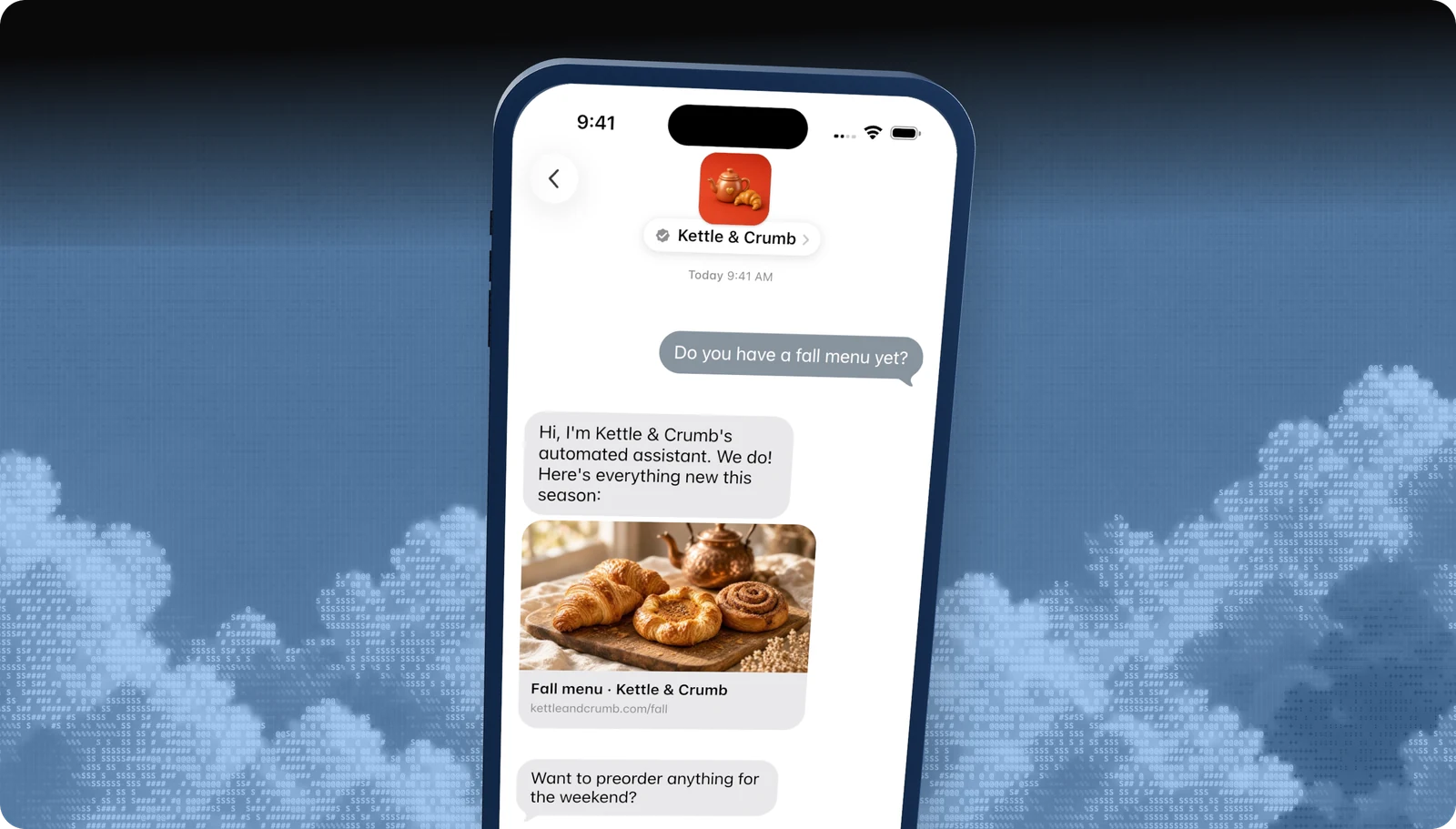
Rich links
Turn any URL into a tappable preview card.
All features · Experience Review · Apple Messages for Business API
At a glance
Which feature does what
| Feature | What it does |
|---|---|
| Business invitations | Start the conversation first, with an Apple-managed Yes / No invite. |
| List picker | A tappable list of options, with icons, subtitles, and sections. |
| Quick replies | Two to five tappable answers under a question. |
| Time picker | Offer appointment slots the customer books with a tap. |
| Apple Pay | Take payment inside the conversation with Face ID or Touch ID. |
| Forms | Multi-step questions, dates, and pickers in one native flow. |
| Sign in | Let customers sign in to their account without leaving Messages. |
| Rich links | Turn any URL into a tappable preview card. |
Apple tests how you use each one in the Experience Review. Developers can see every message type on the Apple Messages for Business API page.
Managed launch
Skip all of this. Blooio will do it.
Blooio's Apple Messages for Business bots are built to Apple's rules from the first message: automation disclosure, a human in the loop, structured choices, privacy gates, and clean handoffs. We set up the account, build the experience, record and submit the Experience Review, and watch for drift after launch. Most approved businesses pass with us on the first round.
Go deeper
The full developer guides
Every rule, diagram, and API call, with a Copy for AI button that hands the whole guide to your coding assistant.
docs.blooio.com
Launch Apple Messages for Business
The ten-step roadmap from Apple Business Register to go-live, entry point URLs, brand assets, and tester troubleshooting.
docs.blooio.com
Pass the Experience Review
The full checklist, the review loop, a passing conversation in code, the screen recording, and experience drift.
More Apple Messages for Business guides
Experience Review
What Apple tests before you go live, and how to pass the first time.
Messaging Service Provider
What an MSP does, and why Blooio is the one that also builds your bot.
Apple Business Register setup
Account, testers, MSP connection, and launch, in order.
Message button and entry points
Where customers tap Message: Maps, Search, your site, and your app.
Guidelines and requirements
Conversation rules, naming, privacy, and what Apple does not allow.
Apple Business Chat
The old name, what changed, and what it means for your brand.
Apple Messages for Business API
List pickers, quick replies, forms, and Apple Pay through Blooio's API.
Questions
Apple's own rules live in the Apple Messages for Business documentation. These are the questions brands ask us most.
- Brand verification
- Sandbox testing
- Experience Review
Empower your team. Achieve more.
Apple Messages for Business launches after brand verification, testing, and Apple's Experience Review. Talk to us and we'll scope the journey.