What it is
What is a form in Apple Messages for Business?
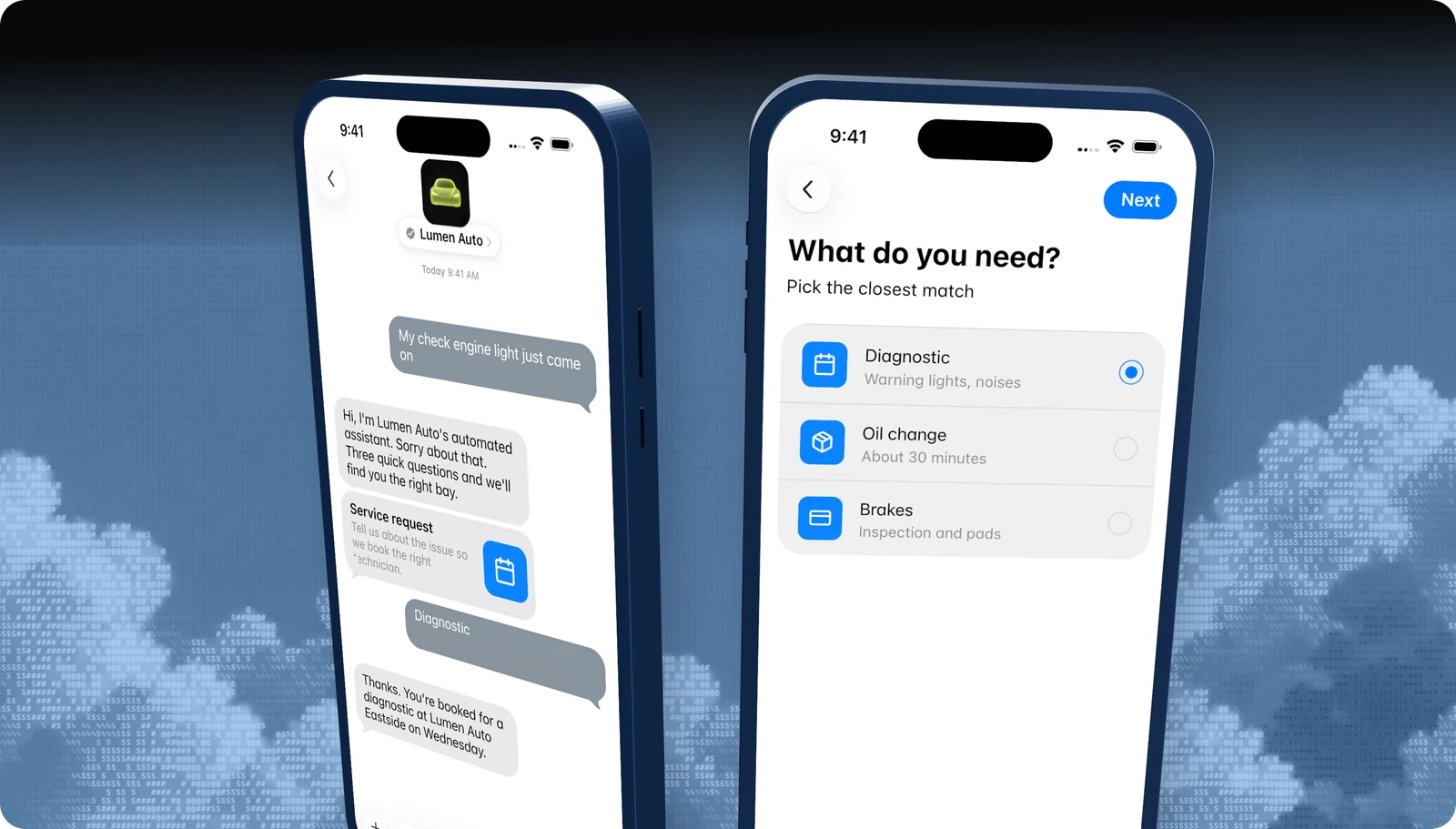
A form is a multi-page interactive message. Each page can ask for a choice from a list, text such as name and email, a date, or a value on a picker wheel. A summary page lets the customer review before sending.
All answers come back together on your webhook, with a per-page breakdown so you can map each answer to a field in your system.
| At a glance | |
|---|---|
| What it is | A multi-page native form with a review step |
| Devices | iPhone, iPad |
| Minimum OS | iOS and iPadOS 18.4 |
| Capability token | FORM |
| Blooio field | interactive.kind = form |
What customers see
What it looks like
- 01
The form card
A large bubble with the form title and a short description, such as Service request.
- 02
The pages
Full-screen steps with Next, each asking one thing: a list, text fields, a date, or a wheel.
- 03
Review and send
A summary of every answer, then a reply bubble in the thread once sent.
Use cases
When to use it
Service intake
What's wrong, when you can come in, and vehicle or account details.
Lead qualification
Budget, timeline, and needs before routing to sales.
Returns and claims
Reason, item, condition, and preferred resolution.
Surveys
Longer satisfaction surveys that don't fit a quick reply.
Common mix-ups
What it is not
Not for one question
A single choice is a quick reply or list picker. Forms are for several questions.
Not on Mac or older iPhones
Forms need iOS or iPadOS 18.4 and only render on iPhone and iPad.
Not a place for card numbers
Use Apple Pay for payments and sign-in for account access.
Not a web form
Customers never leave Messages, and there is no page to load.
Experience Review
Apple's rules for this feature
- Keep forms short. Ask only what the task needs.
- Check the device supports forms, and offer a quick-reply path when it doesn't.
- Use text input types like name and email so iOS can suggest answers.
- Use a form, not a 1 to 5 scale, for longer satisfaction surveys.
Apple checks these during the Experience Review and after launch. Every rule for every feature is in the Experience Review checklist.
Developers
Send it with the Blooio API
One call to POST /v4/messages from your Apple Messages for Business sender. Full field reference in the Dynamic forms in the interactive messages guide.
curl -X POST https://api.blooio.com/v4/messages \
  -H "Authorization: Bearer bl_live_..." \
  -H "Content-Type: application/json" \
  -d '{
    "from": "support",
    "to": "opaque-amb-customer-id",
    "interactive": {
      "kind": "form",
      "received_message": { "title": "Service request" },
      "reply_message": { "title": "Request sent" },
      "dynamic": {
        "version": "1.0",
        "requestIdentifier": "service-1042",
        "startPageIdentifier": "details",
        "showSummary": true,
        "pages": [
          {
            "pageIdentifier": "details",
            "title": "Your details",
            "nextPageIdentifier": "when",
            "textInputs": [
              { "identifier": "name", "title": "Full name", "type": "name" },
              { "identifier": "email", "title": "Email", "type": "email" }
            ]
          },
          {
            "pageIdentifier": "when",
            "title": "Preferred day",
            "datePicker": { "identifier": "date", "title": "Date" }
          }
        ]
      }
    }
  }'
Managed launch
Want forms without writing code?
Blooio's managed Apple Messages for Business bot already uses forms the way Apple expects, alongside every other feature, with a human in the loop. We build the flows, connect your systems, and get you through the Experience Review.
Go deeper
Forms in the Blooio docs
The developer guide and API reference for this feature, with request fields, replies, and error handling.
docs.blooio.com
Dynamic forms in the interactive messages guide
Page types, field names, and the per-page responses on the reply.
docs.blooio.com
POST /v4/messages API reference
Every field, its JSON schema, and an interactive API explorer.
docs.blooio.com
Capabilities & limits
OS minimums, device support, and capability tokens for every feature.
More Apple Messages for Business features
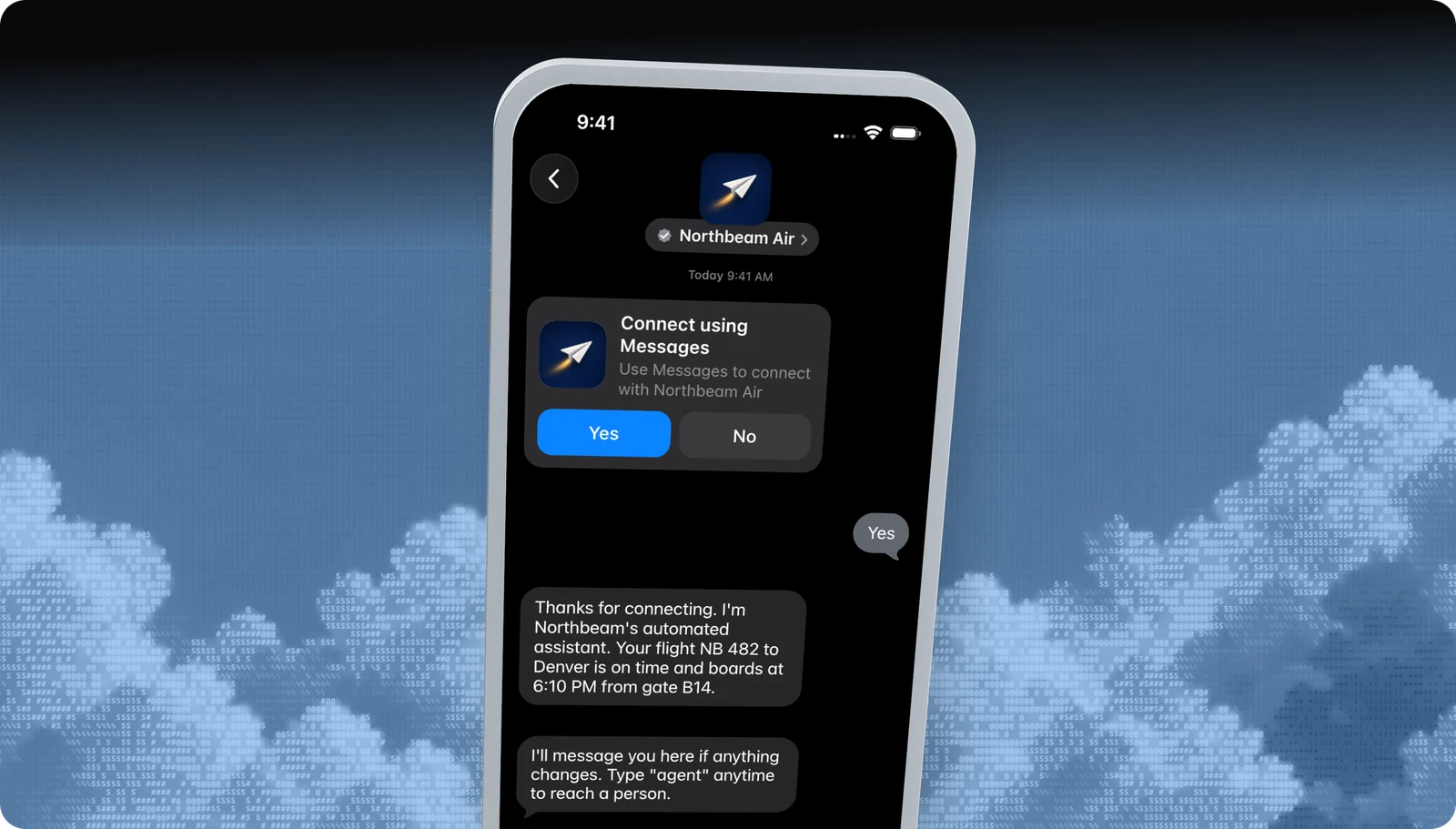
Business invitations
Start the conversation first, with an Apple-managed Yes / No invite.
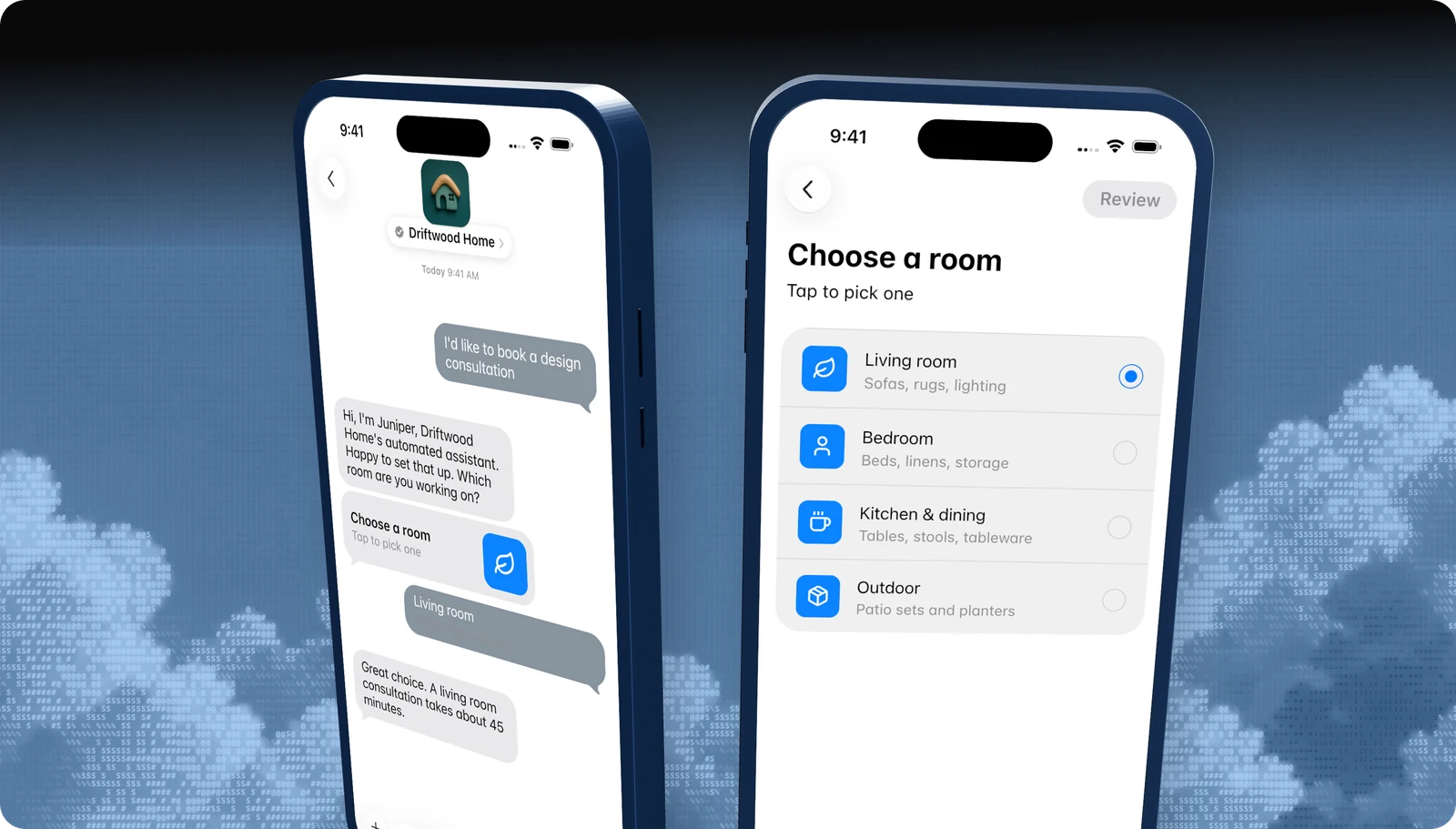
List picker
A tappable list of options, with icons, subtitles, and sections.
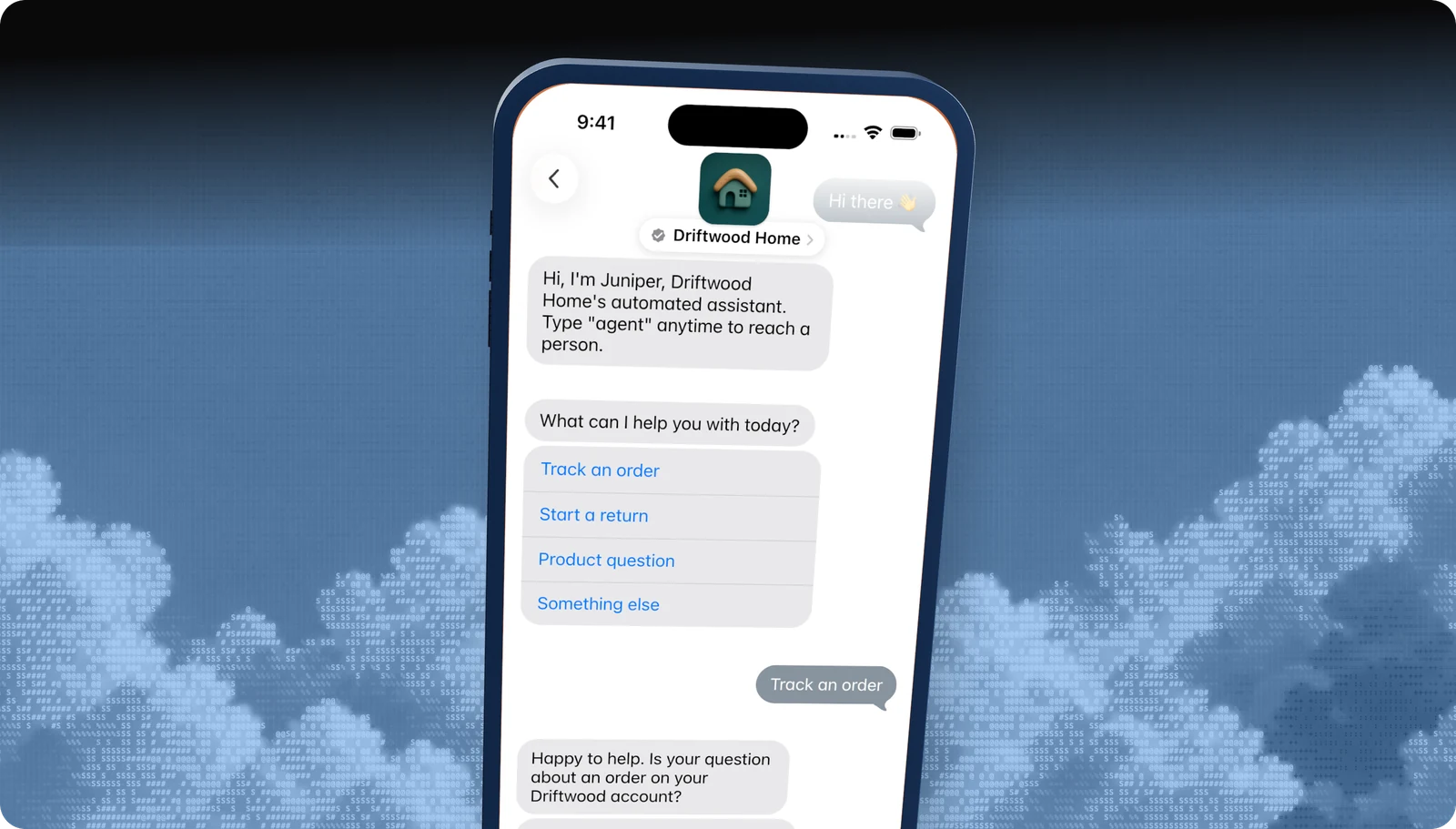
Quick replies
Two to five tappable answers under a question.
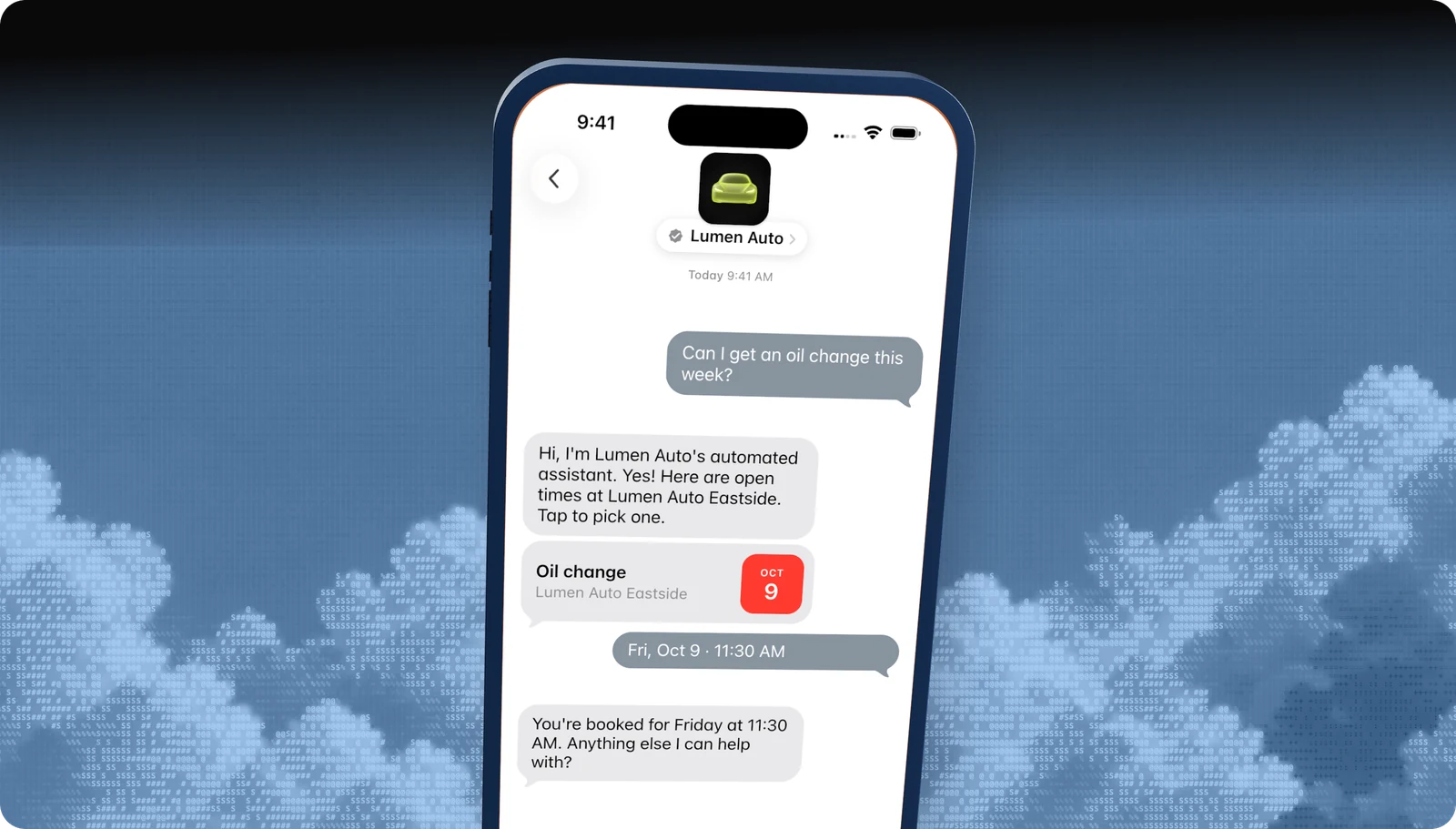
Time picker
Offer appointment slots the customer books with a tap.
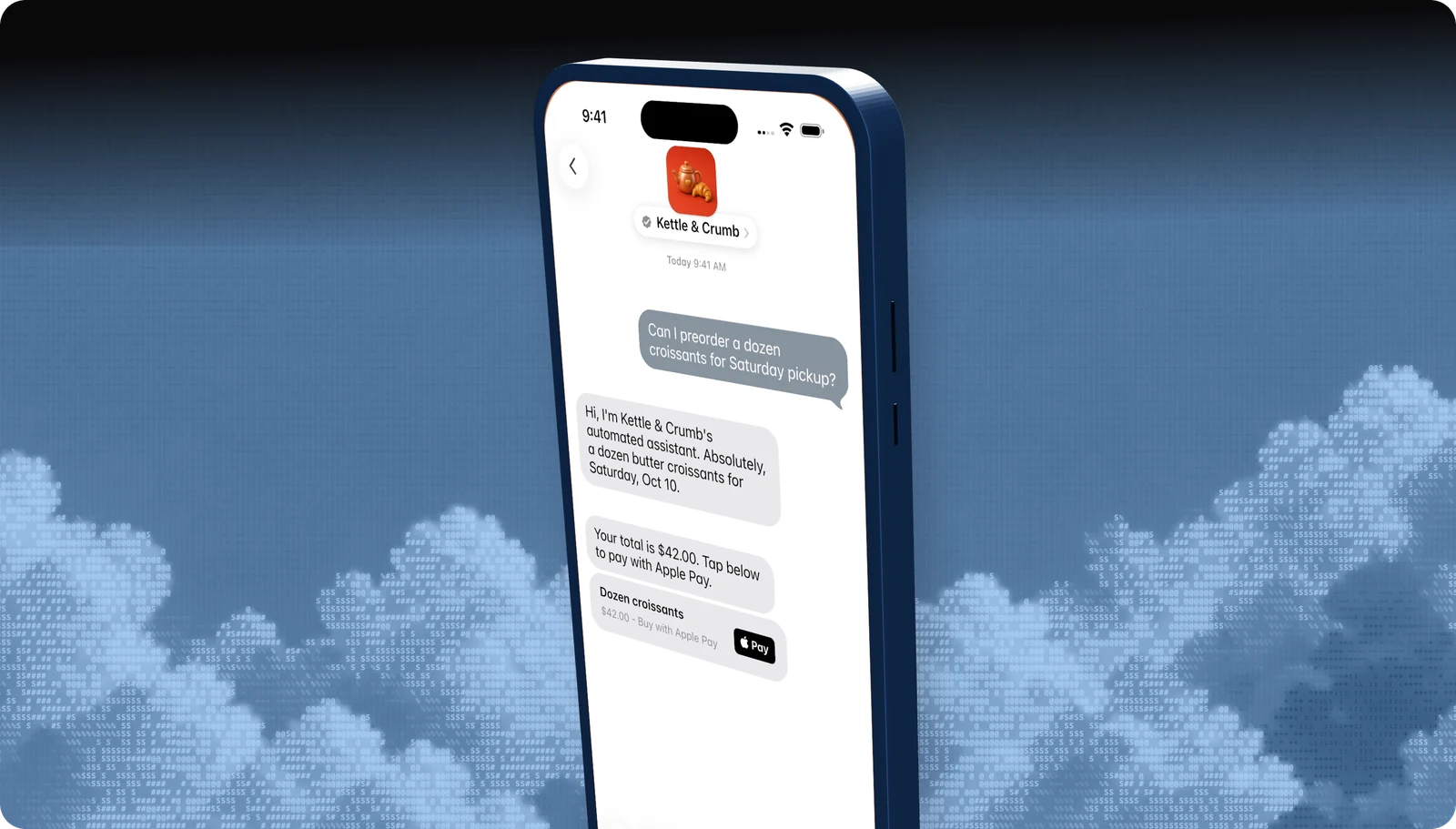
Apple Pay
Take payment inside the conversation with Face ID or Touch ID.
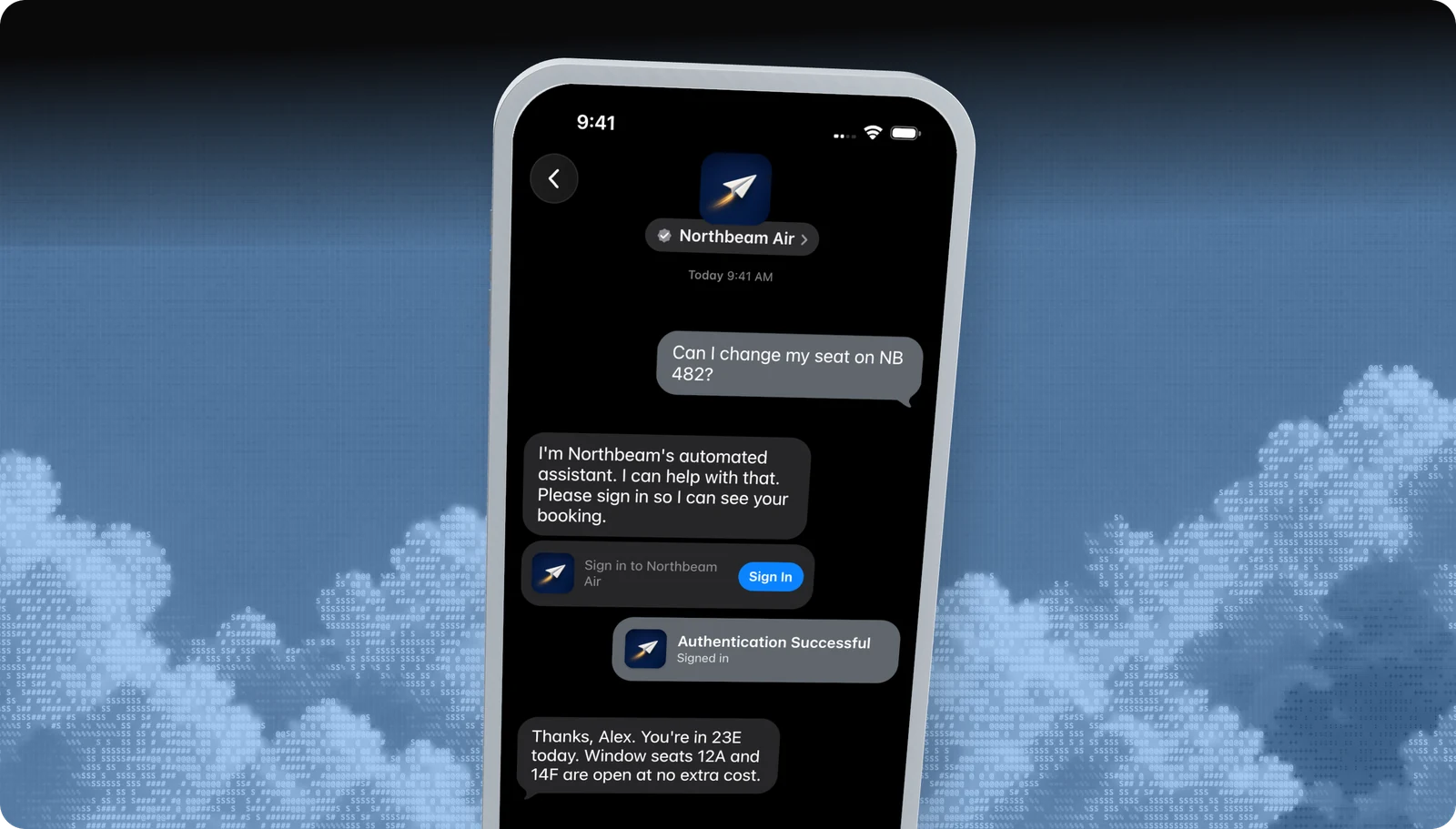
Sign in
Let customers sign in to their account without leaving Messages.
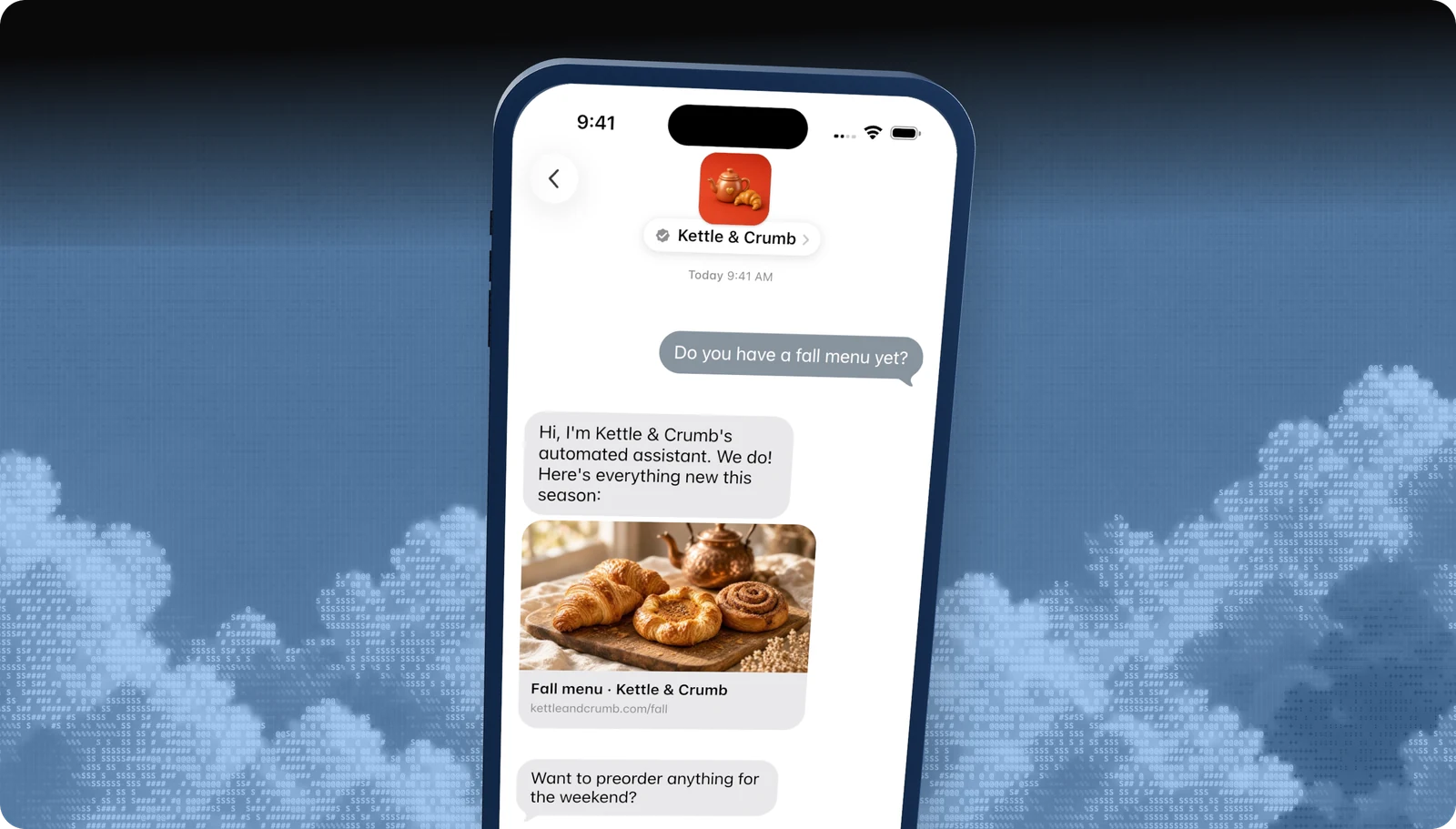
Rich links
Turn any URL into a tappable preview card.
All features · Experience Review · Apple Messages for Business API
Questions
Apple's own rules live in the Apple Messages for Business documentation. These are the questions brands ask us most.
- Brand verification
- Sandbox testing
- Experience Review
Empower your team. Achieve more.
Apple Messages for Business launches after brand verification, testing, and Apple's Experience Review. Talk to us and we'll scope the journey.