What it is
What is a business invitation in Apple Messages for Business?
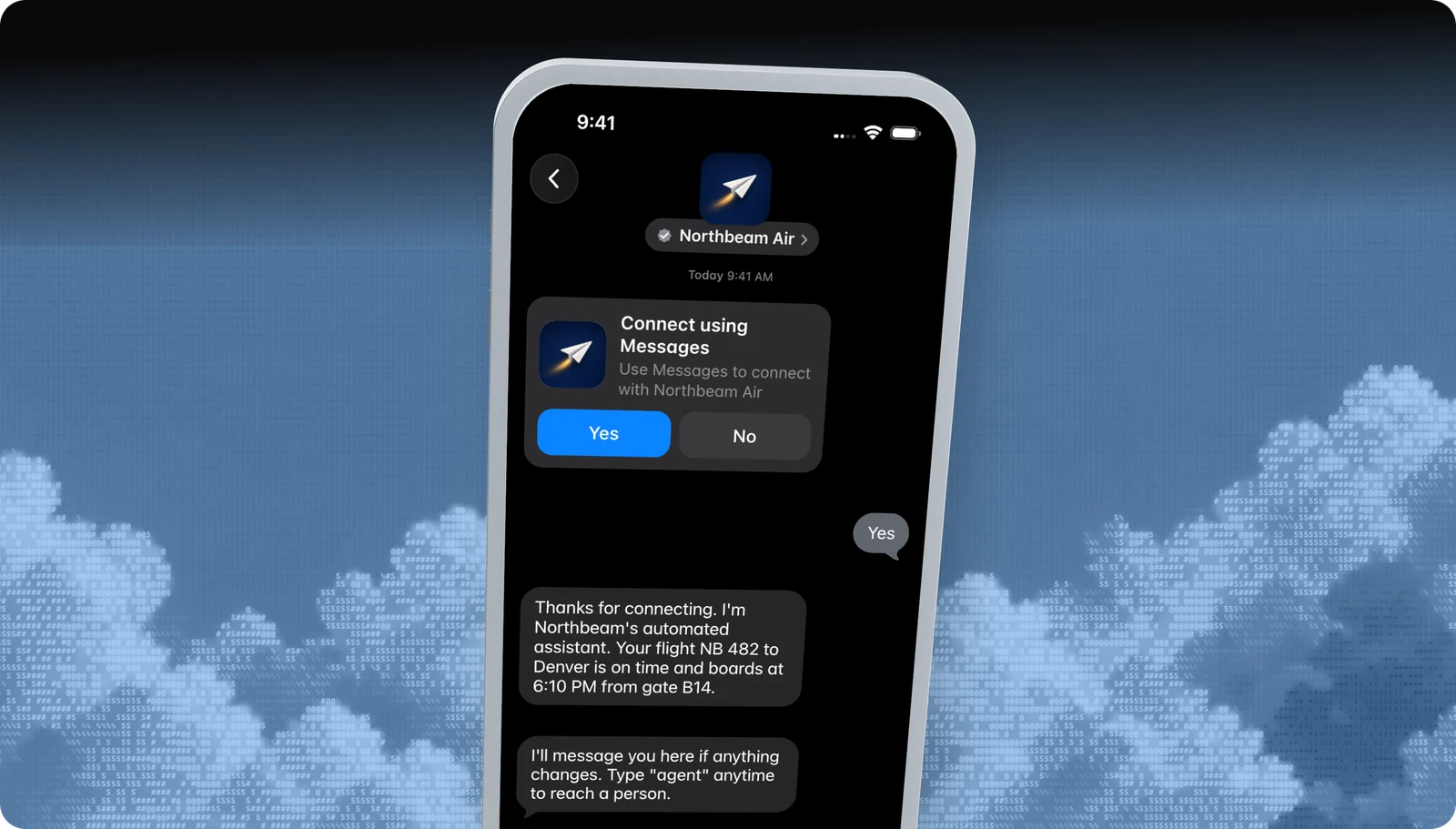
A business invitation is a notification template, written and owned by Apple, that your brand sends to a customer's phone number. It shows your logo and name with a short prompt, such as Connect using Messages, and two buttons.
If the customer taps Yes, a normal two-way Apple Messages for Business conversation opens and Apple issues the customer's private Apple Messages for Business ID. If they tap No, nothing opens and you can't reach them on the channel.
| At a glance | |
|---|---|
| What it is | Apple-managed template sent to a phone number |
| Devices | iPhone, iPad, Mac |
| Minimum OS | iOS 18 and macOS 15 on every device linked to the customer's Apple Account |
| Approval | Apple must enable Invitations for your business |
| Blooio field | invitation (top-level), addressed by phone number |
What customers see
What it looks like
- 01
The invite card
Your square logo, your verified name, Apple's prompt text, and Yes / No buttons, delivered to the customer's phone number.
- 02
After Yes
The thread becomes a regular conversation. Your bot or agent replies, and every feature on this site becomes available.
- 03
After No, Leave, or Report Junk
The conversation closes. Blooio reports the close with your reference ID so you never invite that number again without a new opt-in.
Use cases
When to use it
Order and delivery updates
A customer opts in at checkout, and you invite them to get shipping updates in Messages.
Call deflection
Your phone system offers to continue by message, and the caller gets an invite while still on the line.
Appointment follow-up
A patient or client who opted in at booking gets an invite for reminders and changes.
Support case continuation
Move an email or web case into Messages, tied to the same case number.
Common mix-ups
What it is not
Not a marketing blast
Unsolicited invitations are prohibited. Every invite needs an explicit opt-in you collected first.
Not a custom message
You can't write your own invite. You reference a template ID Apple authorized for your business.
Not SMS
Invitations go through Apple. If the customer's devices don't support them, nothing is delivered, and there is no SMS fallback inside the invite.
Not open to every account
Apple approves the Invitations feature per business. It isn't on by default.
Experience Review
Apple's rules for this feature
- Collect an explicit opt-in to messaging before inviting anyone, and keep proof of it.
- Use only template IDs Apple has authorized for your business.
- Honor Leave and Report Junk immediately. Don't re-invite until the customer opts in again.
- Until the customer taps Yes, you can only send further invitation templates, not free-form messages.
Apple checks these during the Experience Review and after launch. Every rule for every feature is in the Experience Review checklist.
Developers
Send it with the Blooio API
One call to POST /v4/messages from your Apple Messages for Business sender. Full field reference in the Business invitations guide.
curl -X POST https://api.blooio.com/v4/messages \
  -H "Authorization: Bearer bl_live_..." \
  -H "Content-Type: application/json" \
  -H "Idempotency-Key: $(uuidgen)" \
  -d '{
    "from": "support",
    "to": "+15551234567",
    "invitation": {
      "template_id": "binaryChoice.engage.withImage",
      "reference_id": "order-10482",
      "parameters": { "brandName": "Northbeam Air", "brandLogo": "<base64-png>" },
      "locale": "en-us"
    }
  }'
Managed launch
Want business invitations without writing code?
Blooio's managed Apple Messages for Business bot already uses business invitations the way Apple expects, alongside every other feature, with a human in the loop. We build the flows, connect your systems, and get you through the Experience Review.
Go deeper
Business invitations in the Blooio docs
The developer guide and API reference for this feature, with request fields, replies, and error handling.
More Apple Messages for Business features
List picker
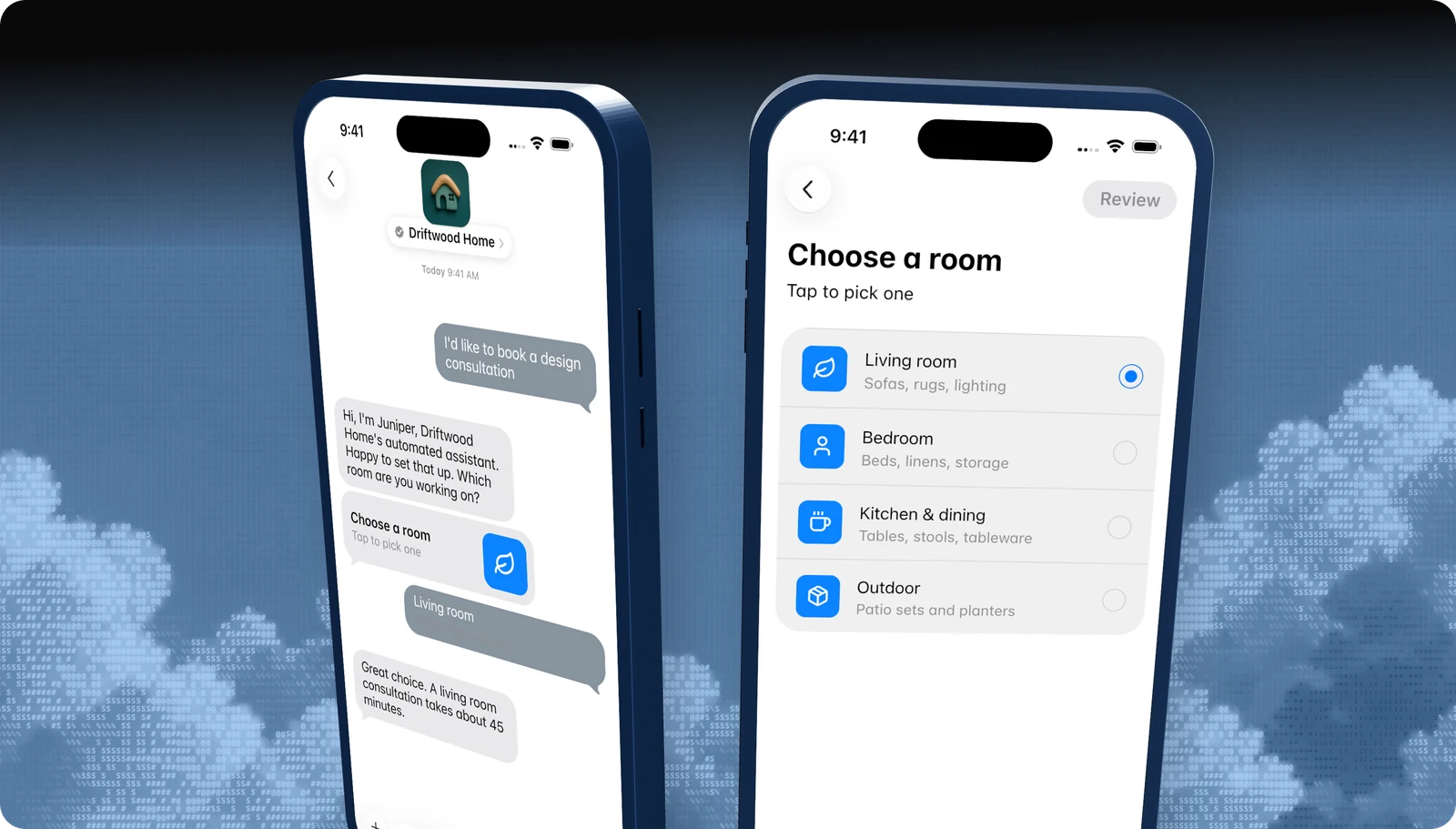
A tappable list of options, with icons, subtitles, and sections.
Quick replies
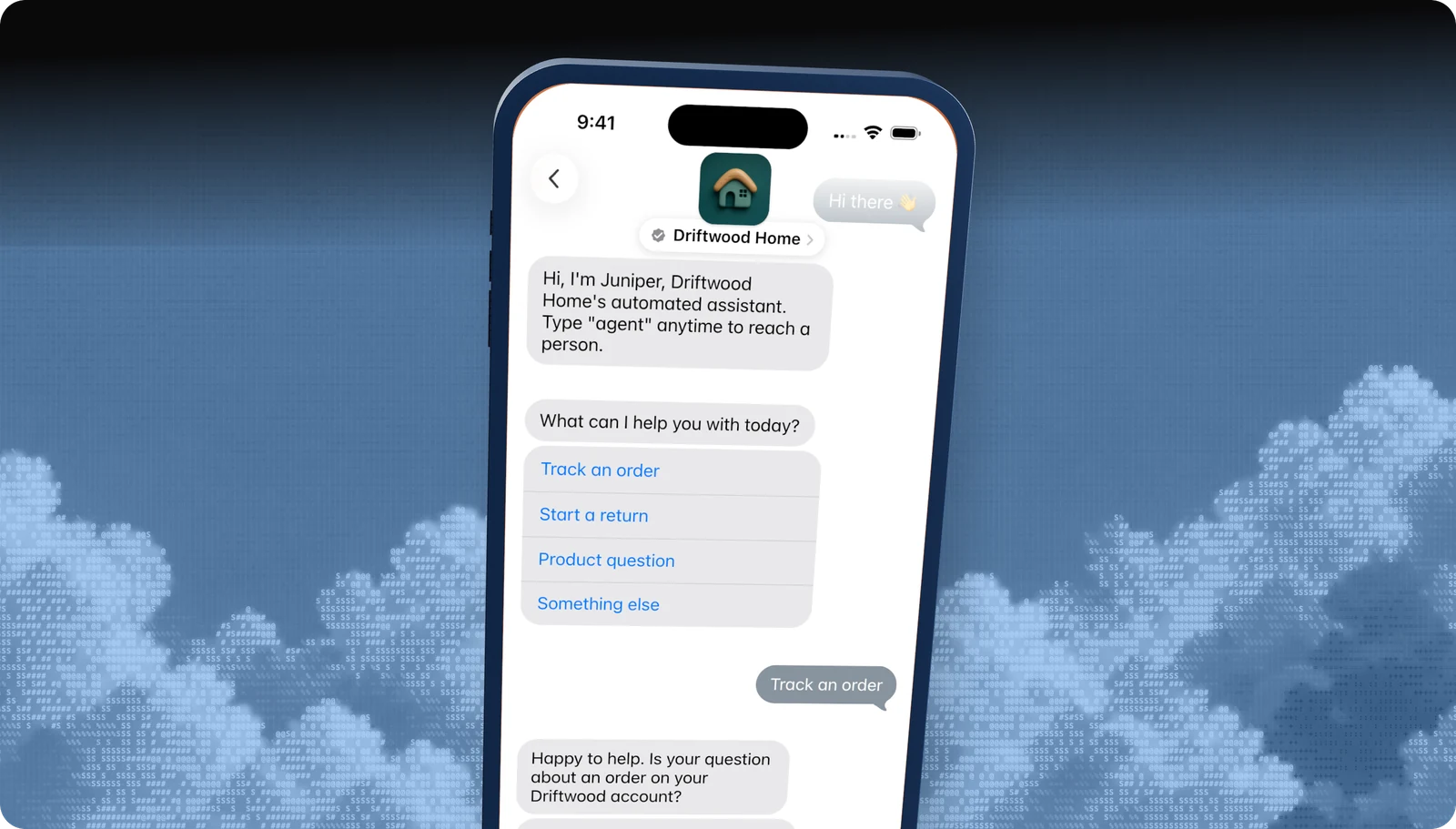
Two to five tappable answers under a question.
Time picker
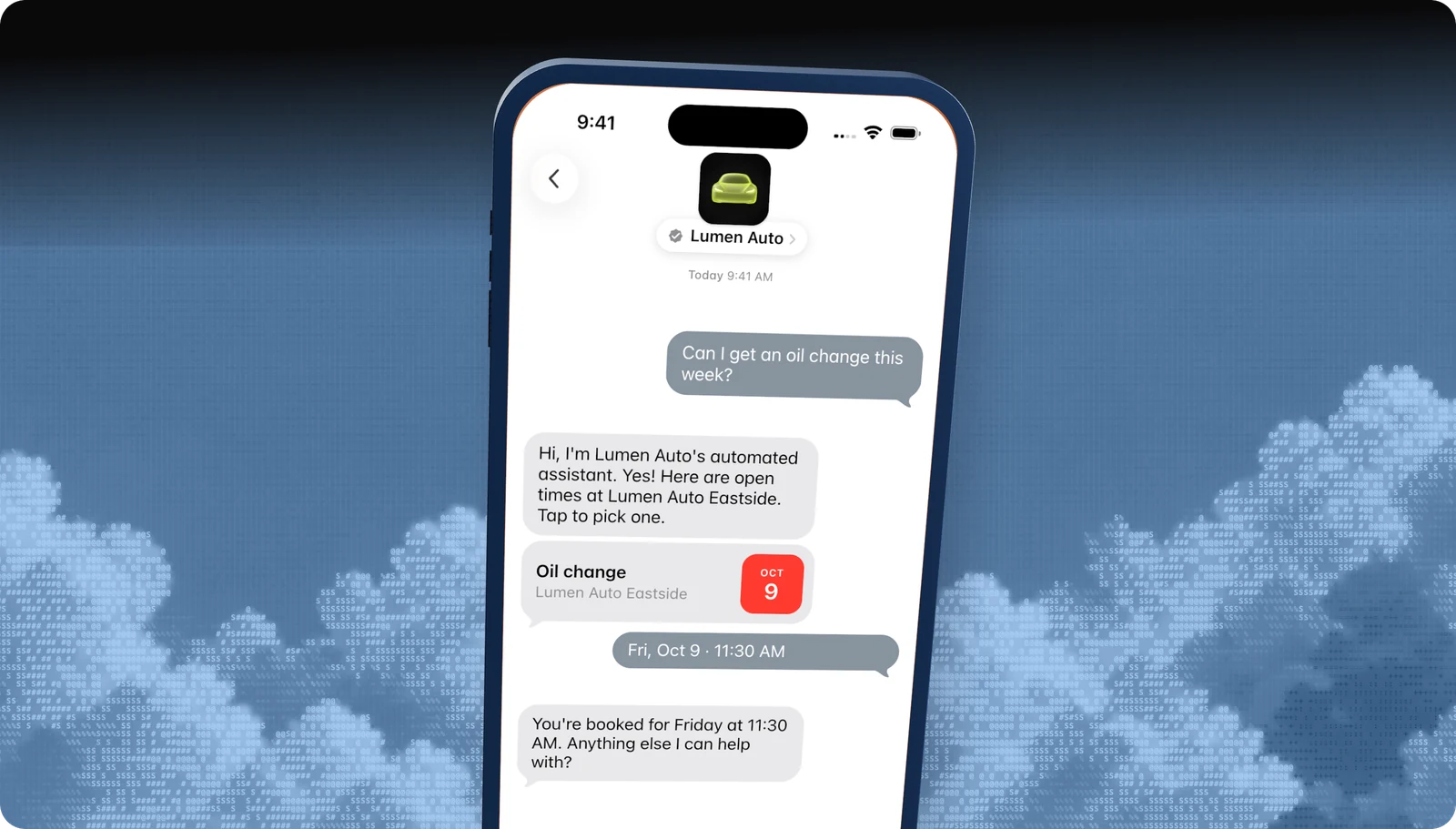
Offer appointment slots the customer books with a tap.
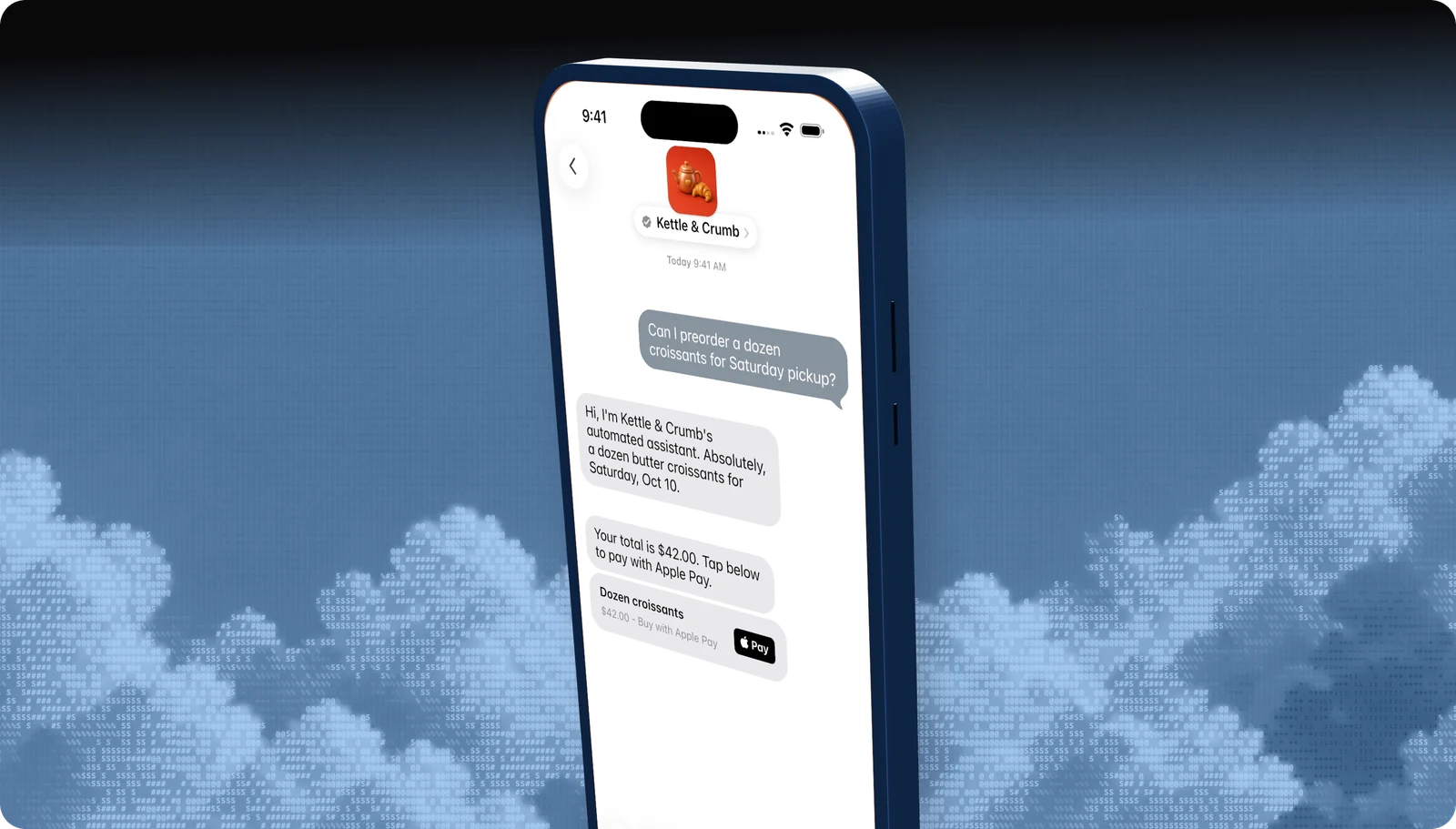
Apple Pay
Take payment inside the conversation with Face ID or Touch ID.
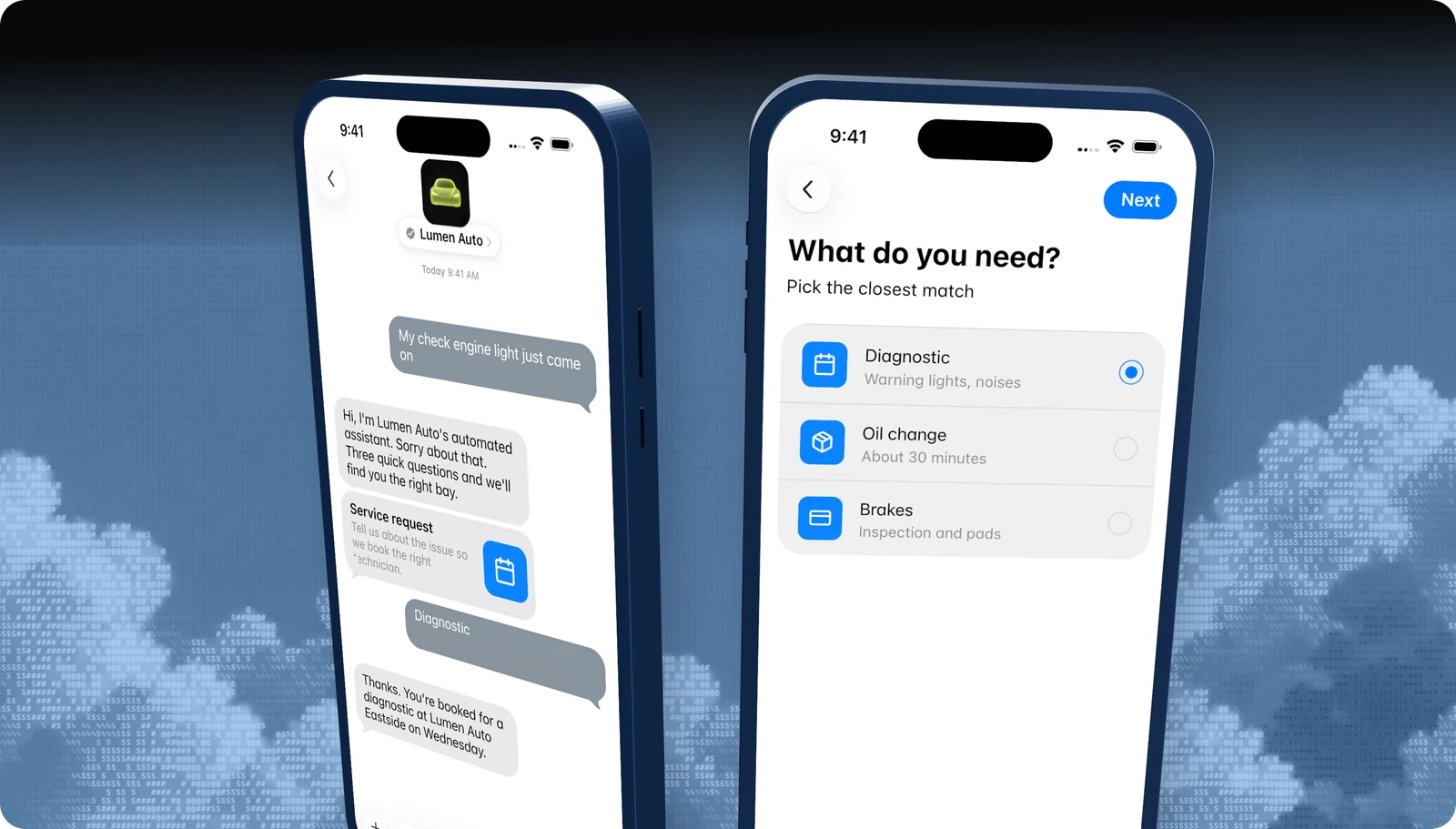
Forms
Multi-step questions, dates, and pickers in one native flow.
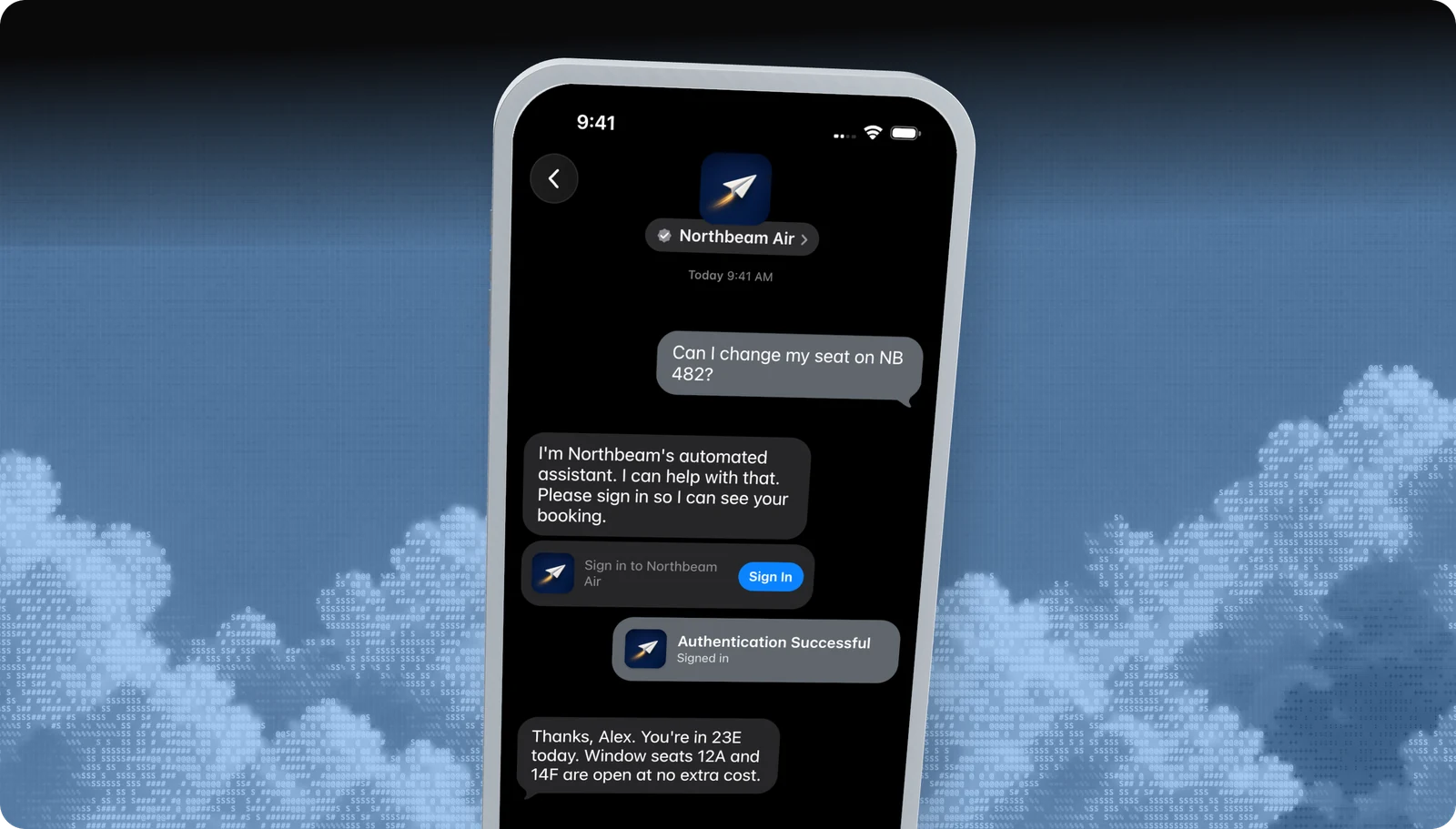
Sign in
Let customers sign in to their account without leaving Messages.
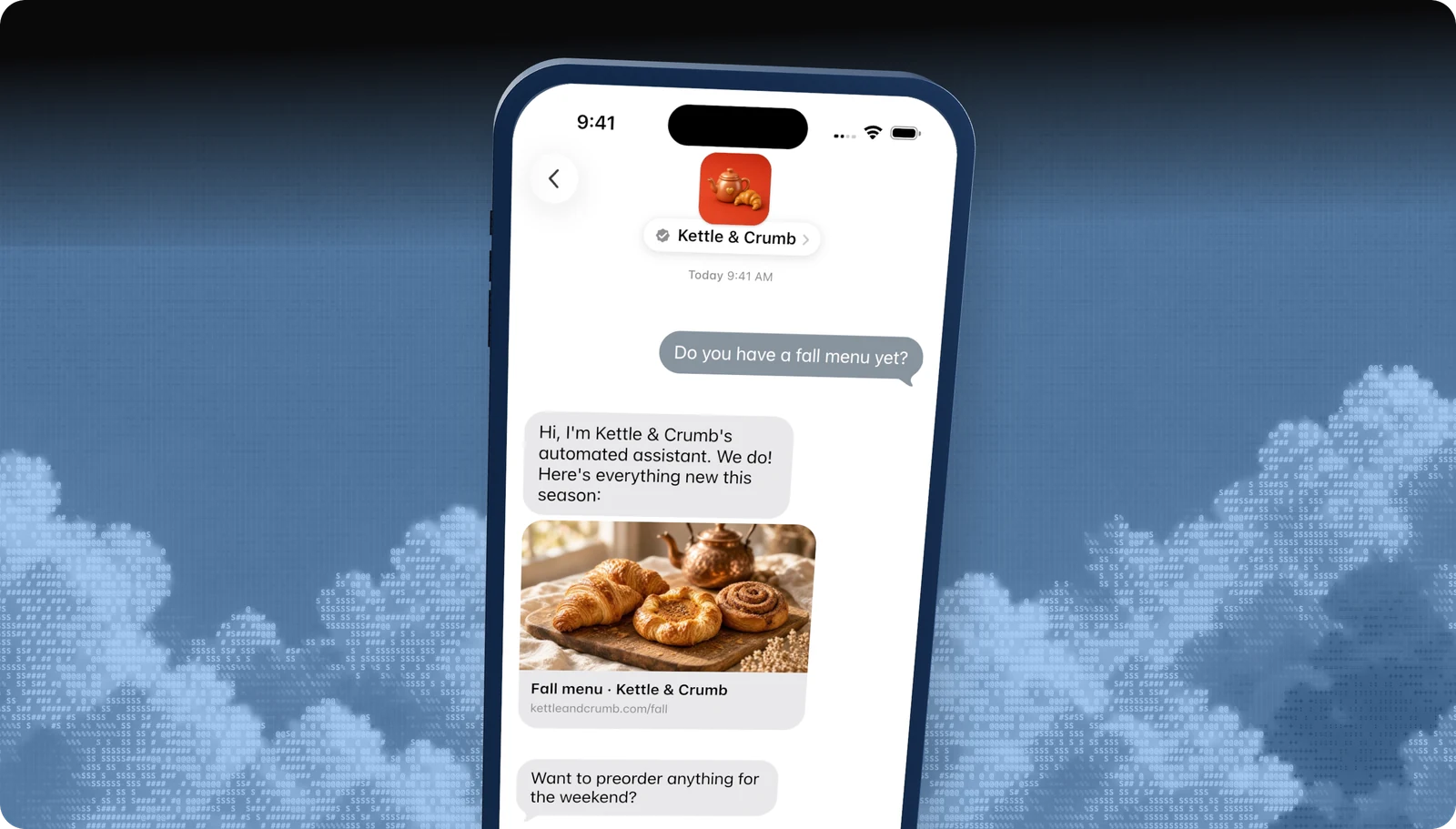
Rich links
Turn any URL into a tappable preview card.
All features · Experience Review · Apple Messages for Business API
Questions
Apple's own rules live in the Apple Messages for Business documentation. These are the questions brands ask us most.
- Brand verification
- Sandbox testing
- Experience Review
Empower your team. Achieve more.
Apple Messages for Business launches after brand verification, testing, and Apple's Experience Review. Talk to us and we'll scope the journey.