What Apple checks
A review of the experience, not the code
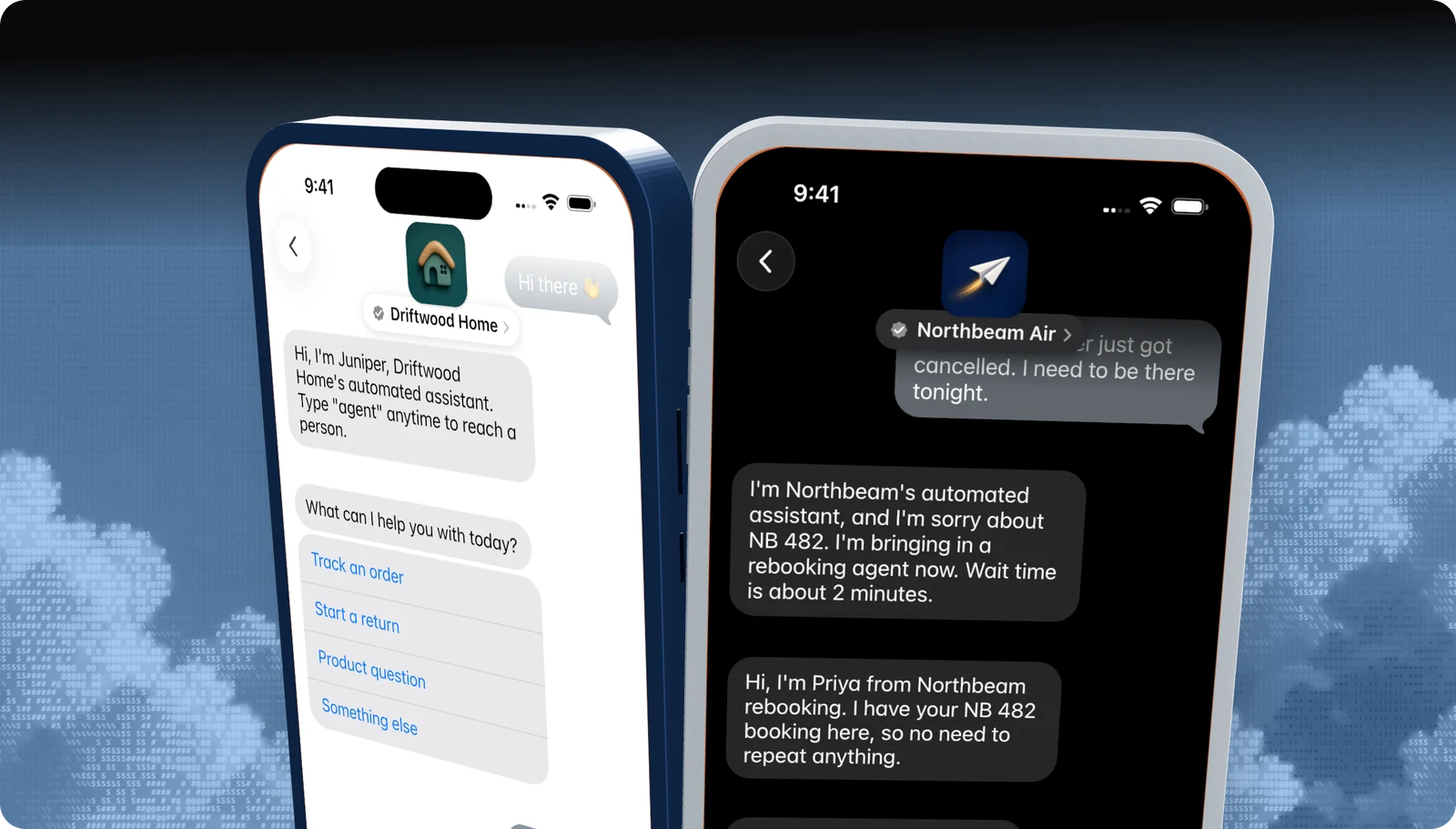
The Experience Review is the last gate before Apple turns your account on. A reviewer watches your journey in the internal test account, from the button a customer taps through to the end of the conversation, and judges tone and flow as much as function. A build that technically works but feels like an SMS blast will not pass.
Honesty
The bot says it is automated. People give their names. Transfers are announced.
Speed
A welcome lands within five seconds, with typing indicators before messages.
A person in the loop
A live agent is reachable during business hours, with a wait estimate when there is a queue.
No dead ends
Every path resolves, escalates to a person, or offers more help.
Taps, not typing
Quick Replies, List Pickers, Time Pickers, Forms, Apple Pay, and Rich Links where they fit.
Privacy and naming
Personal details only after a yes/no check. Policies as Rich Links. The product called Apple Messages for Business.
Apple's own summary is in Pass the Experience Review. Our developer guide turns every rule into a row with the exact Blooio implementation.
Managed launch
Blooio's bots already meet Apple's criteria.
Disclosure, a sub-five-second welcome, four-plus-one triage, human-in-the-loop handoff with wait times, keyword handling, Rich Links, privacy gates, and out-of-hours replies are built in. You give us your use cases and systems. We build it, record it, submit it, and handle the feedback.
The process
How the review loop runs
Only your Messaging Service Provider can submit, and Apple replies to the MSP. With Blooio in that seat, the loop looks like this:
- 1
Pre-review auditBlooio
We walk every flow on a real iPhone against Apple's checklist and fix gaps before Apple sees anything.
- 2
Screen recording and summaryBlooio
One recording of the full journey, with a written summary of what each segment demonstrates.
- 3
Apple reviewsApple
Reviewers judge honesty, speed, flow, native features, privacy, and naming, then reply to the MSP.
- 4
Fix every itemBlooio + you
We map each finding to a change, apply it, and re-test the entire journey, not just the flagged part.
- 5
Resubmit or go commercialApple
A resubmission carries a change summary. On approval, the account converts to commercial.
Common findings
Why brands fail the Experience Review
These come up again and again when brands arrive at Blooio after a failed review somewhere else:
| Finding | What fixes it |
|---|---|
| Bot-only support | Route to a live agent during business hours, with a transfer notice and wait time. |
| Slow first reply | Send the welcome before CRM lookups or model calls, then fetch data. |
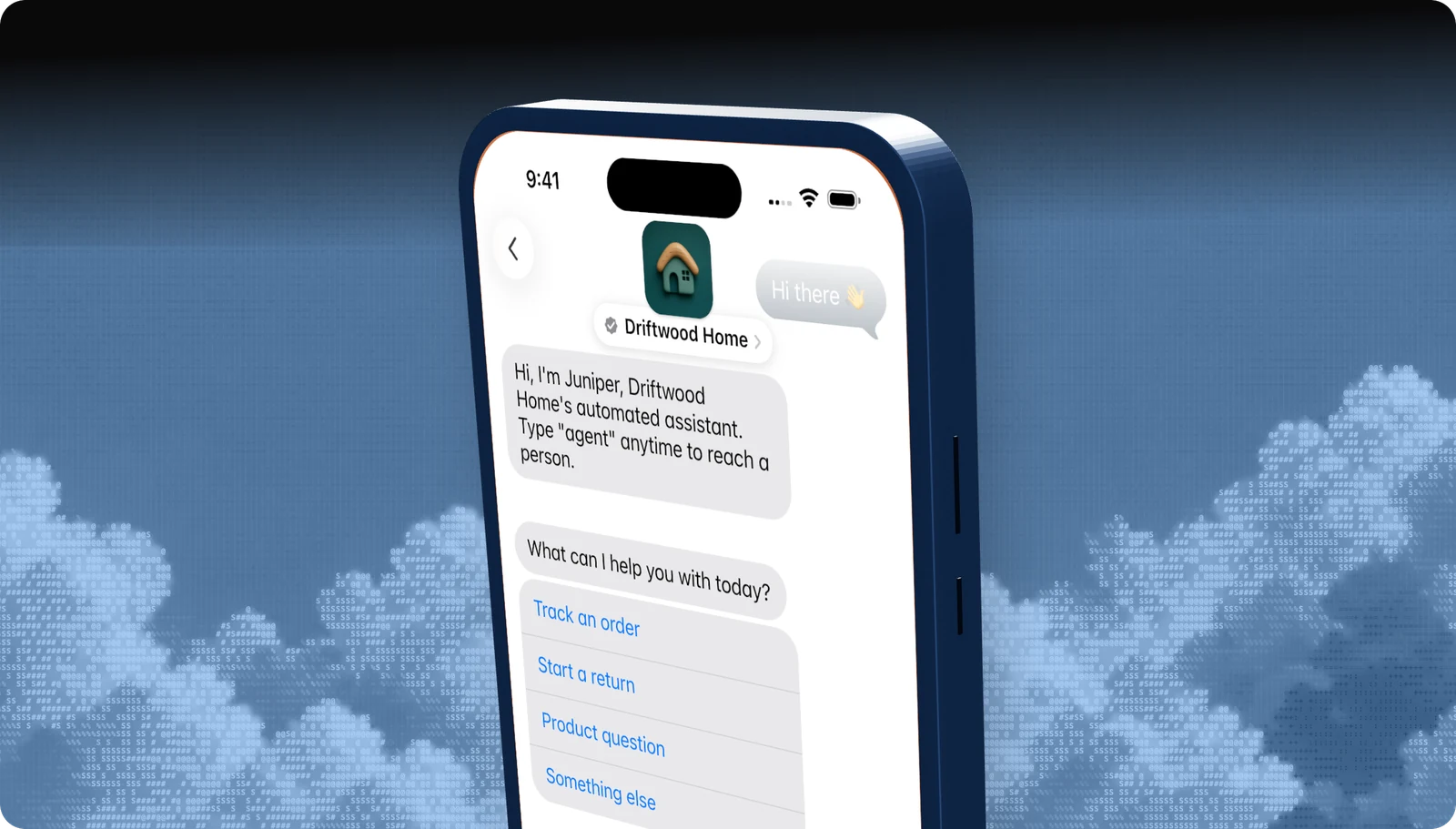
| No automation disclosure | Open every new conversation by naming the assistant and saying it is automated. |
| Bare URLs and pasted policies | Send every link, including Privacy Policy and Terms, as a Rich Link. |
| Typed menus | Replace “reply 1, 2, or 3” with a Quick Reply or List Picker. |
| Dead ends | End every branch with an offer of more help or a path to a person. |
| SMS habits | Remove “reply STOP” and data-rate footers. |
| Wrong product name | Say Apple Messages for Business, never iMessage, on buttons and in the bot. |
| Asking for details too early | Ask a yes/no question first, then request personal details only if needed. |
After launch
Passing once is not the end: experience drift
Apple can re-check a live brand and can switch the channel off if the experience no longer meets its standards. The usual problem is not a big change but drift: a new prompt that slows the welcome, a campaign that adds a raw link, a new flow with no route to a person.
Apple and Blooio review experiences from time to time. Blooio also replays your approved journey against the live configuration and flags anything that moves out of bounds, with the rule it breaks and the fix. Managed customers get the fix applied. New scope, like payments or sign-in, goes back through review before it ships. The full process is in the experience drift guide.
Managed launch
Already failed a review? Send us Apple's feedback.
We map each item to a fix, apply it on Blooio's managed bot, re-test the whole journey on device, and resubmit with a change summary. You don't rebuild anything.
Go deeper
The full developer guides
Every rule, diagram, and API call, with a Copy for AI button that hands the whole guide to your coding assistant.
docs.blooio.com
Pass the Experience Review
The full checklist, the review loop, a passing conversation in code, the screen recording, and experience drift.
docs.blooio.com
Launch Apple Messages for Business
The ten-step roadmap from Apple Business Register to go-live, entry point URLs, brand assets, and tester troubleshooting.
More Apple Messages for Business guides
Messaging Service Provider
What an MSP does, and why Blooio is the one that also builds your bot.
Apple Business Register setup
Account, testers, MSP connection, and launch, in order.
Message button and entry points
Where customers tap Message: Maps, Search, your site, and your app.
Guidelines and requirements
Conversation rules, naming, privacy, and what Apple does not allow.
Apple Business Chat
The old name, what changed, and what it means for your brand.
Apple Messages for Business API
List pickers, quick replies, forms, and Apple Pay through Blooio's API.
Questions
Apple's own rules live in the Apple Messages for Business documentation. These are the questions brands ask us most.
- Brand verification
- Sandbox testing
- Experience Review
Empower your team. Achieve more.
Apple Messages for Business launches after brand verification, testing, and Apple's Experience Review. Talk to us and we'll scope the journey.