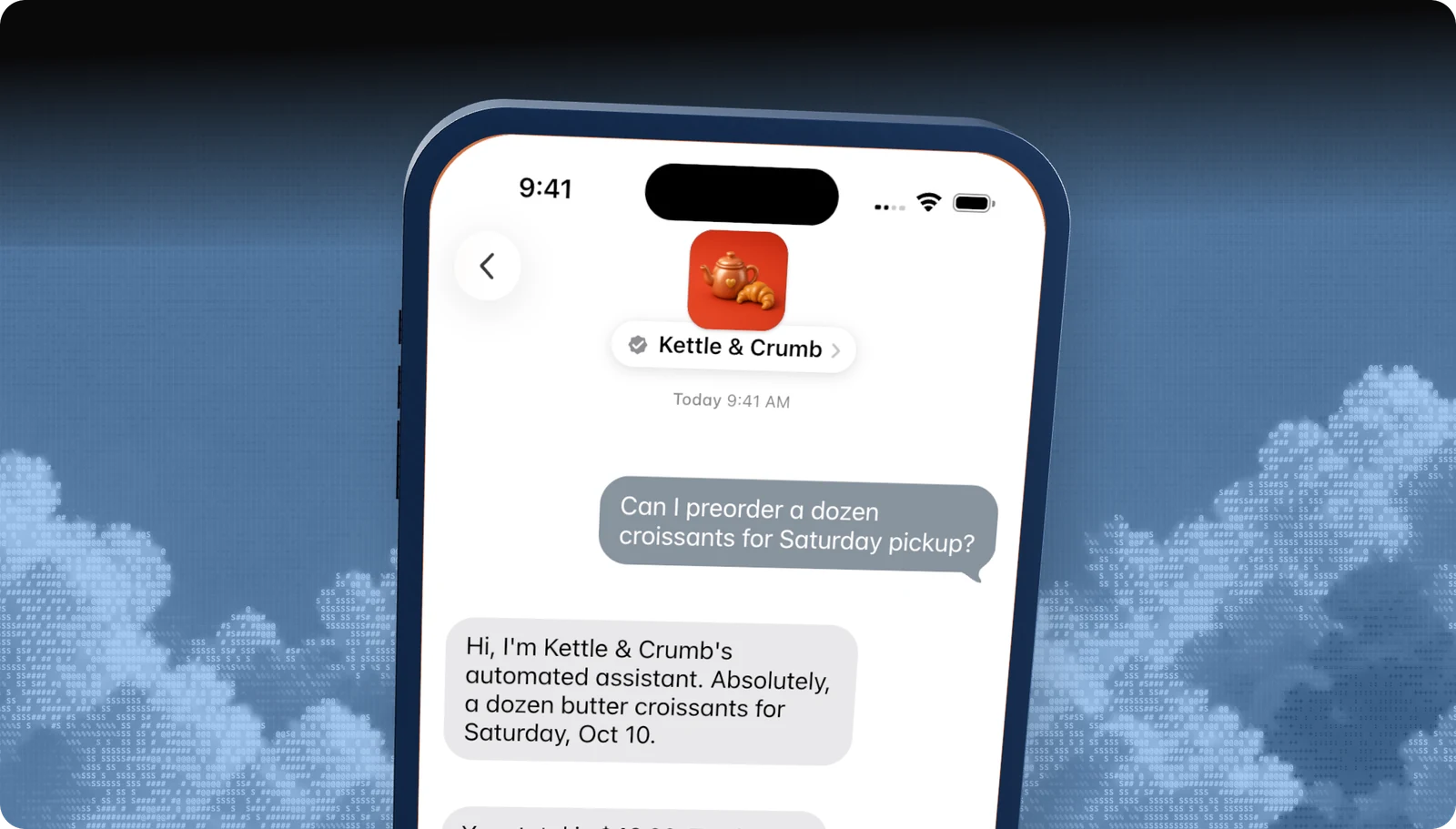
Step by step
From Apple Business Register to live
You start in an internal test account. Nothing is public until Apple approves your experience and your brand details.
- 1
Check eligibilityYou
You own the brand, you can staff a live agent during business hours, and you are not in a restricted category.
- 2
Create an internal test accountYou
Sign in to Apple Business Register with a business or Managed Apple Account on your company email, accept the terms, and add a technical contact.
- 3
Select Blooio as your MSPYou
In Messaging Service Provider Configuration, pick Blooio from the authorized list.
- 4
Add testers and submitYou
Add the Apple Account used on each test iPhone, including Blooio's team, and press Submit. New testers can take up to 24 hours.
- 5
Connect to BlooioYou + Blooio
Choose Connect next to Blooio. The linking page attaches your Apple Business ID to your Blooio organization.
- 6
Build and test the experienceBlooio
Your top use cases as tap-first flows, an automated welcome, live agent handoff, and out-of-hours replies, tested on iPhone and Mac.
- 7
Pass the Experience ReviewBlooio + Apple
Blooio records the journey, submits it, and handles every round of feedback.
- 8
Submit brand assetsYou
Name, square logo, hours, and account type. Apple typically approves in one to three business days.
- 9
Turn on entry pointsYou + Blooio
Website buttons, Apple Maps, Message Suggest, QR codes, and links.
Managed launch
Register, and let Blooio take it from there.
Once you've created the account and selected Blooio, everything else can be ours: the bot, the agent handoff, the test plan, the Experience Review submission, the feedback rounds, and your entry points.
Eligibility
Before you open Apple Business Register
| Requirement | What it means |
|---|---|
| One account per business | Every brand line, region, and use case shares one commercial account. |
| You own the brand | Franchisees and resellers go through the brand owner. |
| A live agent | A person must be reachable in the channel during business hours. Bot-only setups are not approved. |
| Customer-initiated | Customers start conversations. Outreach requires an active conversation or an explicit opt-in. |
| Allowed category | See Apple's policies for restricted businesses. |
After approval
Brand assets to prepare early
Apple configures your public profile after the review, but you can prepare these now. The square logo is the only logo shown on iOS 26 and macOS 26, so it needs to read at small sizes.
| Asset | Requirement |
|---|---|
| Business name | How customers know you. No location and no LLC, Inc., or Ltd. |
| Square logo | At least 1024 × 1024 PNG or JPEG, solid full-color background, about 10% padding, 2 MB max. |
| Wide logo | Transparent PNG at 6.66:1, only shown on iOS 18 and earlier. |
| Hours | Support hours and typical live agent response time. |




The full registration walkthrough, with every field, a roadmap diagram, and tester troubleshooting, is in the launch guide. Apple's version is Register your account.
Go deeper
The full developer guides
Every rule, diagram, and API call, with a Copy for AI button that hands the whole guide to your coding assistant.
docs.blooio.com
Launch Apple Messages for Business
The ten-step roadmap from Apple Business Register to go-live, entry point URLs, brand assets, and tester troubleshooting.
docs.blooio.com
Pass the Experience Review
The full checklist, the review loop, a passing conversation in code, the screen recording, and experience drift.
More Apple Messages for Business guides
Experience Review
What Apple tests before you go live, and how to pass the first time.
Messaging Service Provider
What an MSP does, and why Blooio is the one that also builds your bot.
Message button and entry points
Where customers tap Message: Maps, Search, your site, and your app.
Guidelines and requirements
Conversation rules, naming, privacy, and what Apple does not allow.
Apple Business Chat
The old name, what changed, and what it means for your brand.
Apple Messages for Business API
List pickers, quick replies, forms, and Apple Pay through Blooio's API.
Questions
Apple's own rules live in the Apple Messages for Business documentation. These are the questions brands ask us most.
- Brand verification
- Sandbox testing
- Experience Review
Empower your team. Achieve more.
Apple Messages for Business launches after brand verification, testing, and Apple's Experience Review. Talk to us and we'll scope the journey.