Business invitations
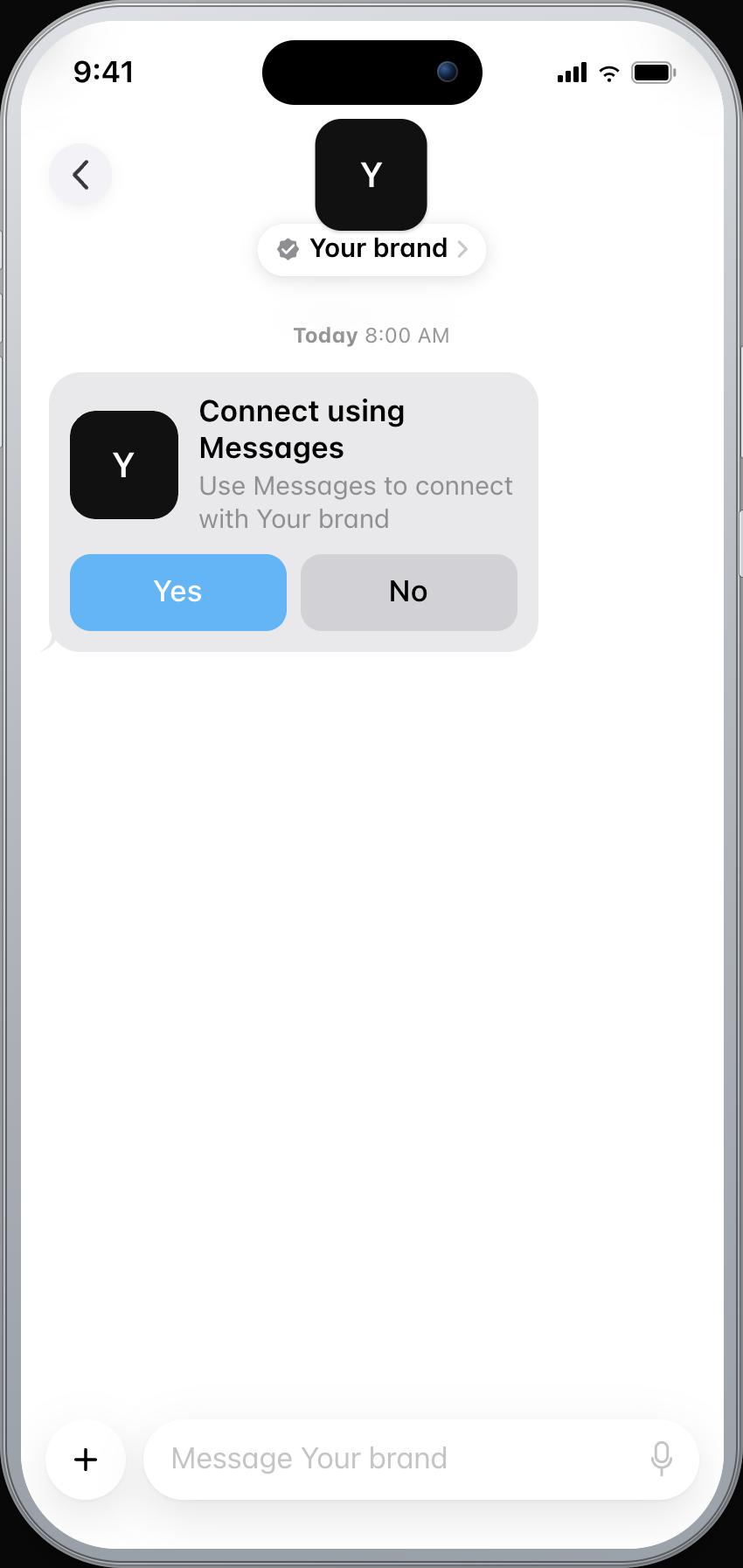
Most Apple Messages for Business conversations start when the customer taps Message. A business invitation is the sanctioned way for the brand to open the thread: an Apple-managed template, with Yes and No, sent only after the customer has opted in.
curl -X POST https://api.blooio.com/v4/messages \
  -H "Authorization: Bearer bl_live_..." \
  -H "Content-Type: application/json" \
  -H "Idempotency-Key: $(uuidgen)" \
  -d '{
    "from": "your-amb-alias",
    "to": "+15551234567",
    "invitation": {
      "template_id": "binaryChoice.engage.withImage",
      "reference_id": "case-1009273616",
      "parameters": {
        "brandName": "Your Brand",
        "brandLogo": "<base64-png>"
      },
      "locale": "en-us"
    }
  }'
List pickers
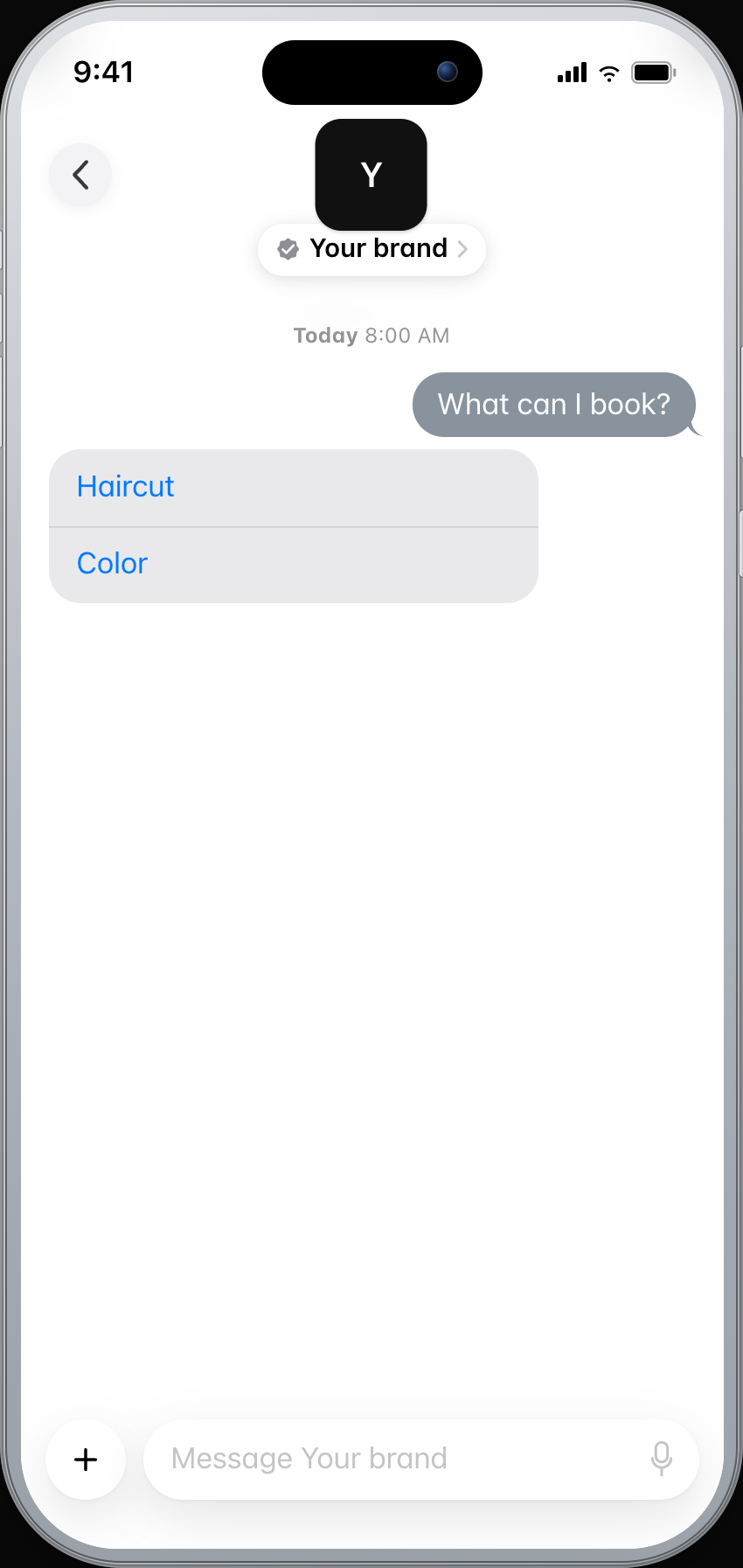
A list picker is one or more sections of rows. The customer picks a service, a product, or an option inside Apple Messages for Business. Set multipleSelection when a section should allow more than one row.
{
  "from": "support",
  "to": "opaque-amb-customer-id",
  "interactive": {
    "kind": "list_picker",
    "received_message": { "title": "Choose a service", "style": "small" },
    "reply_message": { "title": "Thanks — booking you in", "style": "small" },
    "sections": [
      {
        "title": "Services",
        "multipleSelection": false,
        "items": [
          { "identifier": "haircut", "title": "Haircut", "subtitle": "30 min" },
          { "identifier": "color", "title": "Color", "subtitle": "90 min" }
        ]
      }
    ]
  }
}
Quick replies
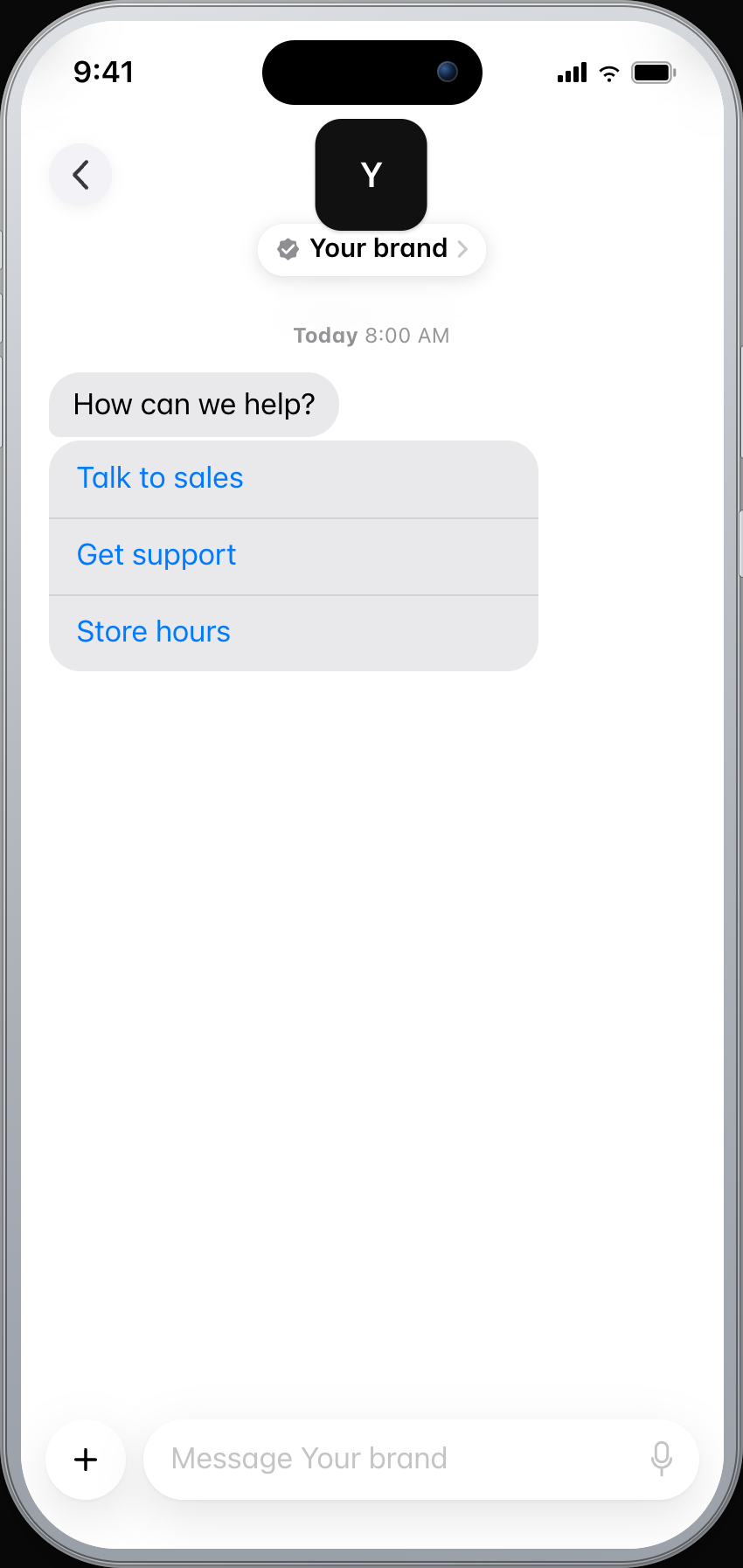
Quick replies are a short prompt and up to five taps. Send a text bubble first, then the quick reply. Apple Messages for Business rejects a quick reply that also includes a received message bubble.
curl -X POST https://api.blooio.com/v4/messages \
  -H "Authorization: Bearer bl_live_..." \
  -H "Content-Type: application/json" \
  -d '{
    "from": "support",
    "to": "opaque-amb-customer-id",
    "interactive": {
      "kind": "quick_reply",
      "summary_text": "How can we help?",
      "items": [
        { "id": "sales", "title": "Talk to sales" },
        { "id": "support", "title": "Get support" },
        { "id": "hours", "title": "Store hours" }
      ]
    }
    }'
Time pickers
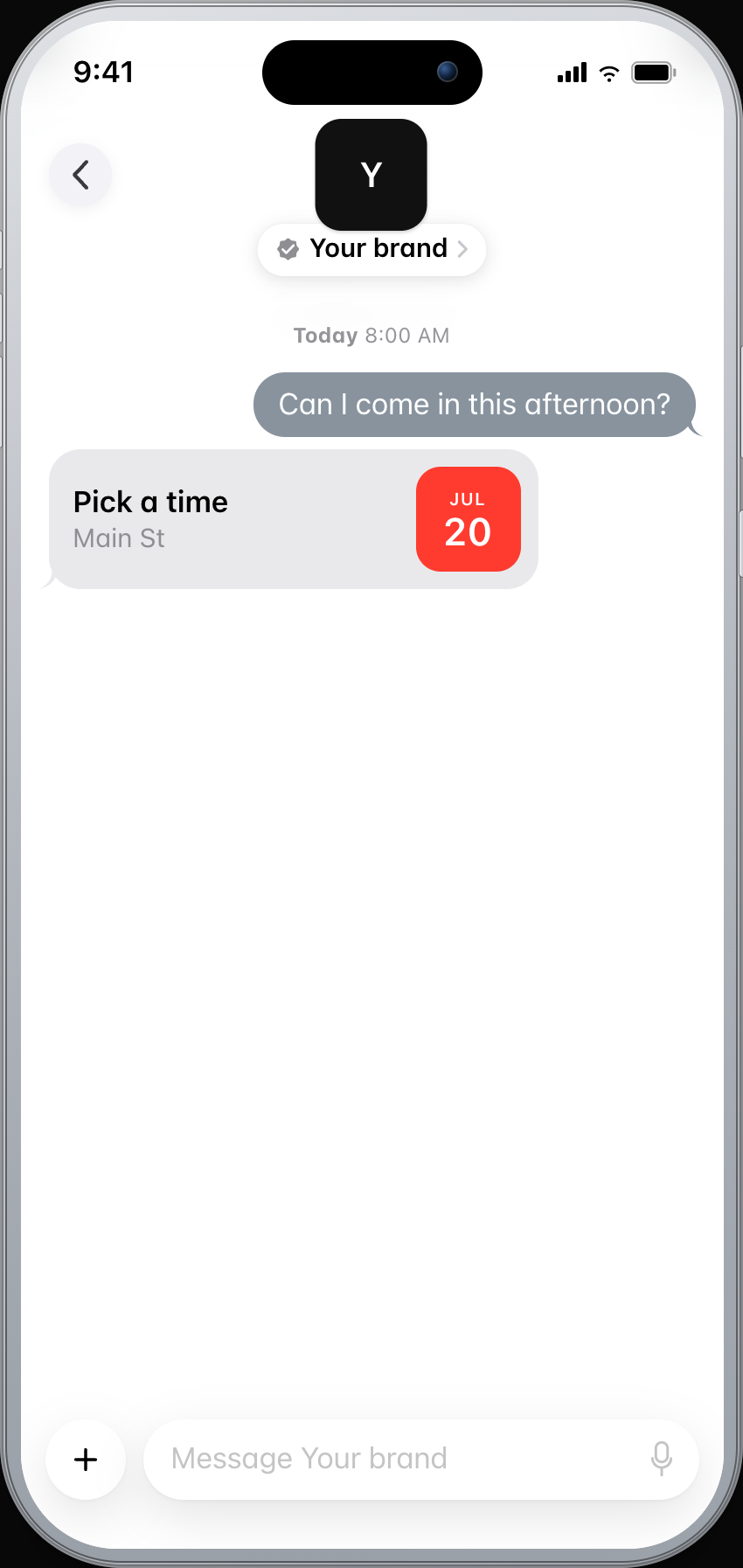
The customer picks a time in Apple Messages for Business. The card shows the day, and the open slots are behind it.
{
  "kind": "time_picker",
  "received_message": { "title": "Pick a time for your consultation" },
  "event": {
    "title": "Consultation",
    "location": { "title": "Main St" },
    "timeslots": [
      { "startTime": "2026-07-20T17:00:00Z", "duration": 3600 },
      { "startTime": "2026-07-20T18:00:00Z", "duration": 3600 }
    ]
  }
}
Apple Pay
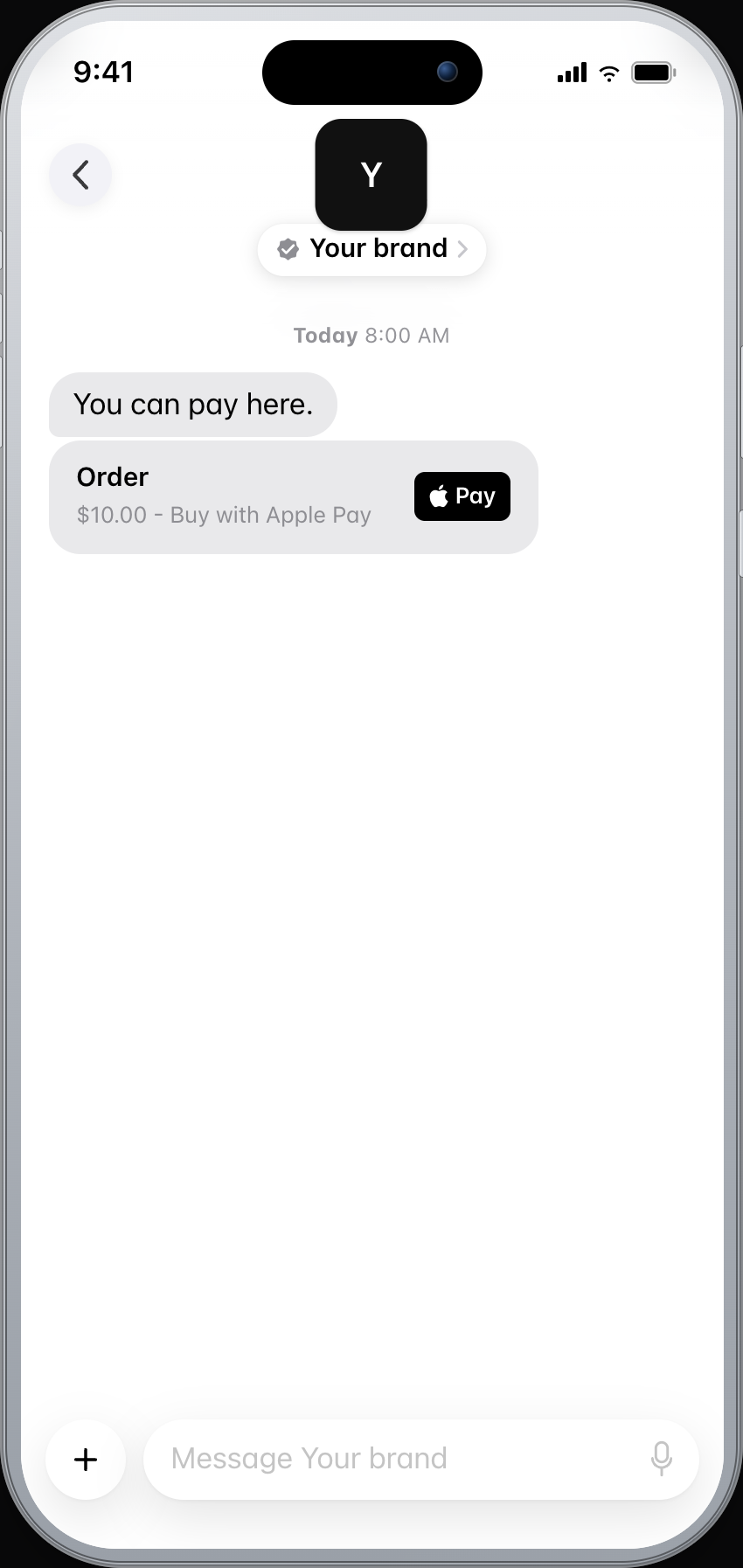
The customer pays inside the conversation. The amount and Apple Pay stay in the thread.
{
  "kind": "apple_pay",
  "payment": {
    "paymentRequest": {
      "total": { "label": "Order", "amount": "10.00" },
      "currencyCode": "USD",
      "countryCode": "US"
    }
  }
}
Forms
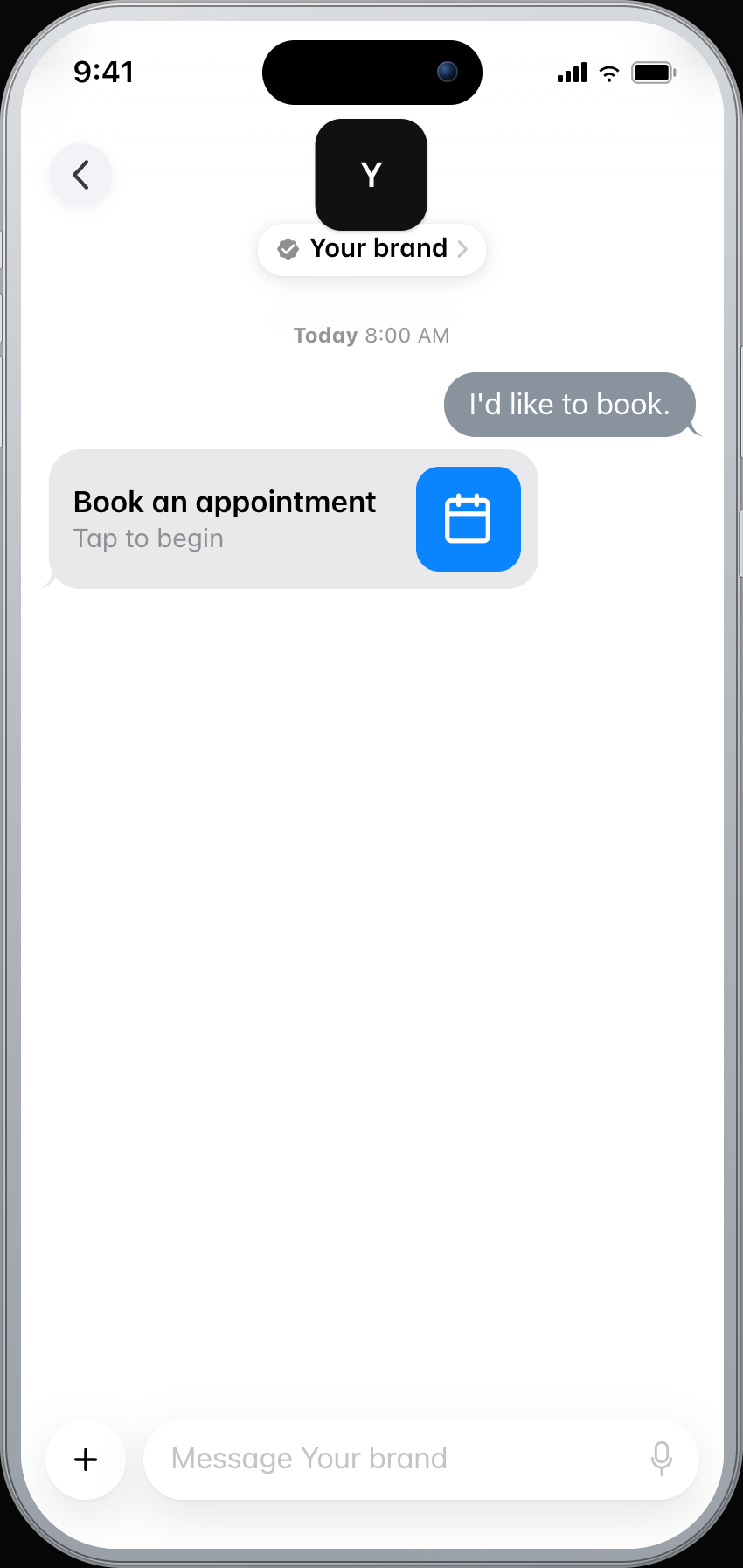
A form starts as a card in the thread. The customer taps it and fills the pages without leaving Apple Messages for Business.
{
  "kind": "form",
  "received_message": { "title": "Book an appointment" },
  "dynamic": {
    "version": "1.0",
    "startPageIdentifier": "details",
    "pages": [
      {
        "pageIdentifier": "details",
        "title": "Your details",
        "textInputs": [
          { "identifier": "name", "title": "Full name", "type": "name" }
        ]
      }
    ]
  }
}Go from setup to a reviewed customer journey.
Apple Messages for Business goes live after brand verification, testing, and Apple's Experience Review. We walk you through each step.
Prepare your brand profile for verification in the Apple Business Register.
Connect your CRM, backend, API, and workflows, then test the experience before customers see it.
Apple completes a formal Experience Review before the journey goes live.
Prepare your brand profile for verification in the Apple Business Register.
Connect your CRM, backend, API, and workflows, then test the experience before customers see it.
Apple completes a formal Experience Review before the journey goes live.
API questions
What Apple Messages for Business is, and how it is priced, stays on the homepage FAQ.
- Brand verification
- Sandbox testing
- Experience Review
Empower your team. Achieve more.
Apple Messages for Business launches after brand verification, testing, and Apple's Experience Review. Talk to us and we'll scope the journey.