What it is
What are quick replies in Apple Messages for Business?
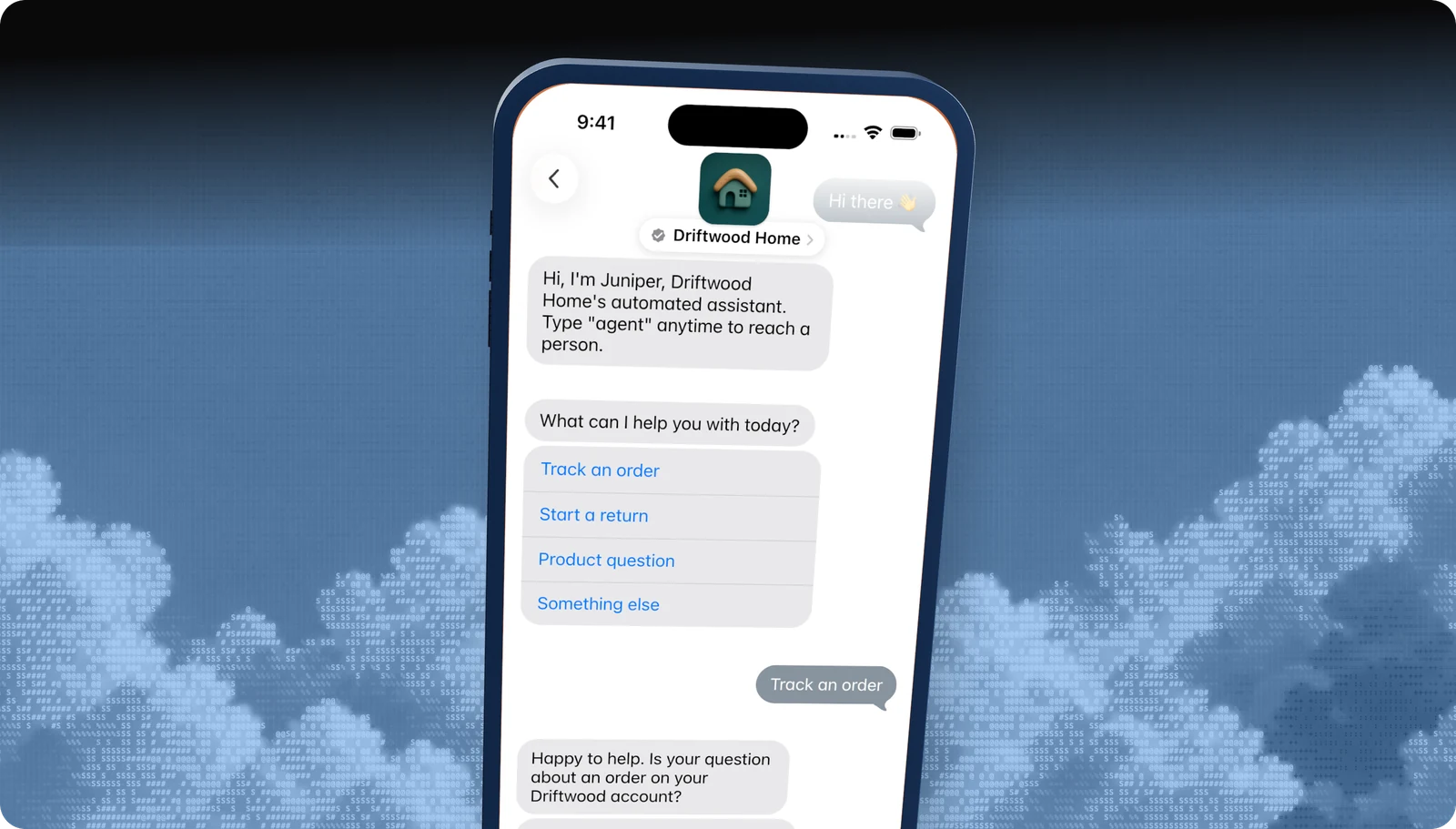
A quick reply is a short list of options shown inline in the thread. The customer taps one, and that answer is sent as their reply. There is no sheet to open.
Your webhook receives the option ID and title, so the bot can branch immediately.
| At a glance | |
|---|---|
| What it is | Two to five inline answer buttons |
| Devices | iPhone, iPad, Mac |
| Minimum OS | iOS 15.1, macOS 12 |
| Capability token | QUICK |
| Blooio field | interactive.kind = quick_reply |
What customers see
What it looks like
- 01
Your question
A normal text bubble from the business, such as What can I help you with today?
- 02
The options
Two to five tappable labels directly under the question.
- 03
The answer
The tapped label appears as the customer's message, and the options collapse.
Use cases
When to use it
Triage
Your top four reasons for contact plus Something else, the pattern Apple looks for in review.
Yes / no checks
Confirm before asking for personal details: Is this about an existing order?
Satisfaction
Great / Okay / Not good, in words rather than numbers.
Wrap-up
Anything else? / I'm all set, at the end of every resolved flow.
Common mix-ups
What it is not
Not iPhone's notification quick reply
iOS lets people reply to any message from a notification. This is a business feature that shows preset answers in the thread.
Not for long lists
More than five options, or options that need images, belong in a list picker.
Not a bubble on its own
Apple rejects a quick reply that carries its own received or reply bubble. Send the question as text first.
Not on older devices
Quick replies need iOS 15.1 or macOS 12. Blooio checks the device before sending.
Experience Review
Apple's rules for this feature
- Triage with your top four reasons plus Something else, most common first.
- Keep summary_text short, like Option selected. Don't repeat the question.
- Ask a yes / no quick reply before requesting personal information.
- End resolved flows with an offer of more help.
Apple checks these during the Experience Review and after launch. Every rule for every feature is in the Experience Review checklist.
Developers
Send it with the Blooio API
One call to POST /v4/messages from your Apple Messages for Business sender. Full field reference in the Quick reply in the interactive messages guide.
curl -X POST https://api.blooio.com/v4/messages \
  -H "Authorization: Bearer bl_live_..." \
  -H "Content-Type: application/json" \
  -d '{
    "from": "support",
    "to": "opaque-amb-customer-id",
    "interactive": {
      "kind": "quick_reply",
      "summary_text": "Option selected",
      "items": [
        { "id": "track", "title": "Track an order" },
        { "id": "return", "title": "Start a return" },
        { "id": "product", "title": "Product question" },
        { "id": "other", "title": "Something else" }
      ]
    }
  }'
Managed launch
Want quick replies without writing code?
Blooio's managed Apple Messages for Business bot already uses quick replies the way Apple expects, alongside every other feature, with a human in the loop. We build the flows, connect your systems, and get you through the Experience Review.
Go deeper
Quick replies in the Blooio docs
The developer guide and API reference for this feature, with request fields, replies, and error handling.
docs.blooio.com
Quick reply in the interactive messages guide
The request line by line, common fields, and reading the reply.
docs.blooio.com
POST /v4/messages API reference
Every field, its JSON schema, and an interactive API explorer.
docs.blooio.com
Capabilities & limits
OS minimums, device support, and capability tokens for every feature.
More Apple Messages for Business features
Business invitations
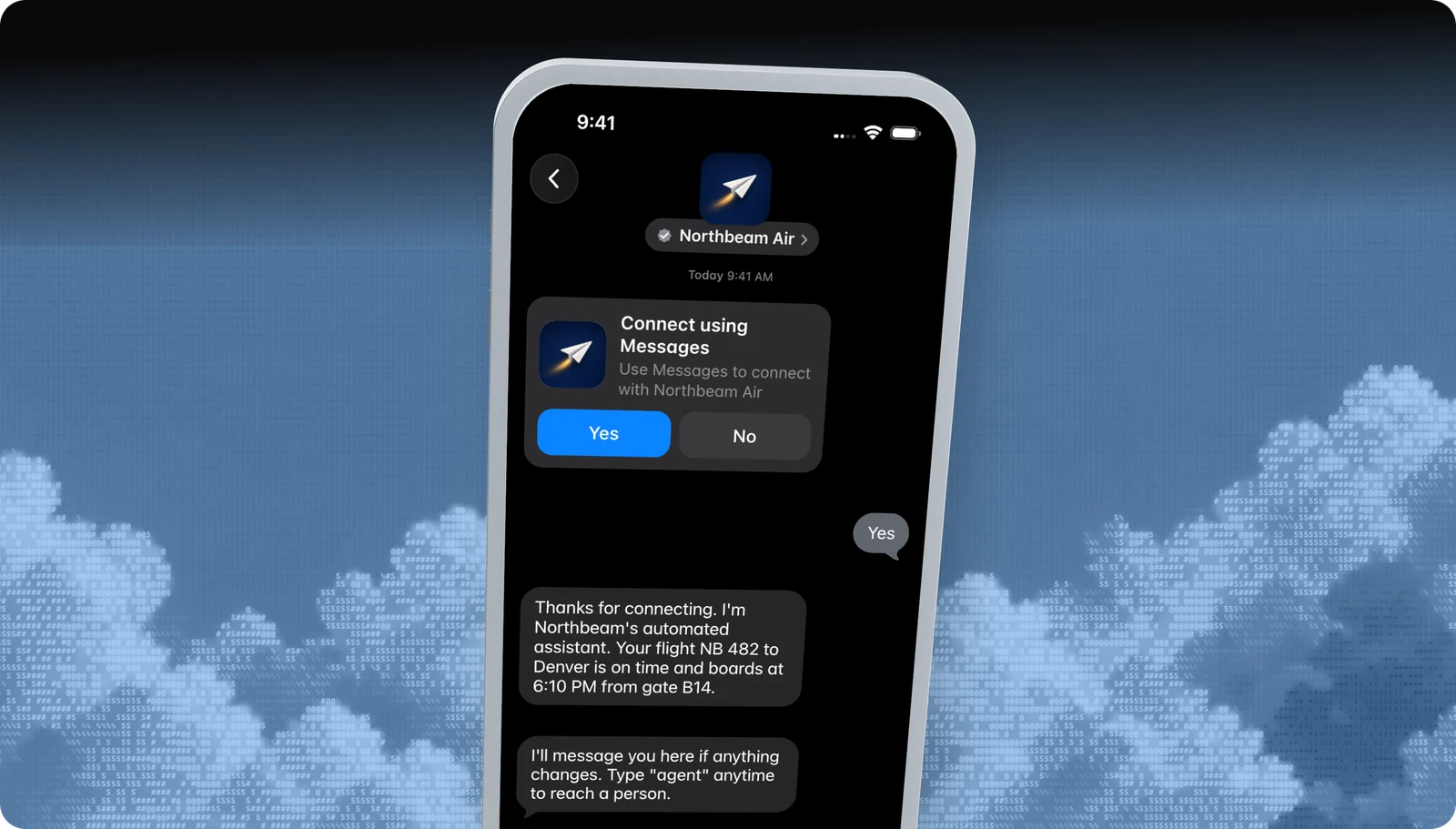
Start the conversation first, with an Apple-managed Yes / No invite.
List picker
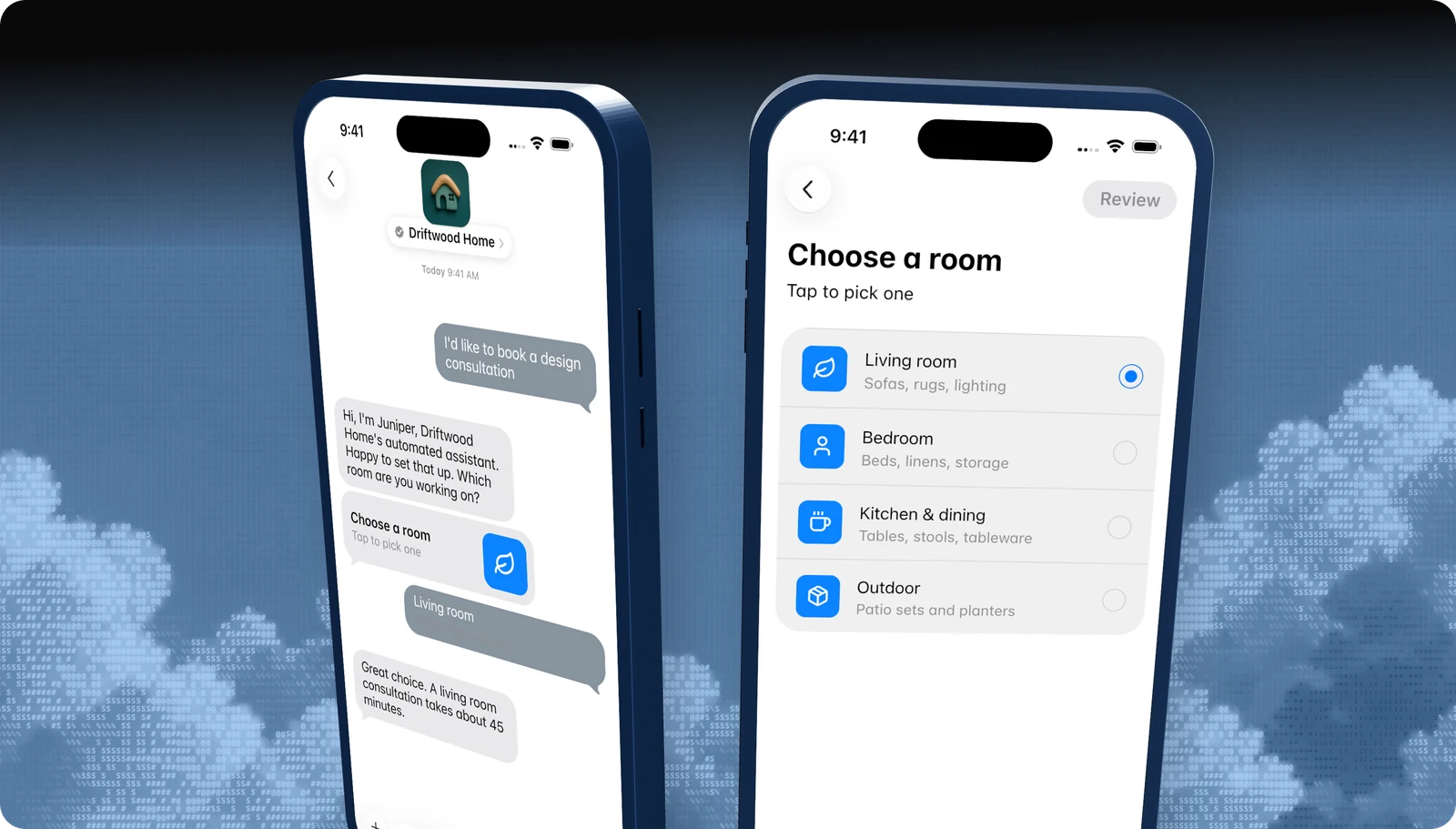
A tappable list of options, with icons, subtitles, and sections.
Time picker
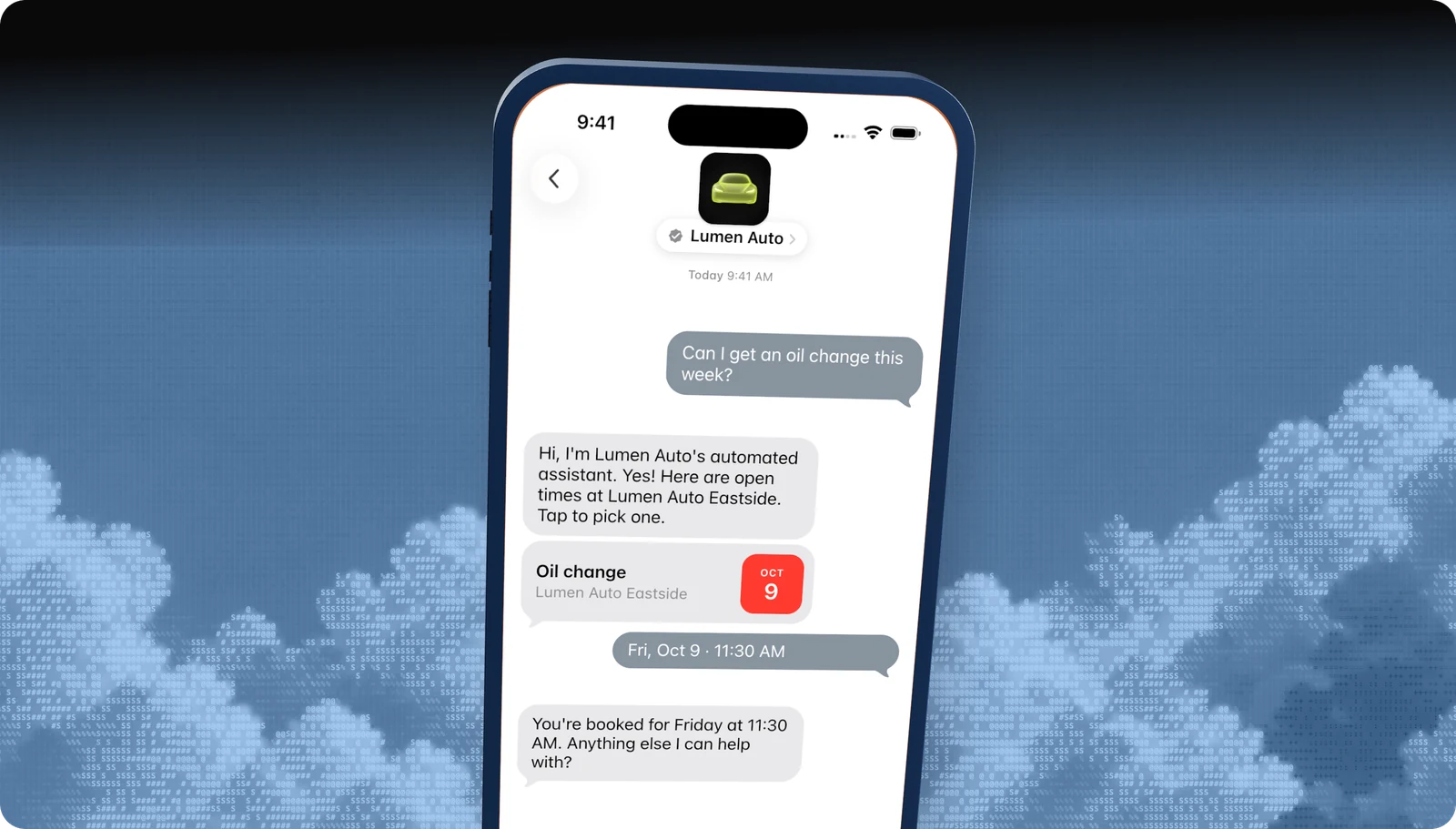
Offer appointment slots the customer books with a tap.
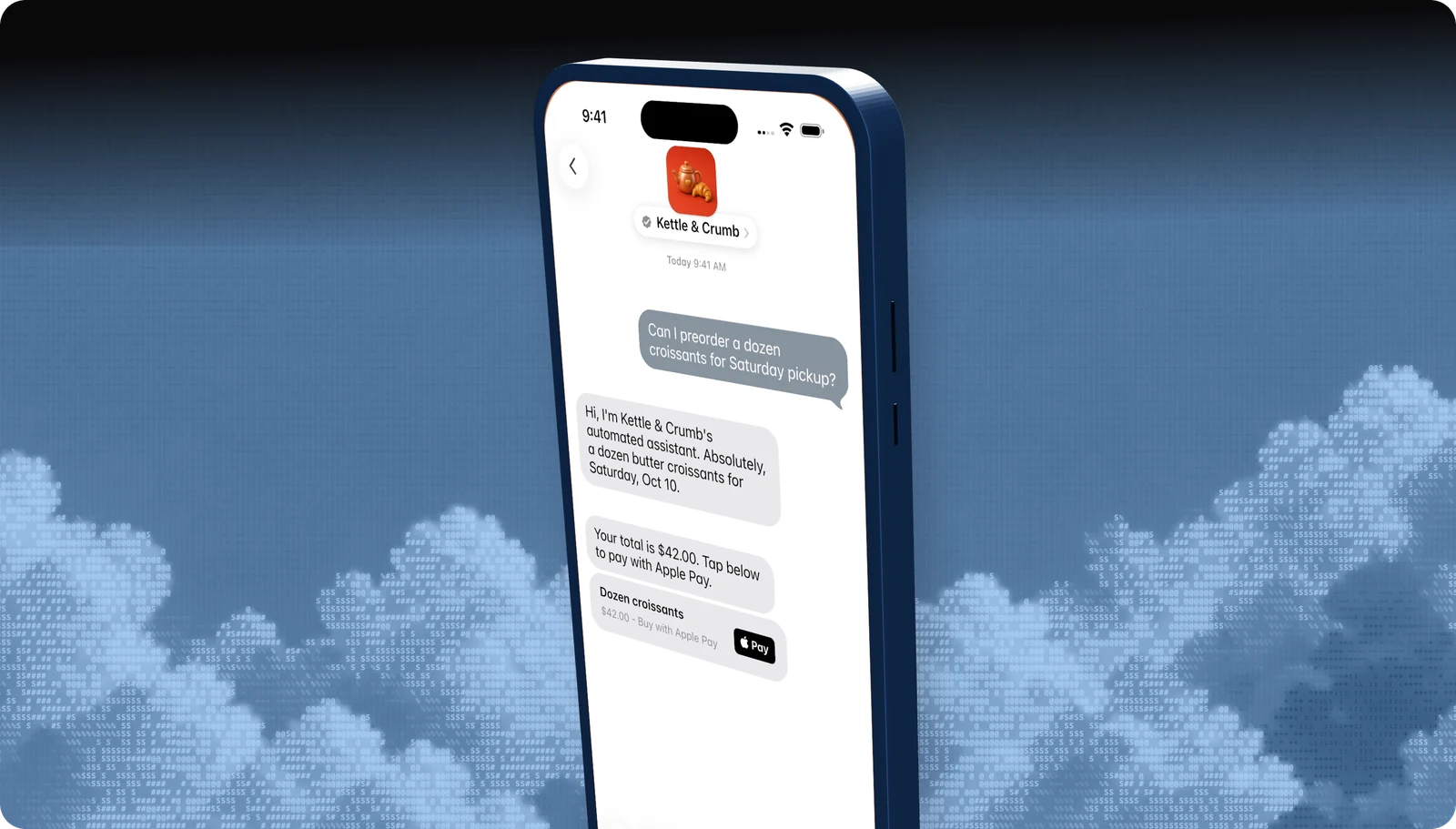
Apple Pay
Take payment inside the conversation with Face ID or Touch ID.
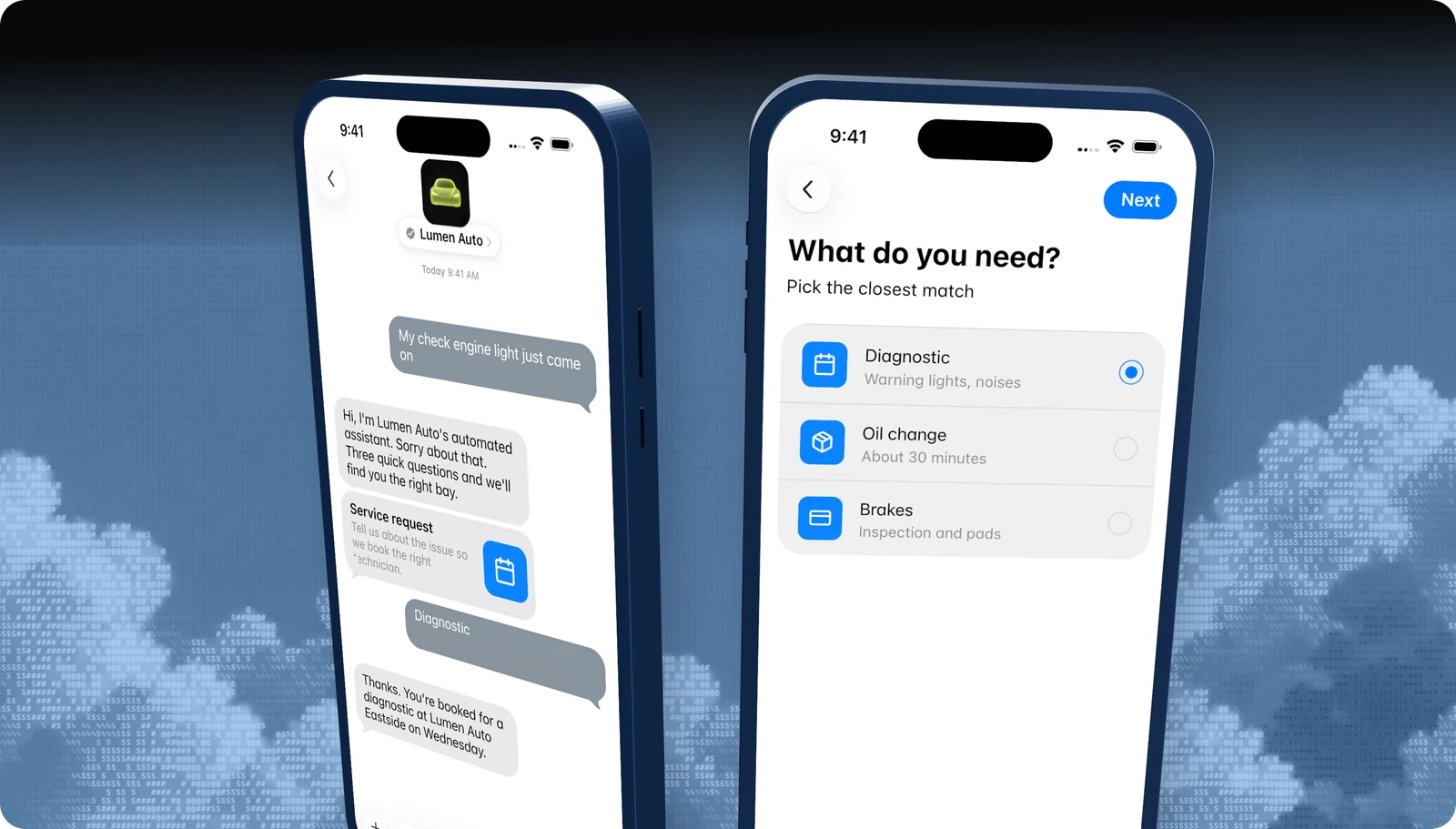
Forms
Multi-step questions, dates, and pickers in one native flow.
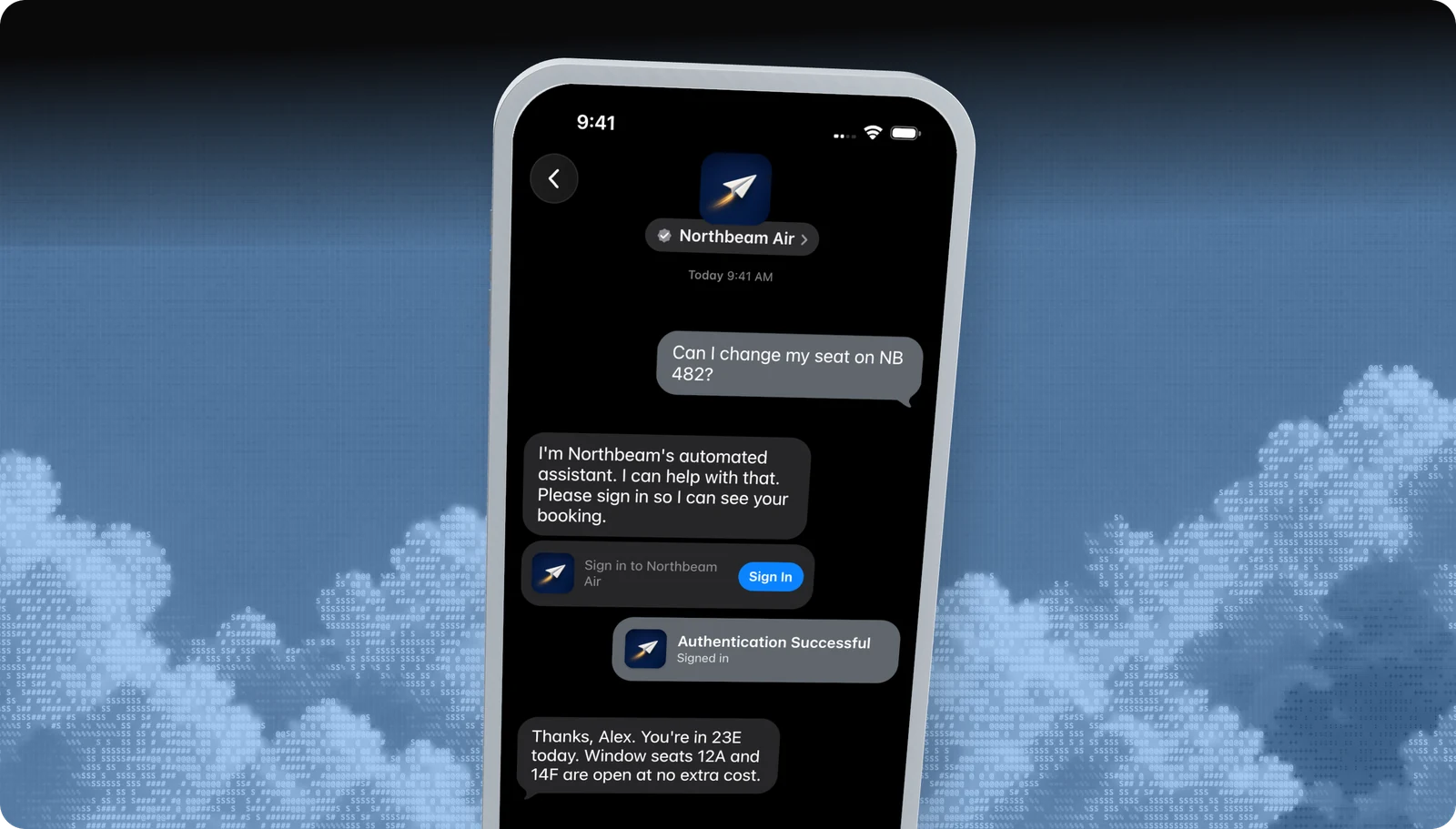
Sign in
Let customers sign in to their account without leaving Messages.
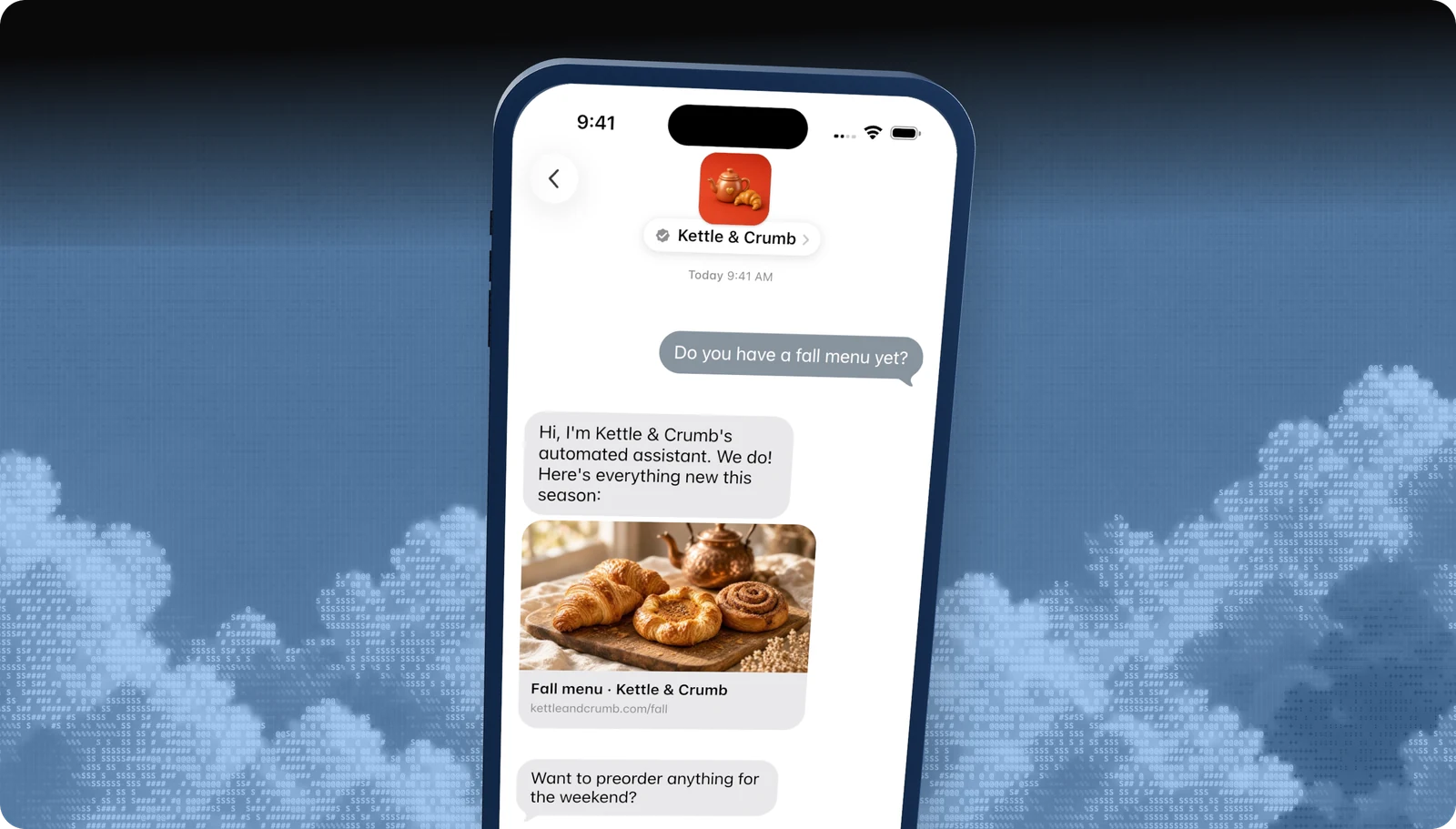
Rich links
Turn any URL into a tappable preview card.
All features · Experience Review · Apple Messages for Business API
Questions
Apple's own rules live in the Apple Messages for Business documentation. These are the questions brands ask us most.
- Brand verification
- Sandbox testing
- Experience Review
Empower your team. Achieve more.
Apple Messages for Business launches after brand verification, testing, and Apple's Experience Review. Talk to us and we'll scope the journey.