What it is
What is sign-in (authentication) in Apple Messages for Business?
Authentication sends a Sign in card backed by your own OAuth 2.0 identity provider. The customer taps it and signs in on your login page in a secure sheet.
Apple returns an authorization code that your server exchanges for tokens, just like any OAuth flow. The conversation can then show account-specific details.
| At a glance | |
|---|---|
| What it is | An OAuth 2.0 sign-in request in the thread |
| Devices | iPhone, iPad, Mac |
| Minimum OS | iOS 16, macOS 13 |
| Capability token | AUTH2 |
| Blooio field | interactive.kind = authenticate |
What customers see
What it looks like
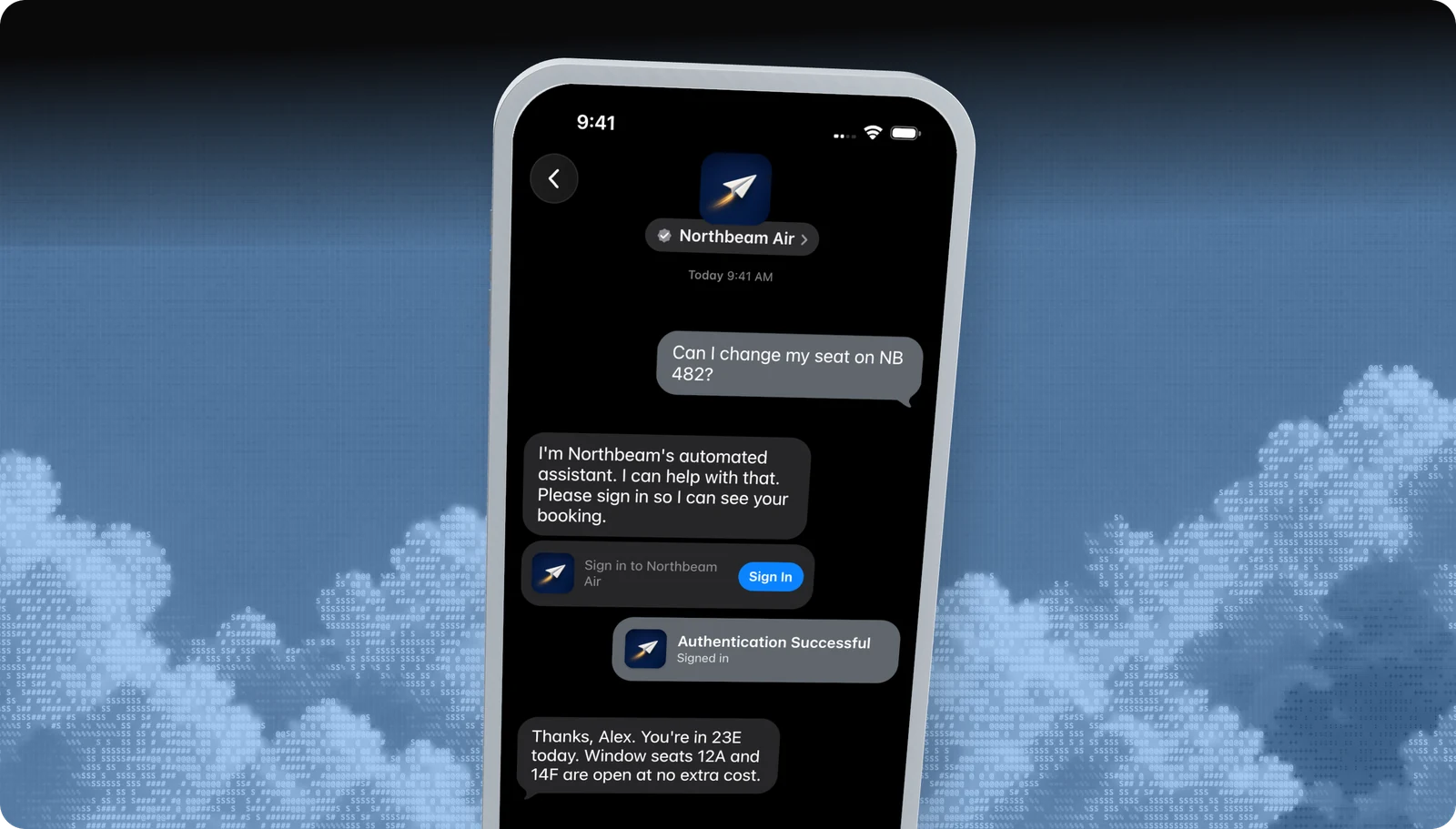
- 01
The sign-in card
A bubble such as Sign in to Northbeam Air, with a Sign In button.
- 02
Your login sheet
Your identity provider's sign-in page, shown in a secure sheet over the conversation.
- 03
Signed in
A confirmation bubble in the thread, and an authorization code delivered to your system.
Use cases
When to use it
Account lookups
Order history, bookings, balances, and loyalty points.
Account changes
Update an address, seat, plan, or contact preference.
Private information
Share documents or details only the account holder should see.
Verified support
Agents start with a known customer instead of security questions.
Common mix-ups
What it is not
Not a password in chat
Customers never type credentials into the conversation.
Not an identity provider
You bring your own OAuth 2.0 provider. Blooio doesn't host logins.
Not legacy authentication
The older Business Chat authentication is deprecated. This is Apple's New Authentication.
Not on older devices
Sign-in needs iOS or iPadOS 16 or macOS 13.
Experience Review
Apple's rules for this feature
- Ask a yes / no question before asking the customer to sign in.
- Request only the scopes you need.
- Use state to tie the reply to the request and protect against CSRF.
- Exchange the authorization code on your server, never in the client.
Apple checks these during the Experience Review and after launch. Every rule for every feature is in the Experience Review checklist.
Developers
Send it with the Blooio API
One call to POST /v4/messages from your Apple Messages for Business sender. Full field reference in the Sign in (OAuth 2.0) guide.
curl -X POST https://api.blooio.com/v4/messages \
  -H "Authorization: Bearer bl_live_..." \
  -H "Content-Type: application/json" \
  -d '{
    "from": "support",
    "to": "opaque-amb-customer-id",
    "interactive": {
      "kind": "authenticate",
      "received_message": { "title": "Sign in to Northbeam Air", "style": "icon" },
      "reply_message": { "title": "Signed in", "style": "icon" },
      "oauth2": {
        "responseType": "code",
        "scope": ["openid", "profile"],
        "redirectURI": "https://auth.northbeam.example/amb/callback",
        "state": "seat-change-7f3a9c"
      }
    }
  }'
Managed launch
Want sign-in without writing code?
Blooio's managed Apple Messages for Business bot already uses sign-in the way Apple expects, alongside every other feature, with a human in the loop. We build the flows, connect your systems, and get you through the Experience Review.
Go deeper
Sign in in the Blooio docs
The developer guide and API reference for this feature, with request fields, replies, and error handling.
docs.blooio.com
Sign in (OAuth 2.0) guide
Requirements, every field, the reply, and exchanging the code.
docs.blooio.com
POST /v4/messages API reference
Every field, its JSON schema, and an interactive API explorer.
docs.blooio.com
Capabilities & limits
OS minimums, device support, and capability tokens for every feature.
More Apple Messages for Business features
Business invitations
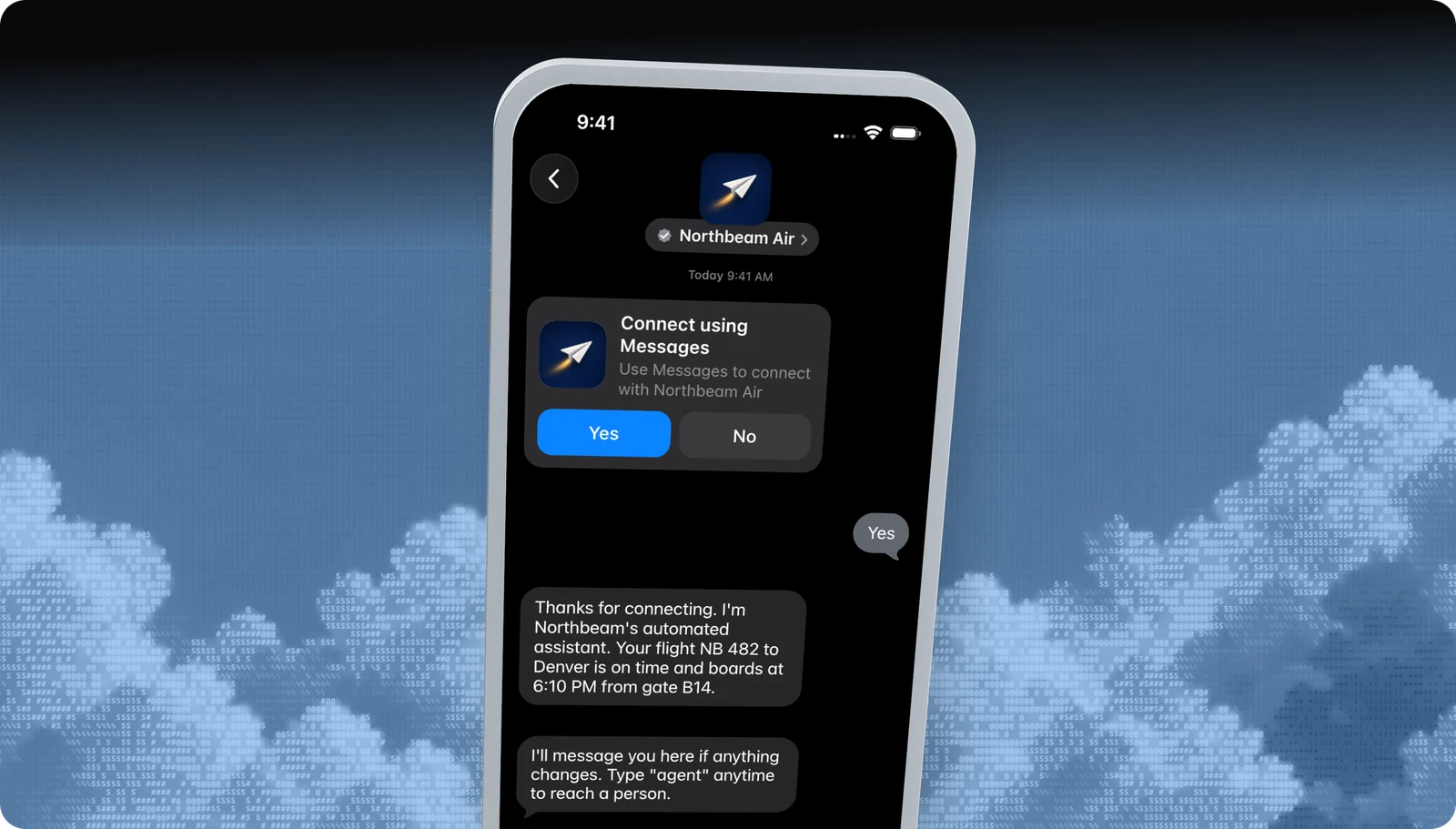
Start the conversation first, with an Apple-managed Yes / No invite.
List picker
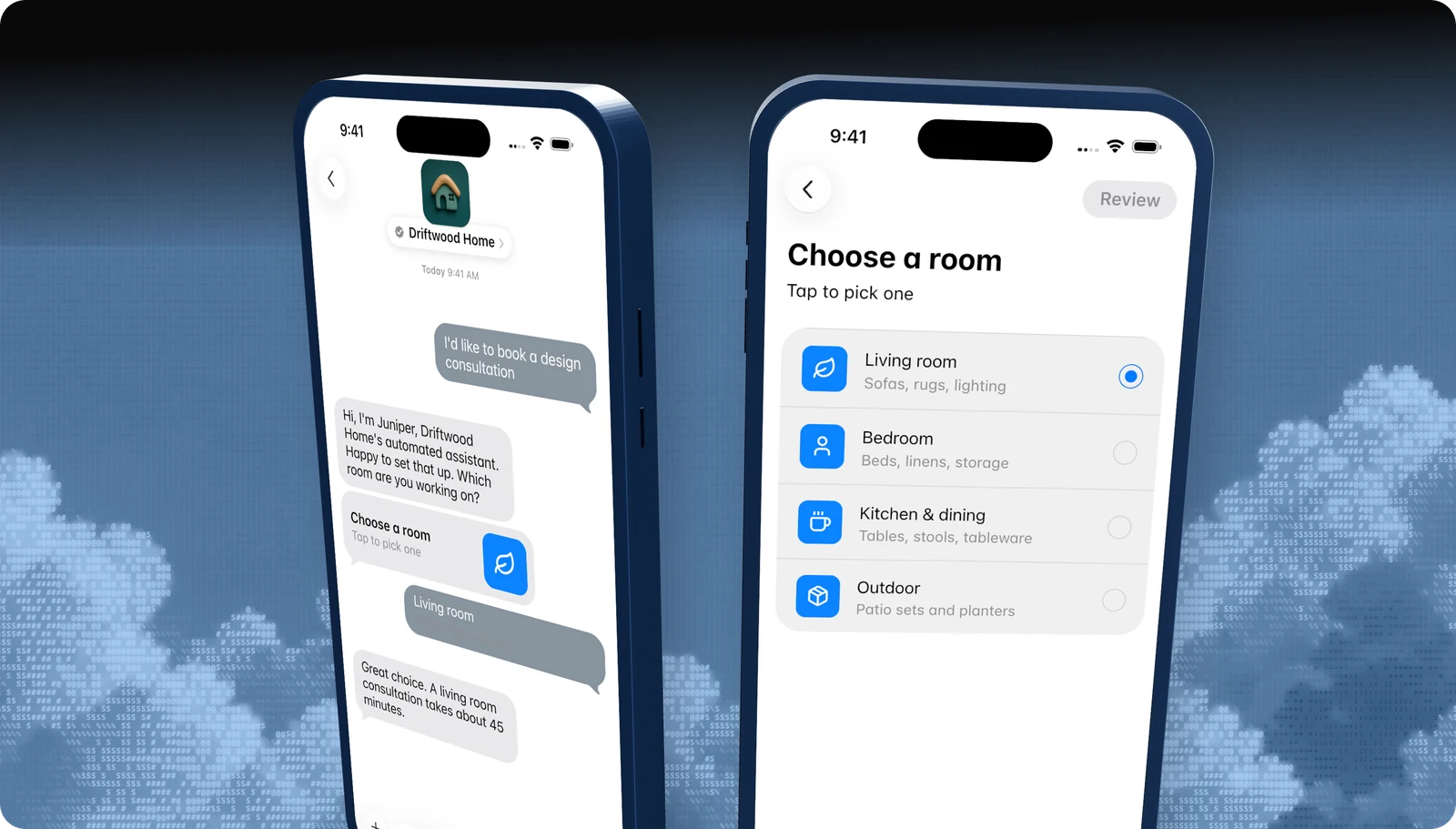
A tappable list of options, with icons, subtitles, and sections.
Quick replies
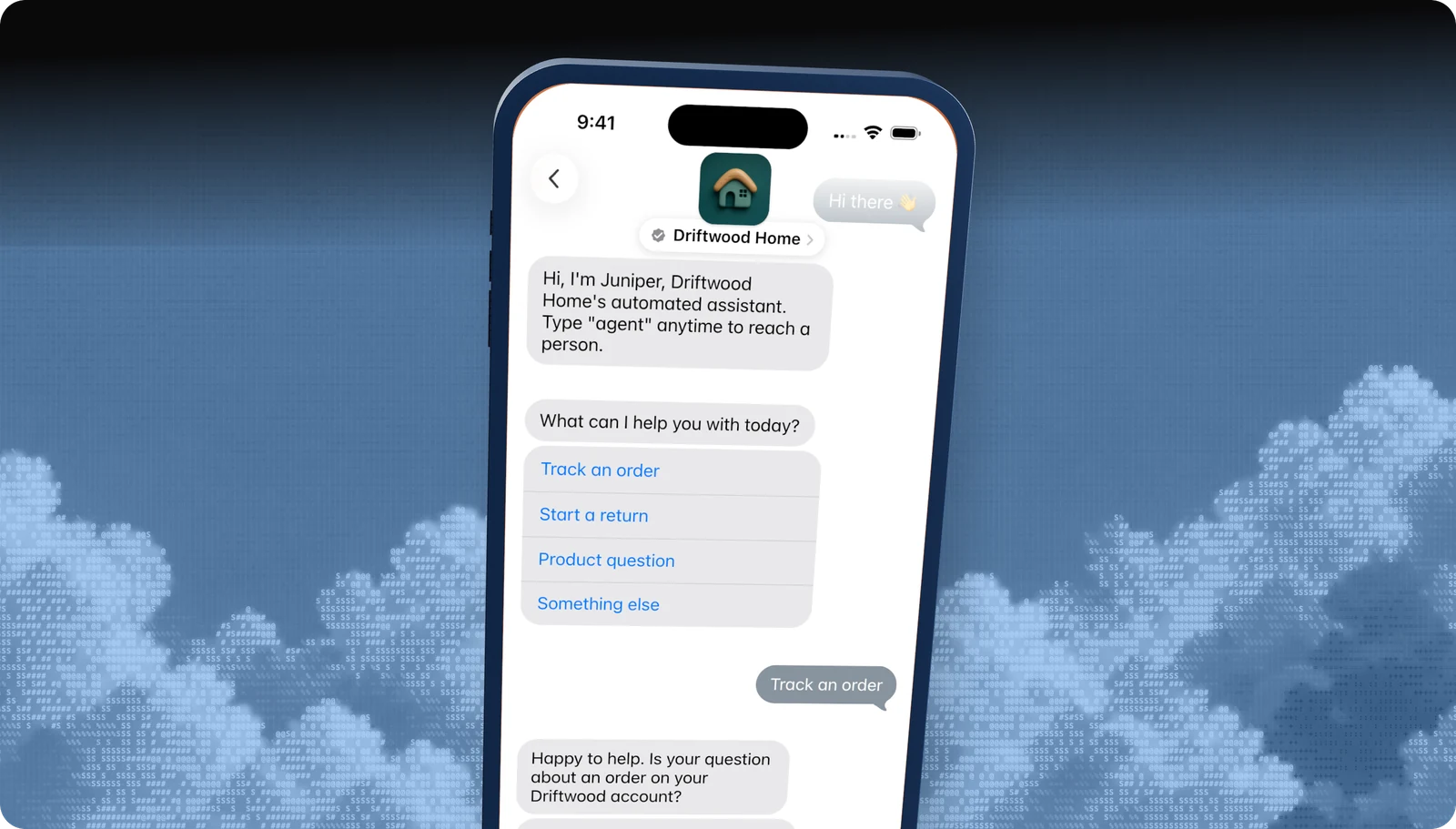
Two to five tappable answers under a question.
Time picker
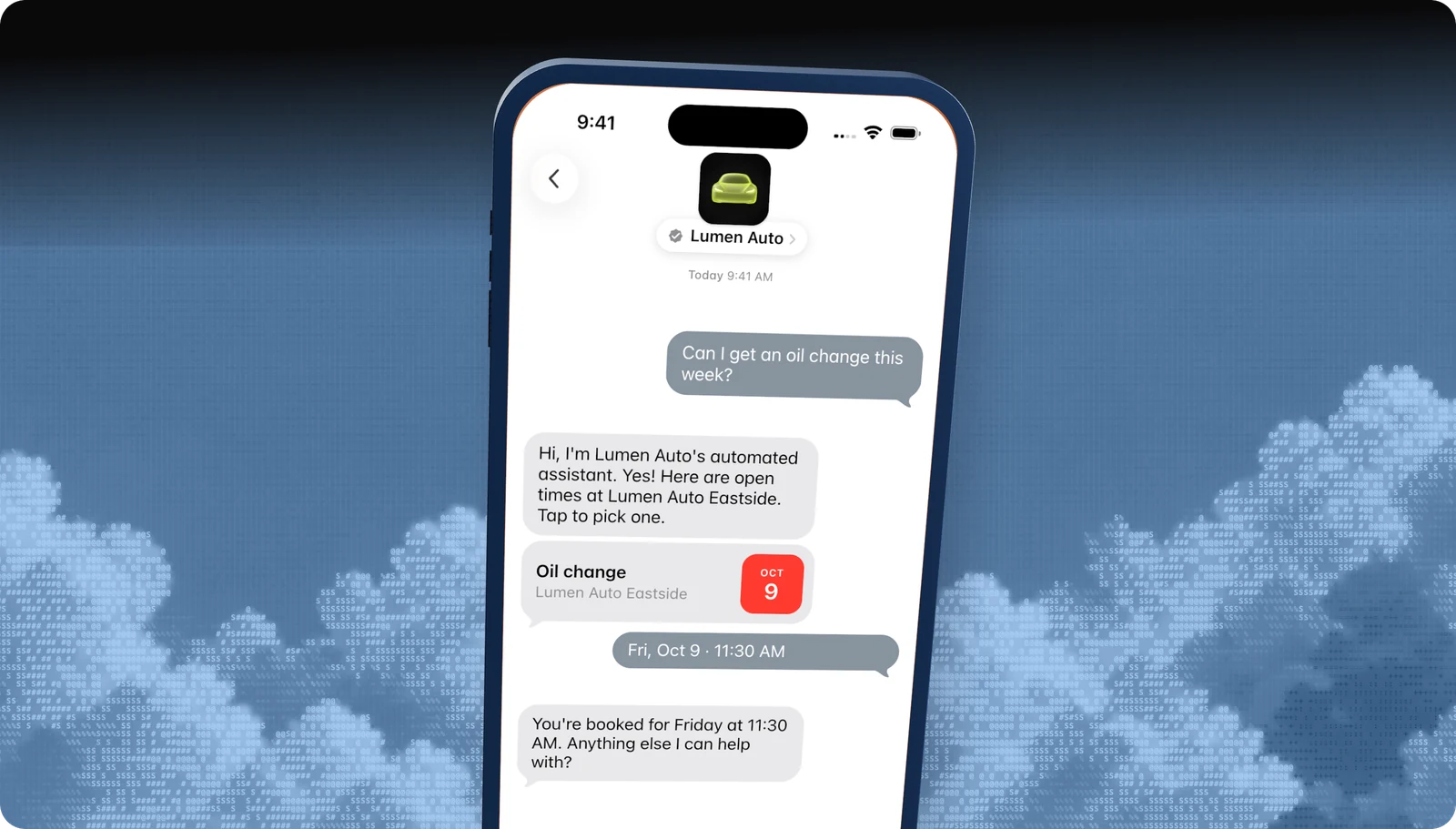
Offer appointment slots the customer books with a tap.
Apple Pay
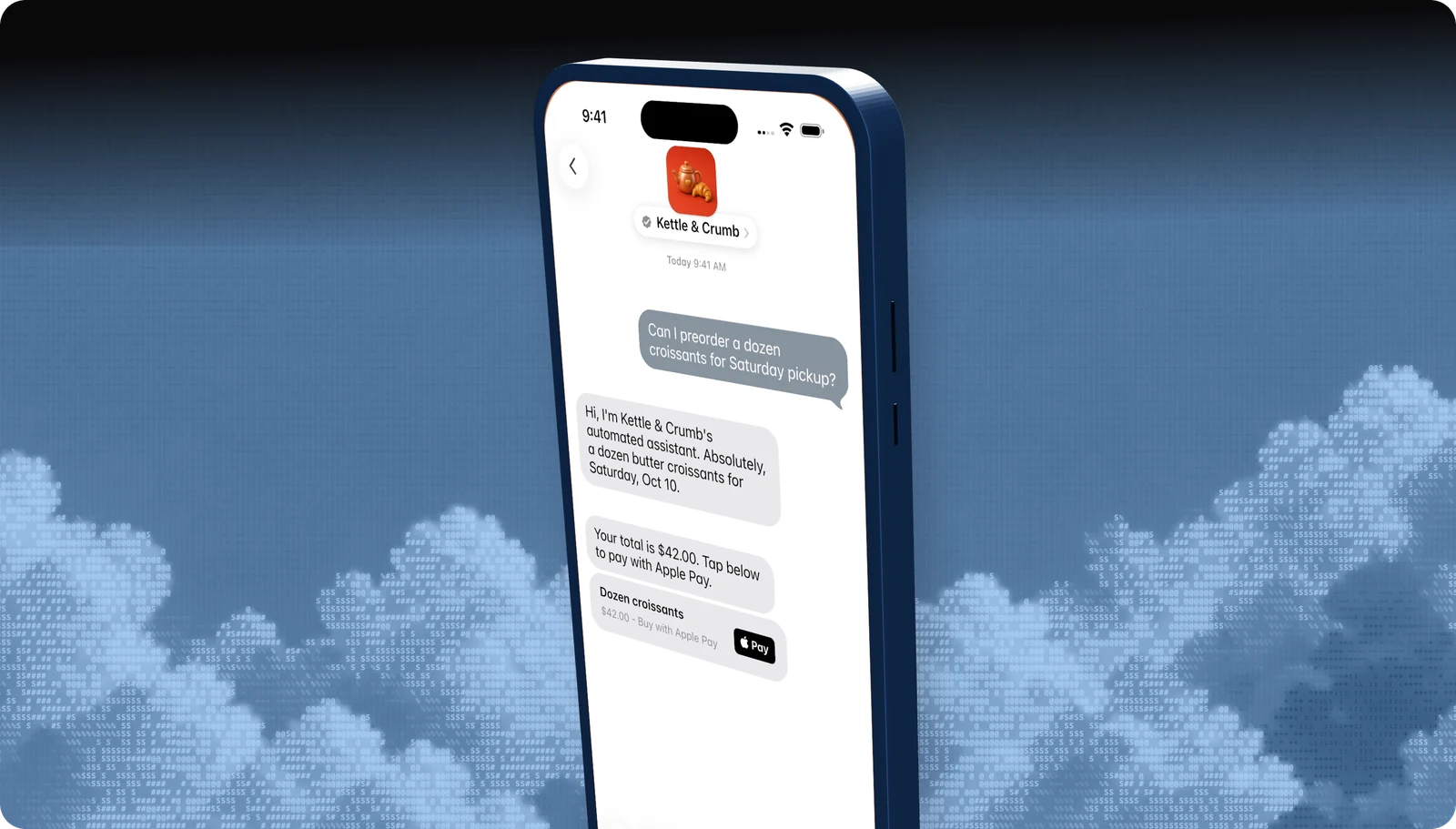
Take payment inside the conversation with Face ID or Touch ID.
Forms
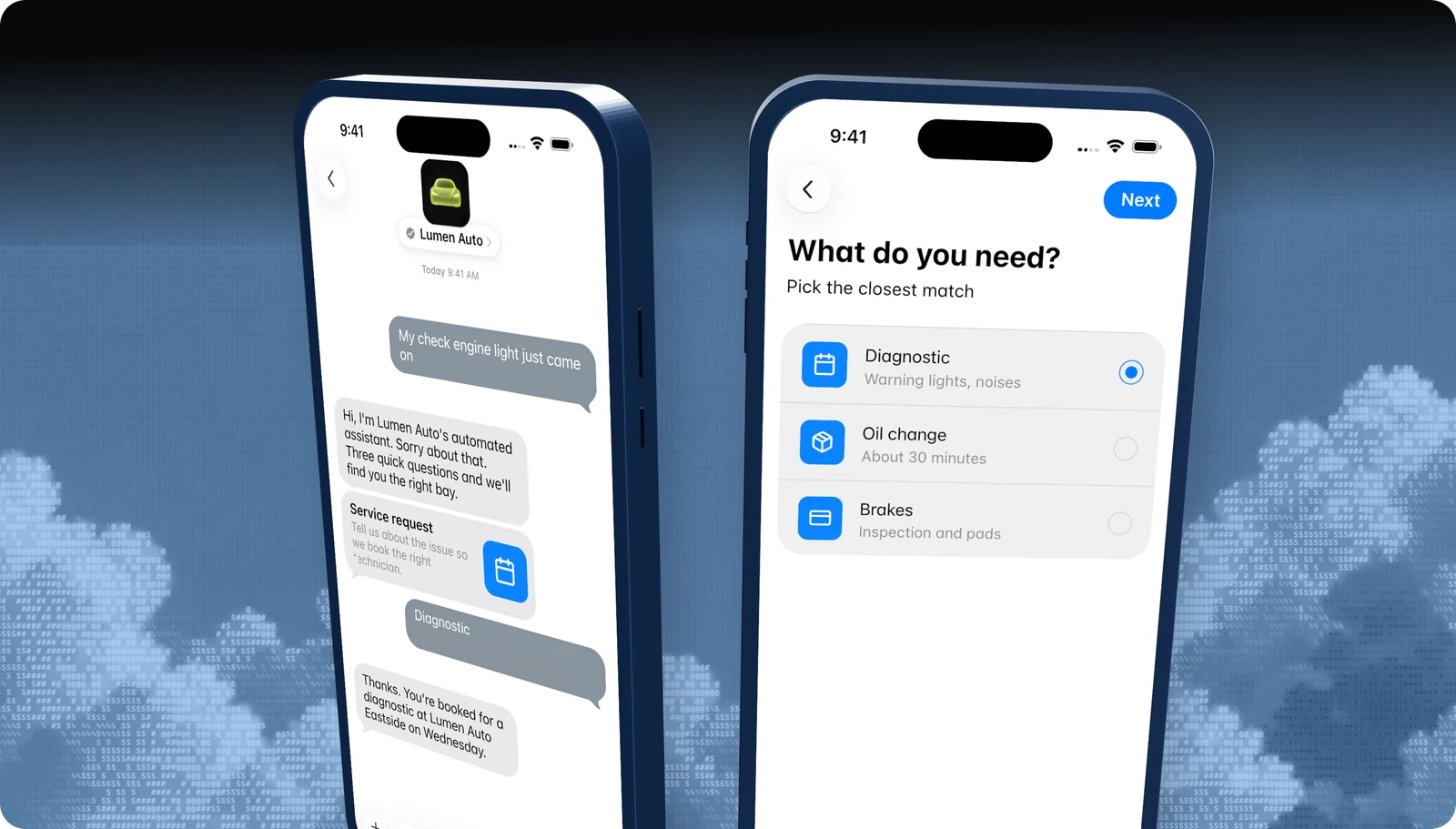
Multi-step questions, dates, and pickers in one native flow.
Rich links
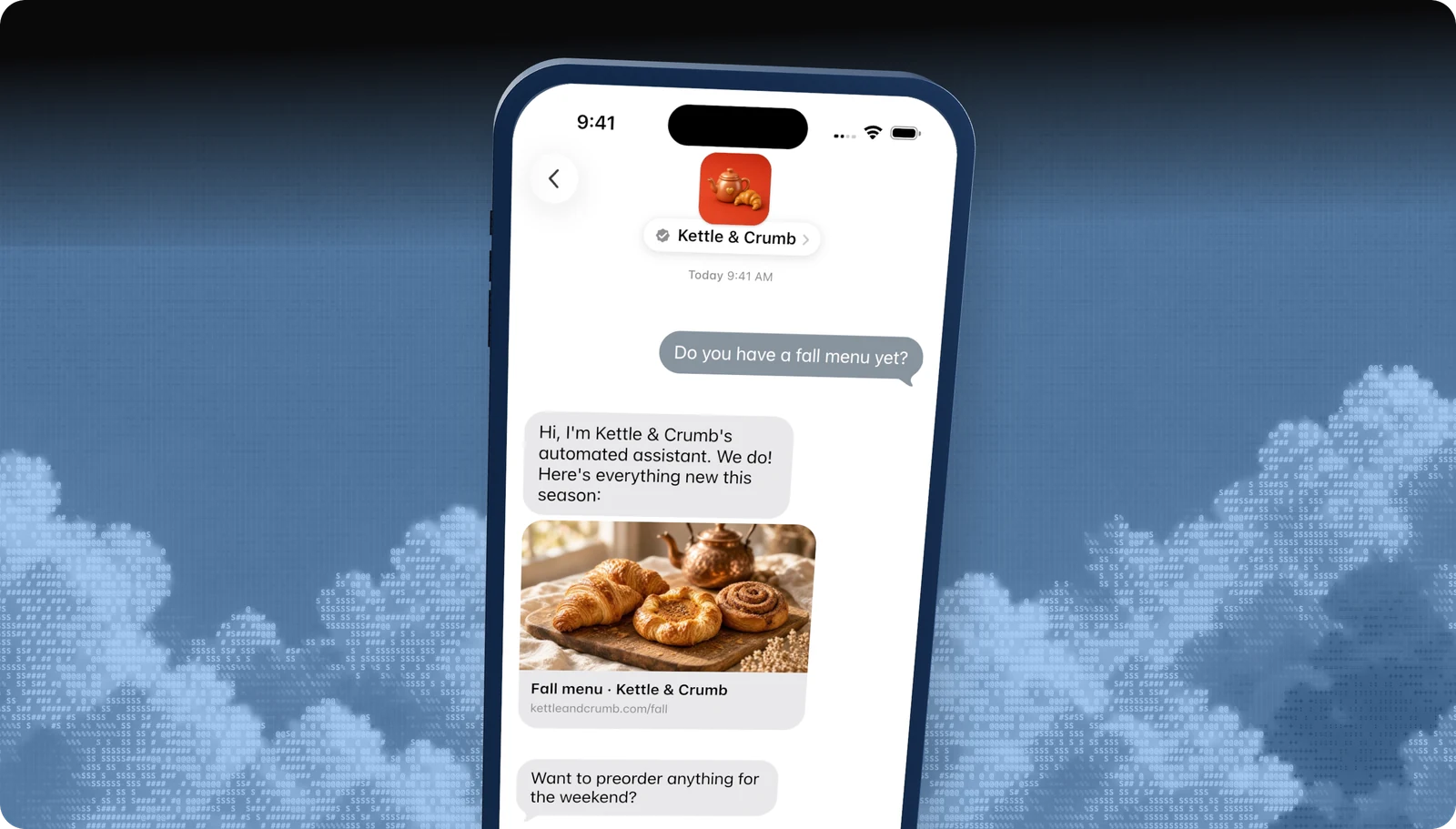
Turn any URL into a tappable preview card.
All features · Experience Review · Apple Messages for Business API
Questions
Apple's own rules live in the Apple Messages for Business documentation. These are the questions brands ask us most.
- Brand verification
- Sandbox testing
- Experience Review
Empower your team. Achieve more.
Apple Messages for Business launches after brand verification, testing, and Apple's Experience Review. Talk to us and we'll scope the journey.