The role
What an MSP does
Apple runs the channel. The MSP runs everything between Apple and your team. Apple doesn't accept direct connections from brands, so this choice decides how your customers experience you in Messages.
Delivery and routing
Receives every customer message from Apple and routes it to the right bot, queue, or agent.
Interactive features
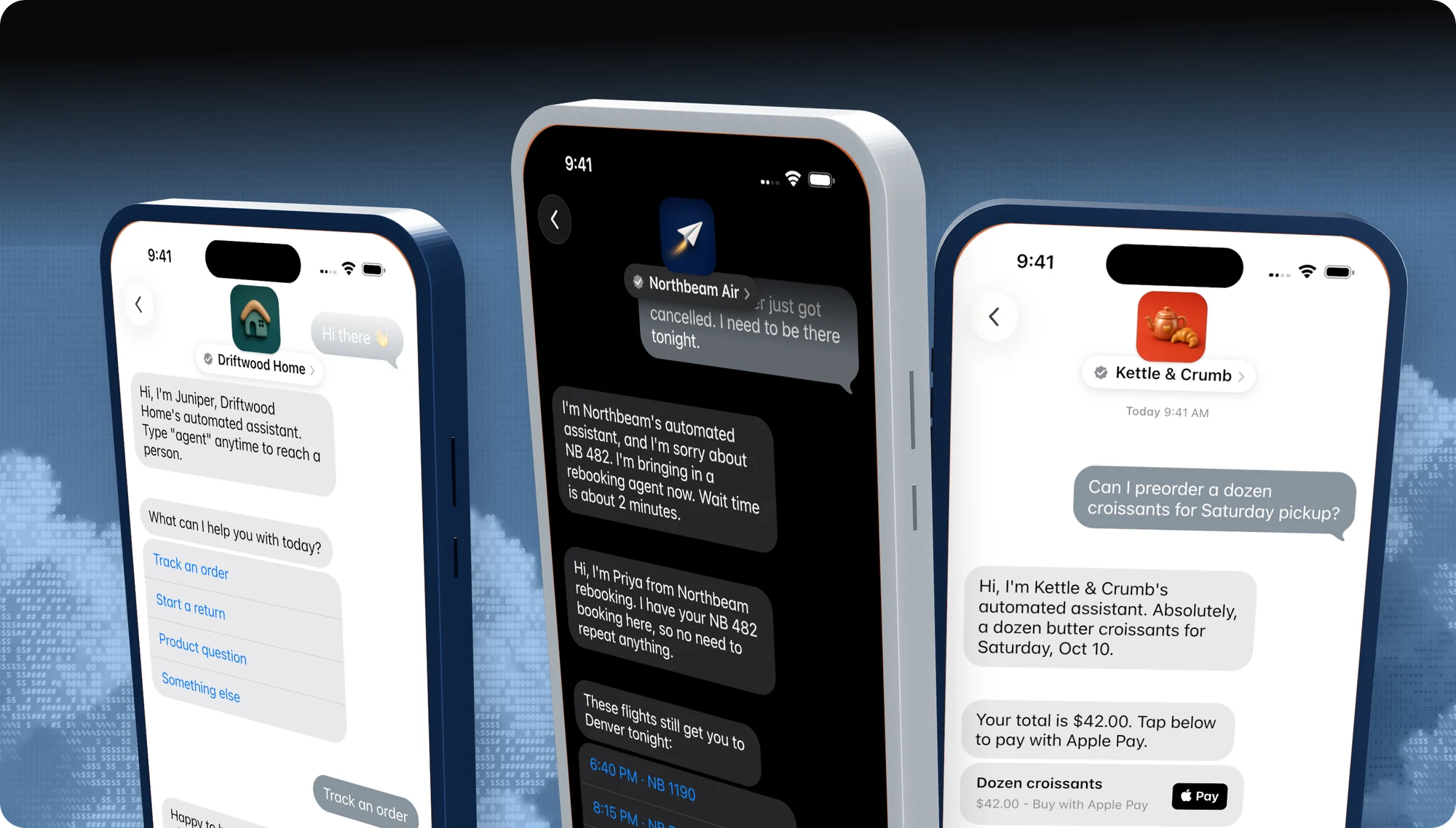
Quick Replies, List Pickers, Time Pickers, Forms, Apple Pay, sign-in, and Rich Links.
Automation and agents
The bot, the agent console, business hours, and the handoff between them.
Integrations
Connections to your order, booking, CRM, and payment systems.
Experience Review
Only the MSP can submit your experience to Apple and receive the feedback.
Compliance after launch
Keeping the live experience within Apple's standards as it evolves.
Choosing
How to choose an Apple Messages for Business provider
| Question to ask | Why it matters | Blooio |
|---|---|---|
| Will you build the bot? | Most MSPs hand you an API and a console. The build is where reviews fail. | Yes, managed bot included |
| Who submits the Experience Review? | Rounds of feedback add weeks. | Blooio records, submits, and fixes |
| Is there a human in the loop? | Apple rejects bot-only support. | Built-in agent handoff and inbox |
| Do you watch for drift? | Apple can re-check live brands. | Continuous drift checks |
| Other channels on the same API? | Customers on Android need a fallback. | iMessage, SMS, RCS, WhatsApp |
| How is it priced? | Apple charges nothing; the MSP sets price. | Monthly active users |
Apple publishes the list of authorized providers inside Apple Business Register and the onboarding rules in its registration guide.
Developers
One API for Apple Messages and every other channel
On Blooio, Apple Messages for Business is a channel on the same v4 API, webhooks, and dashboard you use for iMessage, SMS, RCS, and WhatsApp. Build it yourself with the Apple Messages for Business API, or follow the launch guide step by step.
Managed launch
Skip all of this. Blooio will do it.
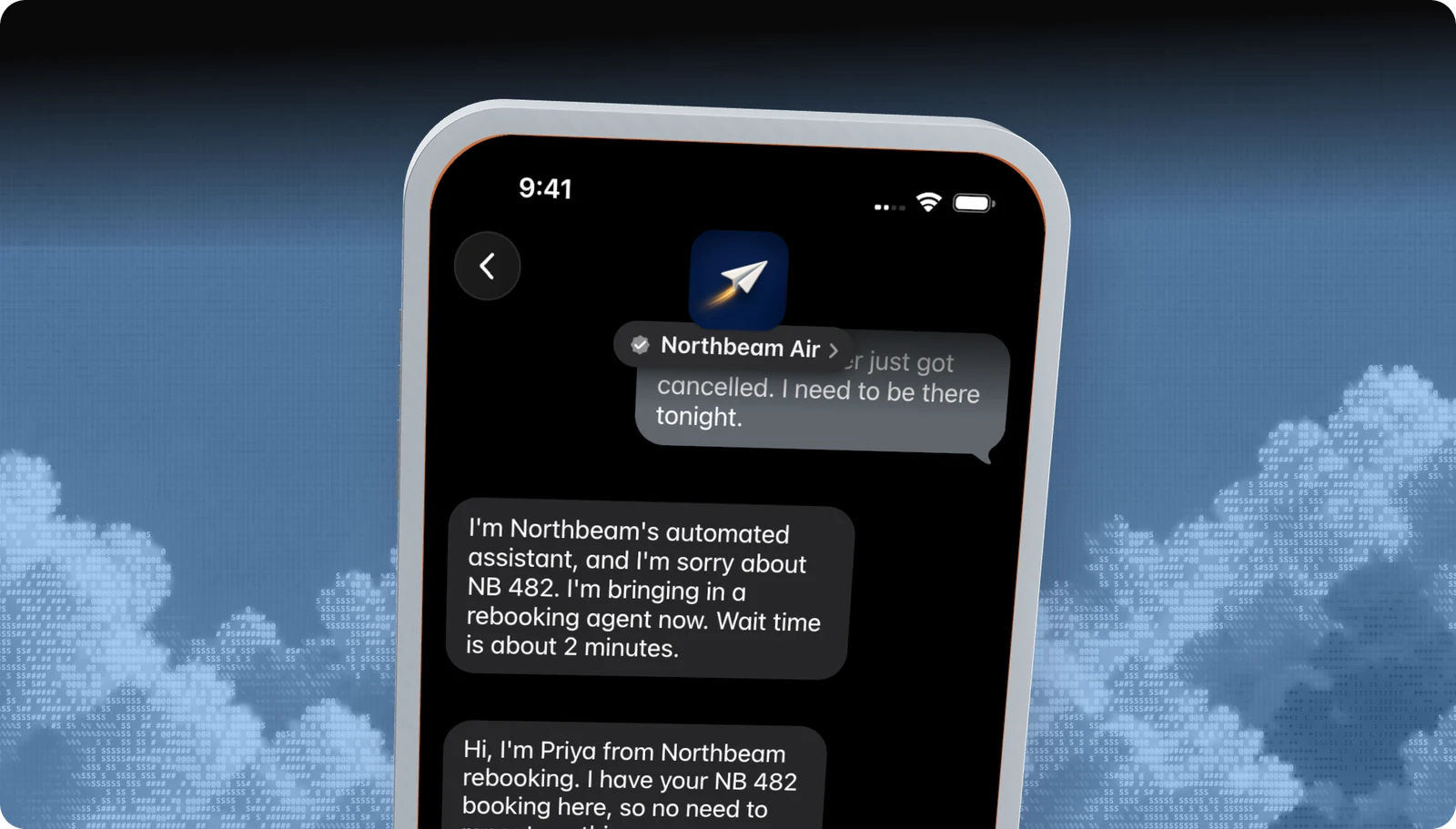
Blooio's Apple Messages for Business bots are built to Apple's rules from the first message: automation disclosure, a human in the loop, structured choices, privacy gates, and clean handoffs. We set up the account, build the experience, record and submit the Experience Review, and watch for drift after launch. Most approved businesses pass with us on the first round.
Go deeper
The full developer guides
Every rule, diagram, and API call, with a Copy for AI button that hands the whole guide to your coding assistant.
docs.blooio.com
Launch Apple Messages for Business
The ten-step roadmap from Apple Business Register to go-live, entry point URLs, brand assets, and tester troubleshooting.
docs.blooio.com
Pass the Experience Review
The full checklist, the review loop, a passing conversation in code, the screen recording, and experience drift.
More Apple Messages for Business guides
Experience Review
What Apple tests before you go live, and how to pass the first time.
Apple Business Register setup
Account, testers, MSP connection, and launch, in order.
Message button and entry points
Where customers tap Message: Maps, Search, your site, and your app.
Guidelines and requirements
Conversation rules, naming, privacy, and what Apple does not allow.
Apple Business Chat
The old name, what changed, and what it means for your brand.
Apple Messages for Business API
List pickers, quick replies, forms, and Apple Pay through Blooio's API.
Questions
Apple's own rules live in the Apple Messages for Business documentation. These are the questions brands ask us most.
- Brand verification
- Sandbox testing
- Experience Review
Empower your team. Achieve more.
Apple Messages for Business launches after brand verification, testing, and Apple's Experience Review. Talk to us and we'll scope the journey.