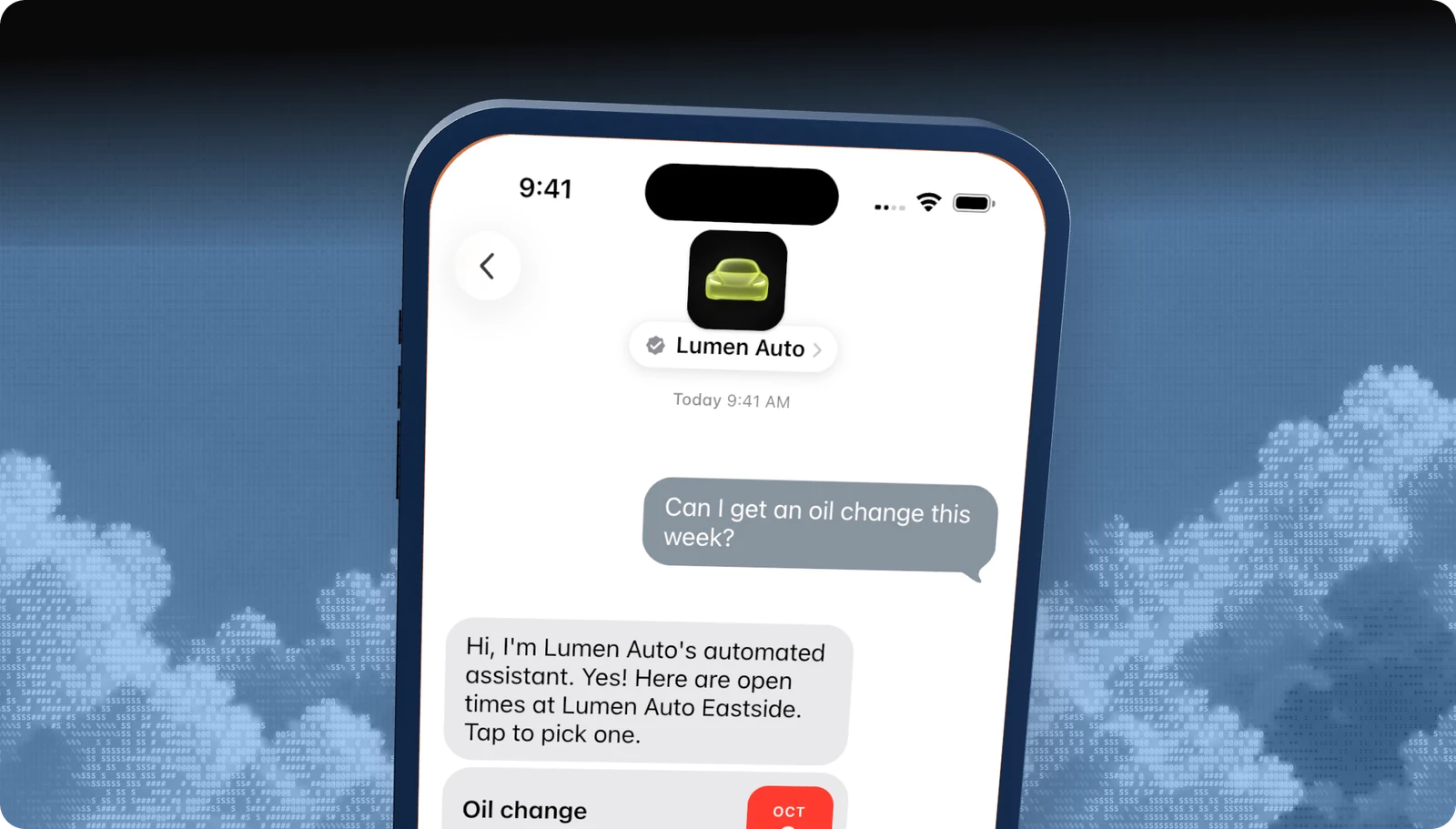
Options
Every Apple Messages for Business entry point
| Entry point | Where customers see it | Notes |
|---|---|---|
| Message button | Website, mobile site, app, email | Apple-approved styles: Message Us, Contact an Agent, Ask a Question, Get Help. |
| Apple Maps | Your place card | Turned on with “Show Message buttons” in Apple Business Register. |
| Message Suggest | When someone taps your phone number | Offers to message instead of call. Configured by Apple. |
| QR codes and NFC | Packaging, receipts, stores, signage | Encode your entry point URL. |
| Links | Email, SMS, social, app | The same URL format as the button. |
| Wallet passes | Tickets, boarding passes, loyalty cards | Link from the pass back of the card. |
The URL
How the entry point URL works
Every entry point opens a URL built from your Apple Business ID. Optional parameters tell Blooio where the customer came from and what they want, so the bot can skip the triage menu and go straight to the right flow.
https://bcrw.apple.com/urn:biz:<business-id>?biz-intent-id=order_status&biz-group-id=post_sales&body=Where%20is%20my%20order%3F| Parameter | Use |
|---|---|
| biz-intent-id | The use case or placement. Blooio routes on it and reports by placement. |
| biz-group-id | The team that should pick up, such as reservations or post-sales. |
| body | Pre-filled text, so the customer only has to tap Send. |
Give every placement its own intent ID, even before you route on it, so you can see which ones drive conversations. The developer guide covers encoding rules and routing.
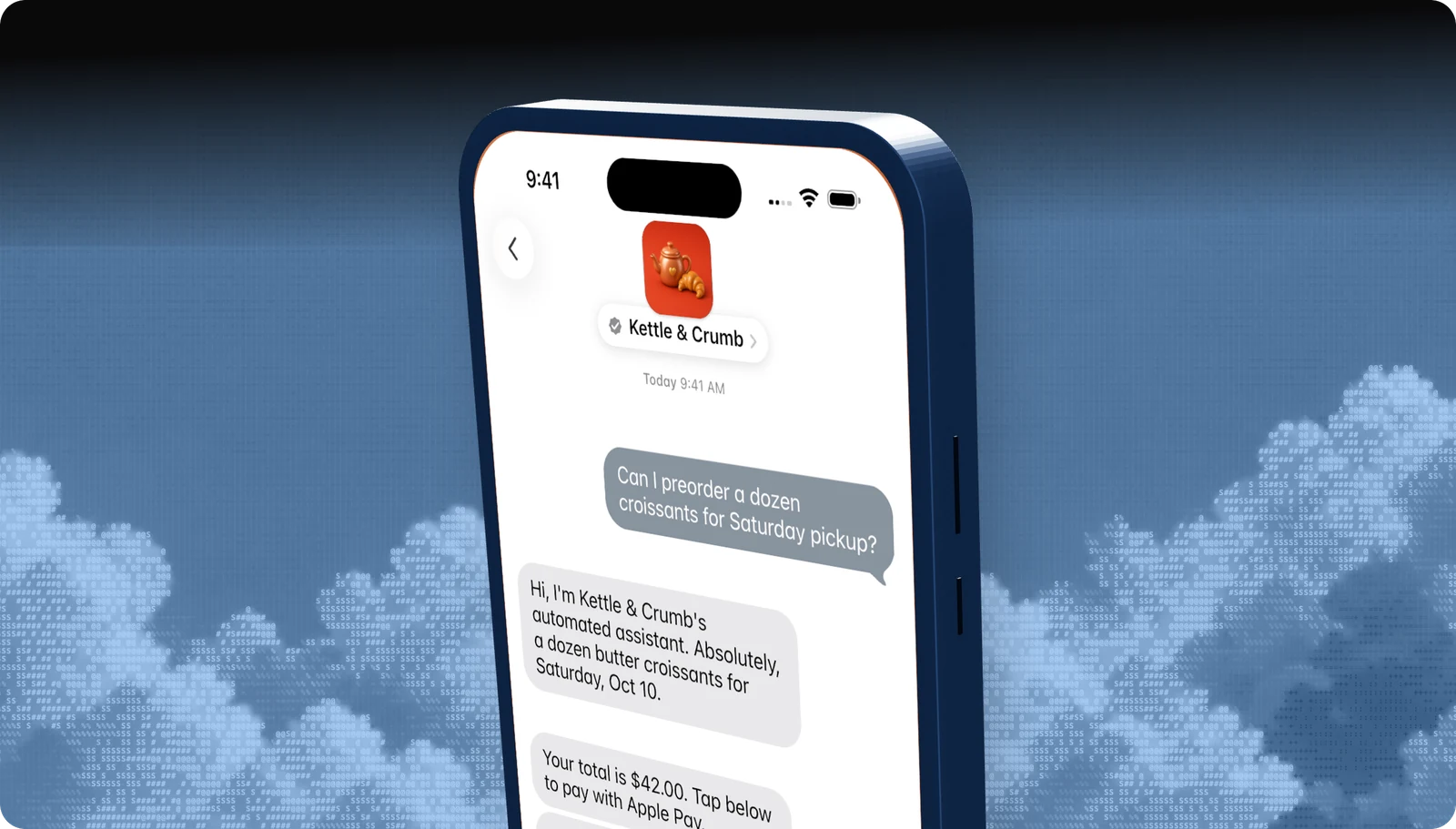
Placement
Where to put the button
Contact and help pages
Put it beside your phone number, above the email form.
Order confirmations
Tracking, changes, and returns are the most common reasons to message.
Product pages and checkout
Sizing, availability, and payment questions, answered before the customer leaves.
Every busy phone number
Register them all for Message Suggest, and make them tappable on your site.
Label the button with what happens next, like “Questions about sizing? Ask us in Apple Messages.” Call it Apple Messages for Business or Apple Messages, never iMessage. Apple's approved artwork is in its entry point guide.
Managed launch
We'll set up every entry point for you.
Blooio builds your intent IDs, prepares the Message Suggest form with you, and wires each placement to the right flow in a bot that already meets Apple's Experience Review criteria.
Go deeper
The full developer guides
Every rule, diagram, and API call, with a Copy for AI button that hands the whole guide to your coding assistant.
docs.blooio.com
Launch Apple Messages for Business
The ten-step roadmap from Apple Business Register to go-live, entry point URLs, brand assets, and tester troubleshooting.
docs.blooio.com
Pass the Experience Review
The full checklist, the review loop, a passing conversation in code, the screen recording, and experience drift.
More Apple Messages for Business guides
Experience Review
What Apple tests before you go live, and how to pass the first time.
Messaging Service Provider
What an MSP does, and why Blooio is the one that also builds your bot.
Apple Business Register setup
Account, testers, MSP connection, and launch, in order.
Guidelines and requirements
Conversation rules, naming, privacy, and what Apple does not allow.
Apple Business Chat
The old name, what changed, and what it means for your brand.
Apple Messages for Business API
List pickers, quick replies, forms, and Apple Pay through Blooio's API.
Questions
Apple's own rules live in the Apple Messages for Business documentation. These are the questions brands ask us most.
- Brand verification
- Sandbox testing
- Experience Review
Empower your team. Achieve more.
Apple Messages for Business launches after brand verification, testing, and Apple's Experience Review. Talk to us and we'll scope the journey.