Wire blue-bubble iMessage into your n8n workflows. Send, receive, and auto-reply to iMessages with the native Blooio node or a plain HTTP Request node — no Mac, no A2P/10DLC registration.

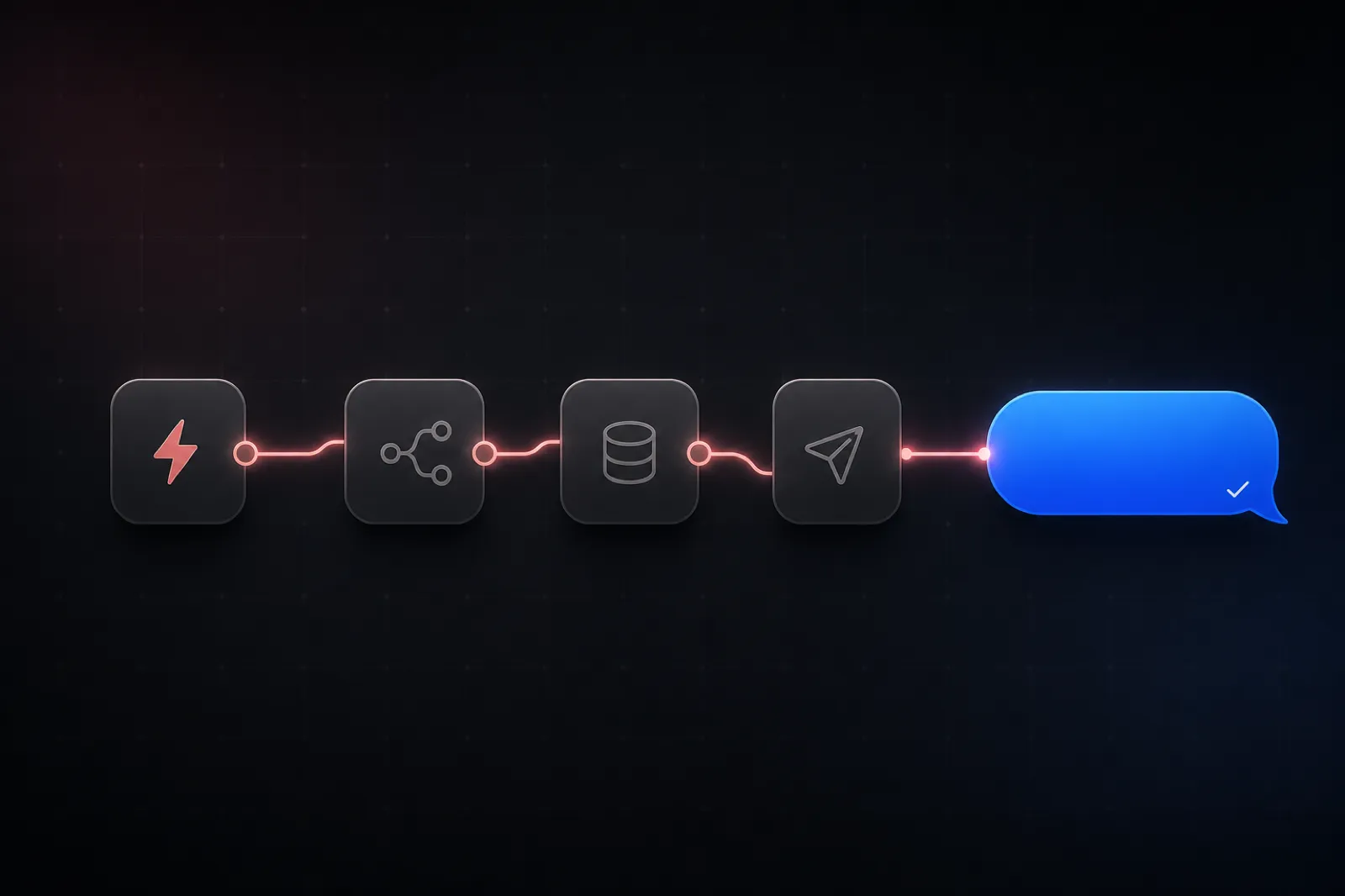
Everything here uses Blooio, an iMessage API that manages the Apple side for you. There's no Mac mini to babysit, and because iMessage rides Apple's network, there's no A2P/10DLC registration, no DUNS number, and no campaign approval to wait on.
A single, practical workflow you can adapt to almost anything:
Blooio ships an official community node, n8n-nodes-blooio, that's built by Blooio and verified by n8n. It exposes messages, chats, contacts, reactions, polls, typing indicators, and webhooks as first-class n8n operations — so you get dropdowns and autocomplete instead of hand-rolled HTTP calls.
In n8n, go to Settings → Community Nodes → Install, enter n8n-nodes-blooio, and confirm. Because it's an n8n-verified node, an instance owner does this one-time setup and then everyone on the instance can use it. (See n8n's community node installation guide if you're self-hosting behind a proxy.)
Create a new Blooio API credential and paste the API key from your dashboard. n8n stores it encrypted and reuses it across every Blooio node in your workflows.
Add a Blooio Messaging node, choose Resource: Message and Operation: Send, then set:
+15551234567), an email, or a group ID. The node URL-encodes it for you.Hi {{ $json.firstName }}, thanks for booking! to personalize from earlier nodes.Execute the node and you'll get back a message_id and a status of queued — the iMessage is on its way.
Every Blooio operation is a normal REST call, so you can do all of this with n8n's built-in HTTP Request node — no community node required. This is the way to go on n8n Cloud or in tightly governed environments.
Configure an HTTP Request node like this (note the %2B — the + in the phone number must be URL-encoded, which is the single most common cause of a silent 400):
{
"method": "POST",
"url": "https://api.blooio.com/v2/api/chats/%2B15551234567/messages",
"authentication": "genericCredentialType",
"headers": {
"Authorization": "Bearer YOUR_API_KEY",
"Content-Type": "application/json"
},
"body": {
"text": "Your appointment is confirmed for tomorrow at 3 PM",
"use_typing_indicator": true
}
}The response is a 202 Accepted:
{ "message_id": "msg_abc123", "status": "queued" }Not every number is on iMessage. If you want blue bubbles with a clean SMS fallback, check capability first with the Contact → Check Capabilities operation (or a GET to the contacts capabilities endpoint), then branch with an IF node: iMessage-capable numbers get the rich blue-bubble path, everyone else routes to your SMS provider.
Sending is half a conversation. To build a two-way flow, register a Blooio webhook that points at an n8n Webhook node. Create the subscription once (via the Blooio node's Webhook → Create operation, or a POST /webhooks) with your n8n production webhook URL and a type of all.
From then on, every inbound message arrives at your n8n Webhook node as JSON:
{
"event": "message.received",
"message_id": "msg_xyz789",
"external_id": "+15551234567",
"protocol": "imessage",
"text": "Yes, I'll be there",
"attachments": [],
"timestamp": 1713815400000
}external_id is the contact's number and text is what they said — everything you need to thread the reply into your CRM, tag the contact, or hand off to an AI node. Other events you can act on include message.sent, message.delivered, message.read, and message.failed.
This is where n8n shines in 2026. Take the text from the inbound webhook, feed it into an AI/LLM node (OpenAI, Anthropic, or n8n's AI Agent node) with your product context, then pipe the model's answer straight back into a Blooio Send node aimed at the same external_id. In about five nodes you've built an iMessage AI agent that qualifies leads, books appointments, or answers FAQs — all in blue bubbles. For deeper patterns, see our guide on building an iMessage AI bot.
+15551234567 becomes %2B15551234567. This bites everyone exactly once.order-123-shipped) so an n8n retry never double-sends.Grab a free API key, drop in the node, and send your first blue bubble in minutes. No Mac, no A2P registration.
Get your API key
Plugging GPT-4o, Claude, or any LLM into iMessage gets a working bot in 50 lines of code. Shipping one that survives production — typing indicators, message splitting, conversation memory, idempotent webhooks, image handling — is a different story.

iMessage is end-to-end encrypted — but what does that actually mean when you send it through a third-party API? And can iMessage ever be HIPAA-compliant? An honest look at the security claims in the iMessage API market.

Short answer: no — Twilio can't send iMessage, and no SMS API can. Here's why, what Twilio is actually great for, and how to send real blue-bubble iMessages (plus a hybrid mode that uses both).