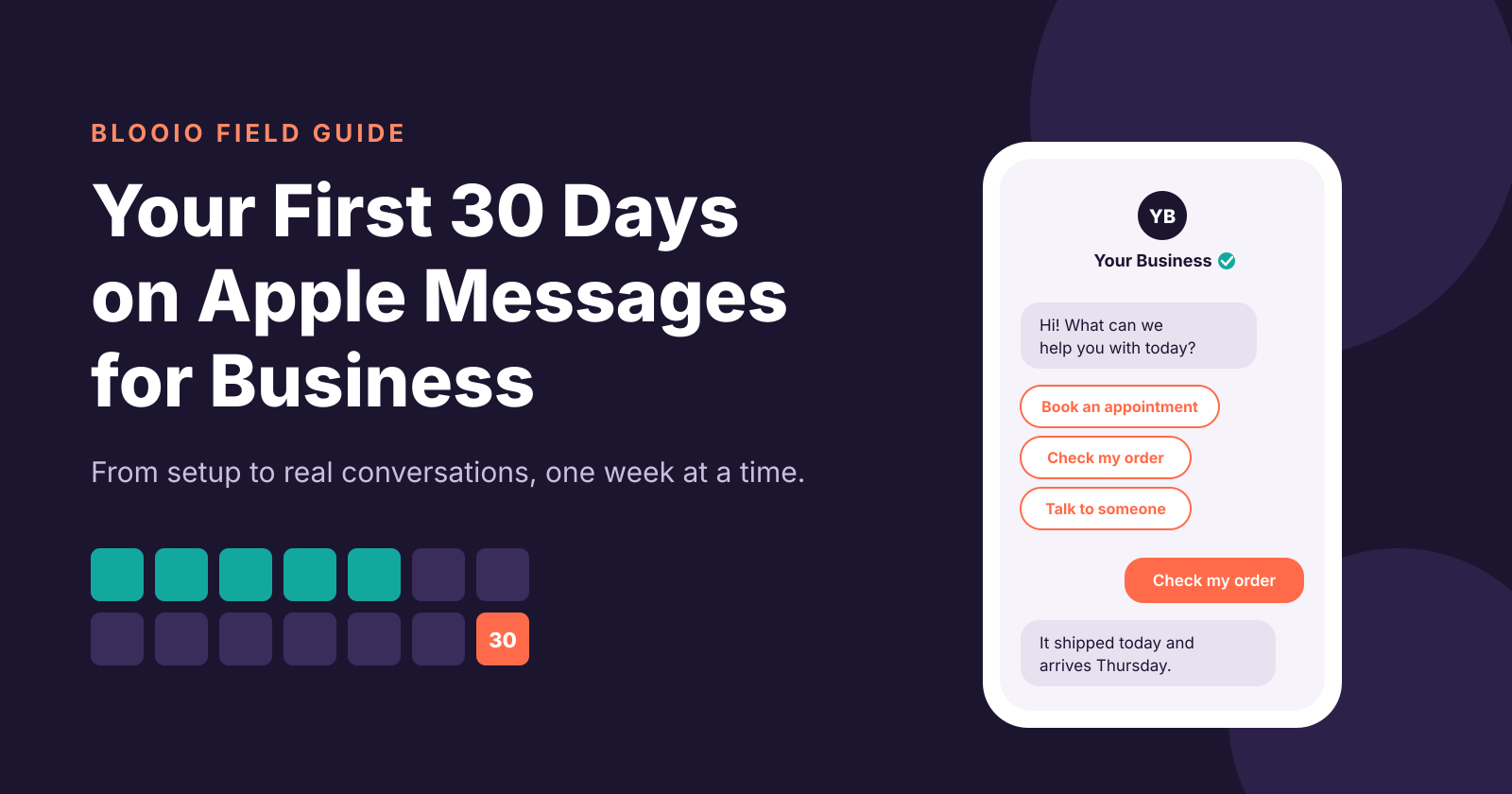
Apple Messages for Business gives businesses another way to connect with customers through messaging. But getting started involves more than simply making a channel available. Businesses need to prepare their messaging infrastructure, establish clear communication workflows, train their teams, and understand how conversations will move between customers and their internal systems.
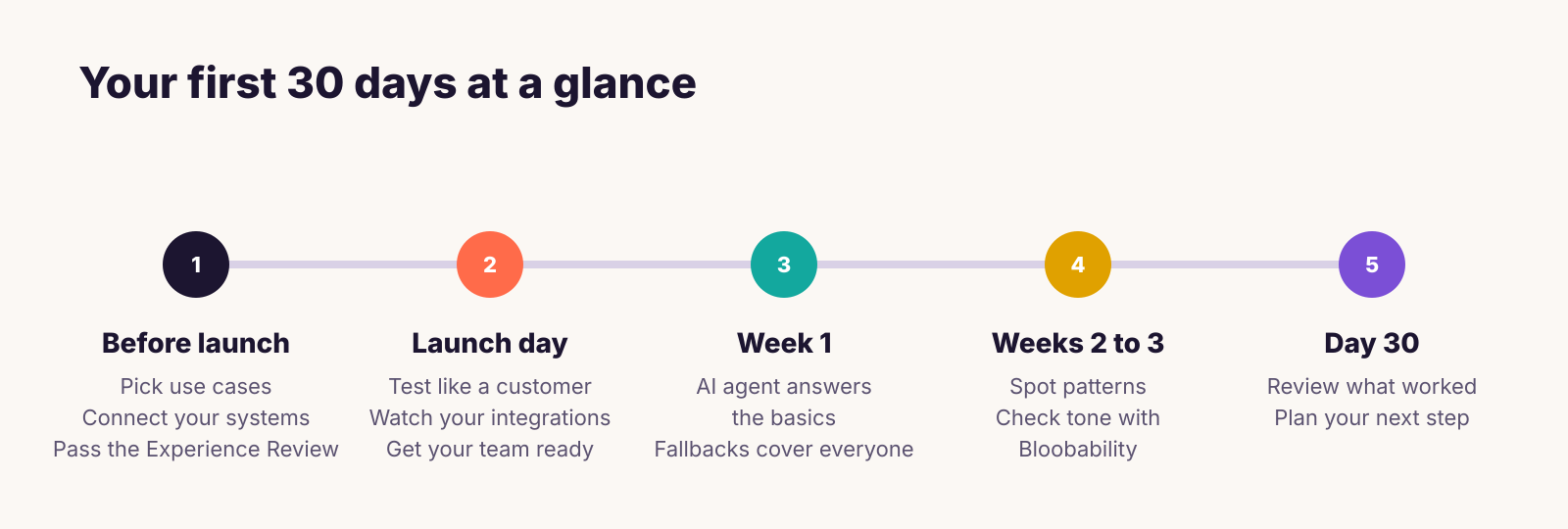
For businesses adopting Apple Messages for Business, the first 30 days are an opportunity to build a strong foundation. Here's what that process can look like, from preparation to launch and the weeks that follow.
Before Launch: Building the Foundation
If you're already a Blooio customer, the hardest part is already done. Apple Messages for Business runs on the same Blooio API you've been using for the past two years, so there's nothing new to build or rewire.
- Start by identifying the conversations you want to support. Will customers use messaging to ask questions, schedule appointments, receive updates, or connect with your sales team? Will it primarily support existing customers, or will it also support lead generation and follow-up? Defining these use cases early helps determine how to route conversations and which teams will respond.
- For businesses using a CRM, automation platform, or custom software, integration is an important part of the setup process. The goal is to make messaging work alongside the systems your team already uses rather than creating another disconnected communication channel.